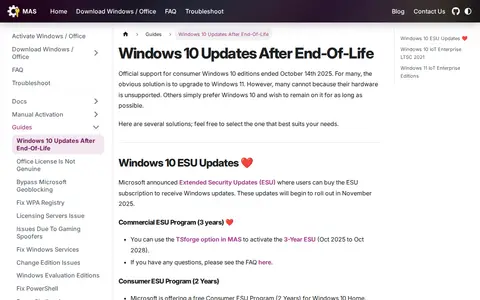
A page from the MAS project describing options for keeping Windows 10 updated after official consumer support ended on October 14, 2025. It covers Extended Security Updates, the commercial three-year ESU program, a free consumer ESU program, and Windows 10 IoT Enterprise LTSC 2021, which receives updates until January 13, 2032. It includes install and edition-change guidance.
Clean Install Windows Guide
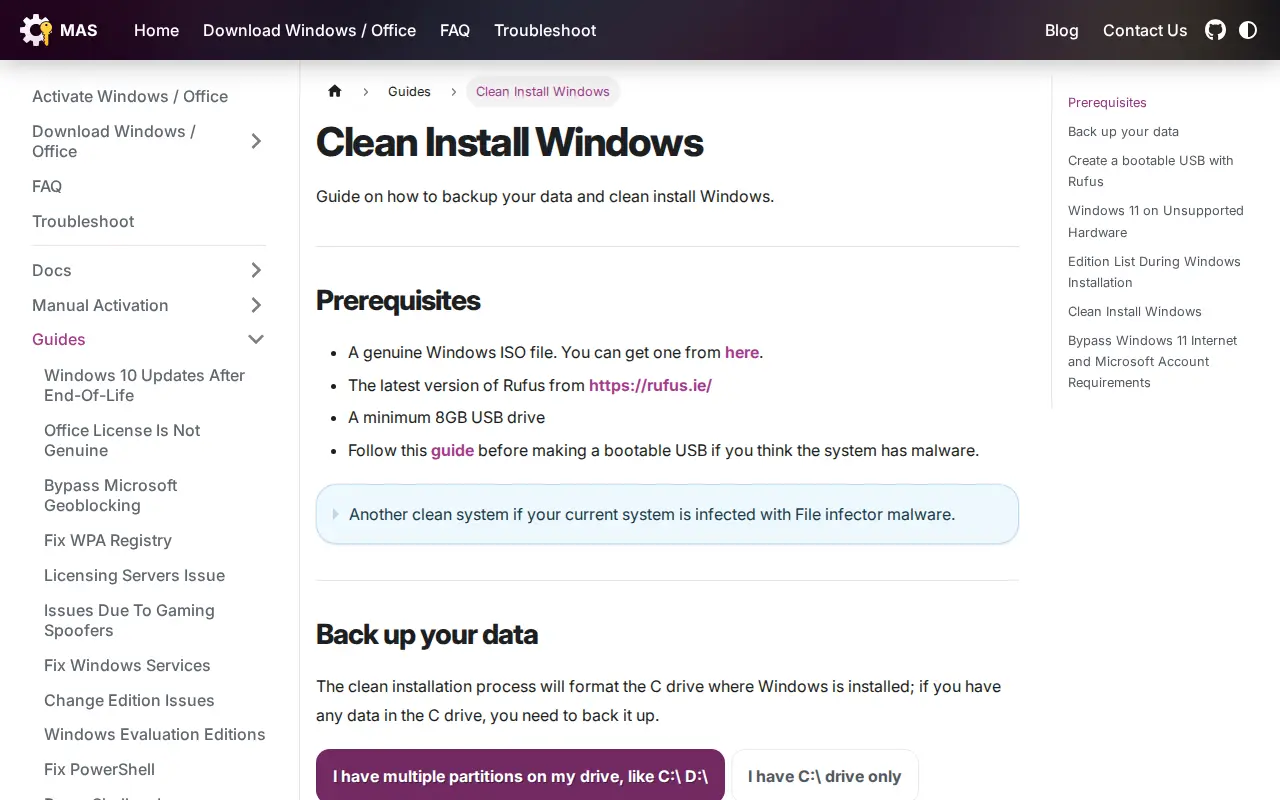
A guide covering how to back up data and clean install Windows. It lists prerequisites such as a genuine Windows ISO file, the latest Rufus version and a minimum 8GB USB drive, and includes steps for creating a bootable USB with Rufus.
Links
Tags
-
0A page from the MAS project describing options for keeping Windows 10 updated after official consumer support ended on October 14, 2025. It covers Extended Security Updates, the commercial three-year ESU program, a free consumer ESU program, and Windows 10 IoT Enterprise LTSC 2021, which receives updates until January 13, 2032. It includes install and edition-change guidance.
-
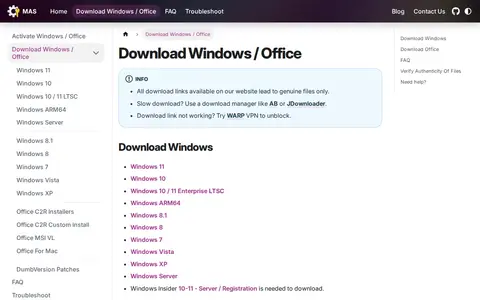
0Page offering download links for Windows and Office installation files, including versions for Windows 11, Windows 10, and older editions. It states that all download links lead to genuine files and explains how checksums can be used to verify authenticity. It notes that business, enterprise, and older ISOs are behind paywalls, which is why files are hosted on its servers.
-
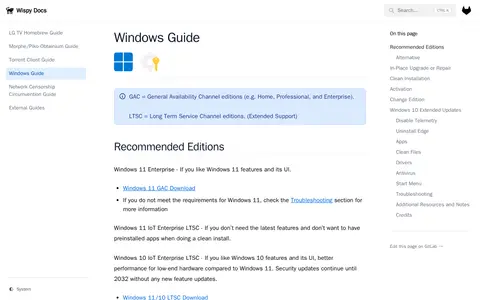
0Guide covering how to install, activate, optimize, and use Windows 10 and 11. It recommends editions such as Windows 11 Enterprise and Windows 11 IoT Enterprise LTSC, and covers clean installation, in-place upgrade or repair, activation, changing editions, disabling telemetry, and uninstalling Edge. It also mentions Linux Mint as an alternative.
-
0
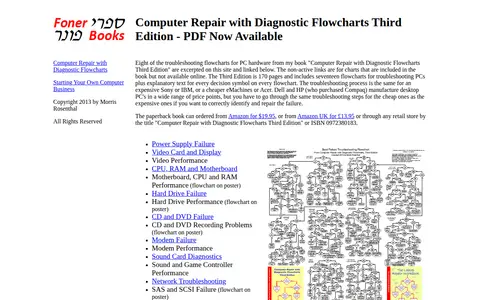
A page presenting sample diagnostic troubleshooting flowcharts for PC hardware failures, excerpted from the third edition of the book Computer Repair with Diagnostic Flowcharts. Charts cover topics such as power supply, video, hard drive, CD and DVD, modem, sound, network, peripheral and boot failures. The page notes that inactive links correspond to charts included in the book but not available online.
-
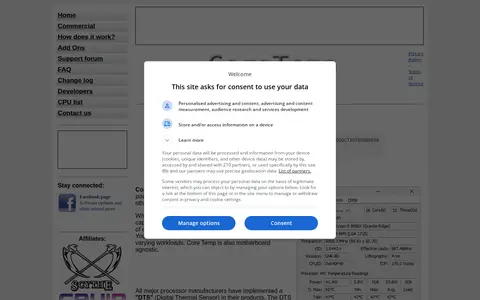
0Core Temp is a program that monitors processor temperature and other vital information. It displays the temperature of each individual core of every processor in a system, showing fluctuations in real time with varying workloads. It is motherboard agnostic and works with Intel, AMD and VIA x86 processors, running on Microsoft Windows versions from XP through 11 and corresponding server editions.
-
0Device Cleanup Tool is a portable utility that lists non-present devices and allows for easy removal. It displays device name, class and last time used, and permits selecting multiple devices or all at once for removal. A video tutorial and command-line version are available. It requires Windows 11, 10, 8 or 7 and is freeware.
Community notes
Reviews and discussion
No reviews yet
Be the first to share how this project worked for you.
Join the discussion
Sign in with a verified account to leave a review or join the discussion.
Sign in to review