


Greenshot is a free, open-source, light-weight screenshot tool for Windows. It can capture a selected region, a window, the fullscreen, or complete scrolling web pages from Internet Explorer. Screenshots can be annotated, highlighted or obfuscated, then saved to file, printed, copied to the clipboard, attached to e-mail, sent to Office programs or uploaded to photo sites.
FuseBase Capture
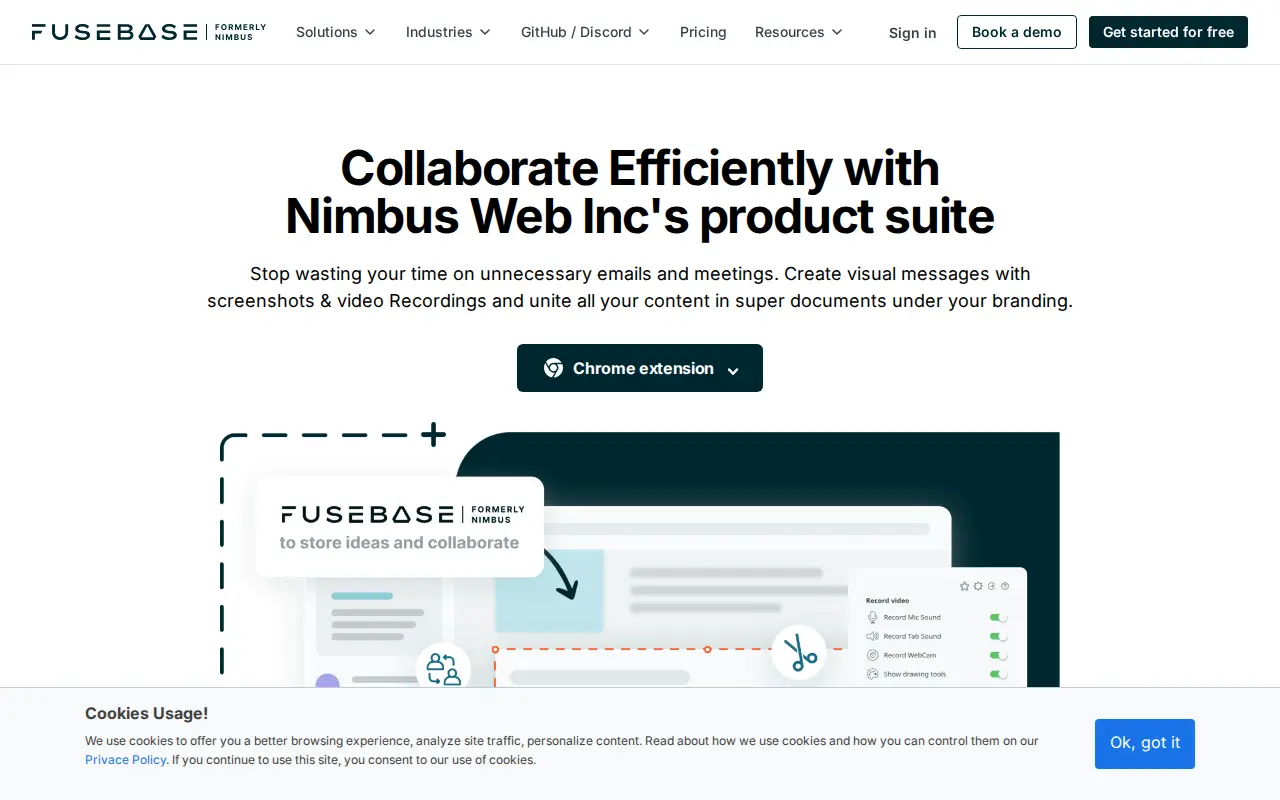
FuseBase Capture is a free browser extension for Chrome, Firefox, and Edge that enables users to take screenshots, record screencasts of desktops or browser tabs, and create webcam videos. It is part of Nimbus Web Inc's product suite for team collaboration.
Links
Tags
-
0Greenshot is a free, open-source, light-weight screenshot tool for Windows. It can capture a selected region, a window, the fullscreen, or complete scrolling web pages from Internet Explorer. Screenshots can be annotated, highlighted or obfuscated, then saved to file, printed, copied to the clipboard, attached to e-mail, sent to Office programs or uploaded to photo sites.
-
0Simple Image Resizer is an online tool for resizing JPG, PNG, WEBP and HEIC images for social media, email or websites without installations. A premium plan offers ad-free use and batch processing of up to 25 images at once, billed monthly at $2.99 or annually at $19.99.
-
0ResizeNow.com is a free online picture resizing service that supports the leading picture formats. The site describes it as easy to use and mentions JPEG as a commonly used lossy compression method for digital images.
-
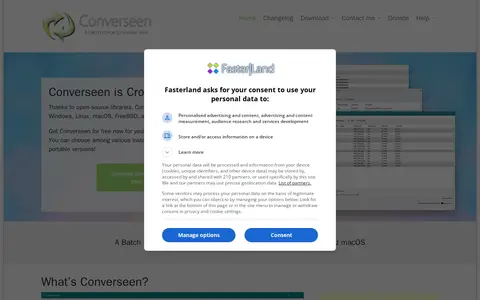
0Converseen is a free cross-platform batch image processor available for Windows, Linux, macOS and FreeBSD. It converts, resizes, rotates and flips images, renames sets of images, and can convert PDF pages into image formats. It supports over 100 image formats through ImageMagick. The source code is released under the GNU GPL version 3 license.
-
0ImageSmaller is a free online tool that compresses PNG, JPG, JPEG, GIF, TIFF, WEBP and SVG images in a browser, with a maximum upload size of 50 MB. It states that uploaded files are removed automatically after a few hours and processed images carry no watermark. No registration or installation is required.
-
0
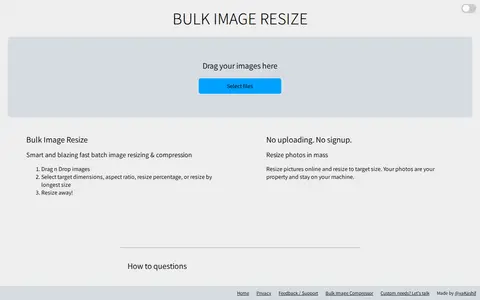
Bulk Image Resize is a browser-based tool for resizing multiple images at once. It supports batch resizing, cropping and compression, with no uploads or signup required. Users can set target dimensions, aspect ratio, resize percentage or longest size, and photos stay on the user's machine. It also offers content-aware resizing and preset social media sizes for several platforms.
Community notes
Reviews and discussion
No reviews yet
Be the first to share how this project worked for you.
Join the discussion
Sign in with a verified account to leave a review or join the discussion.
Sign in to review