
E-Maculation is a site dedicated to emulation of the classic Macintosh computer on macOS, Windows and Linux, using emulators such as SheepShaver, Basilisk II, Mini vMac, Qemu and PearPC. It hosts a wiki with information about the emulators and setup guides, plus discussion and support forums.

files.rg-adguard
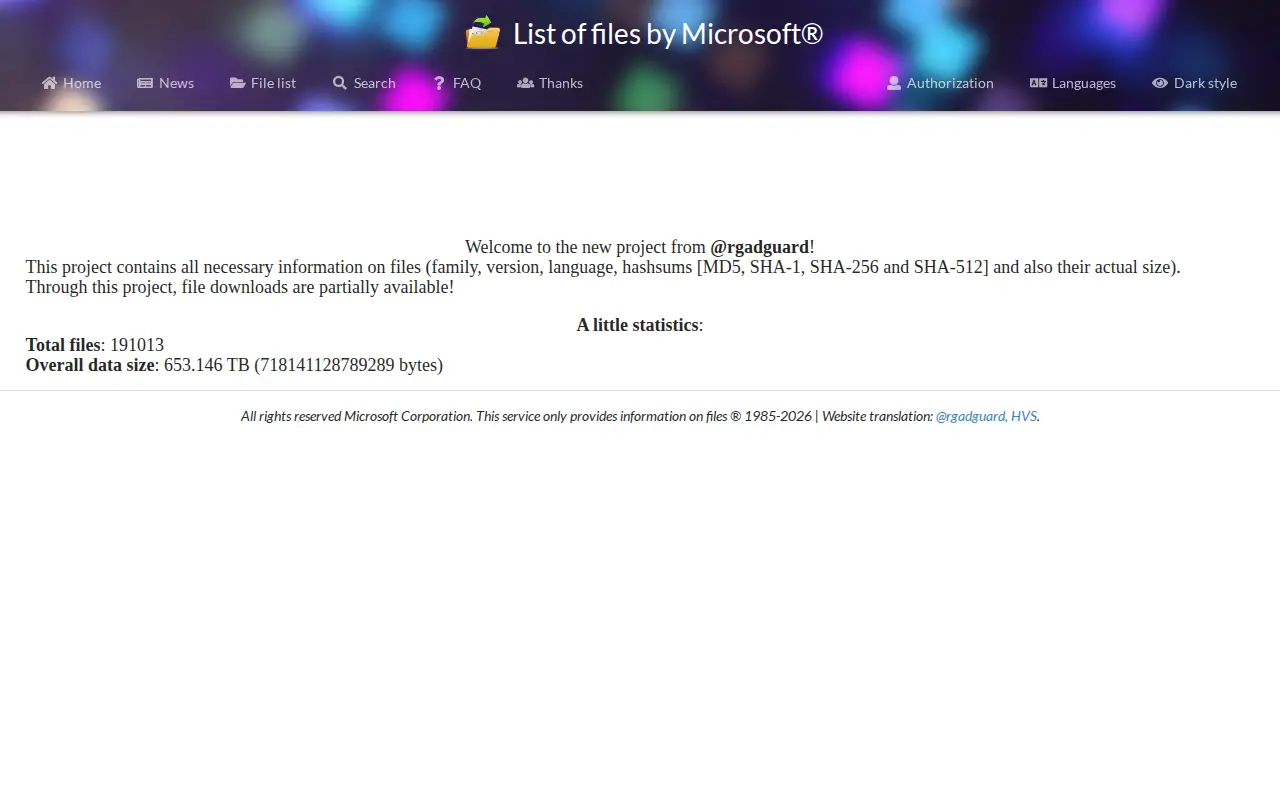
This site lists files from Microsoft Corporation with their family, version, language, hashsums (MD5, SHA-1, SHA-256 and SHA-512) and actual size. It states that file downloads are partially available. The service describes itself as providing information on files only.
Features
- You will find hashsums of files (MD5, SHA-1, SHA-256 and SHA-512) Source: files.rg-adguard.net
Limitations
- file downloads are partially available Source: files.rg-adguard.net
Links
Tags
-
0E-Maculation is a site dedicated to emulation of the classic Macintosh computer on macOS, Windows and Linux, using emulators such as SheepShaver, Basilisk II, Mini vMac, Qemu and PearPC. It hosts a wiki with information about the emulators and setup guides, plus discussion and support forums.
-
0PasteBar is a free, open-source clipboard manager for Mac and Windows. It stores clipboard history and custom clips locally on the device and provides quick-access paste menus, with collections, tabs and boards for organizing copied content.
-
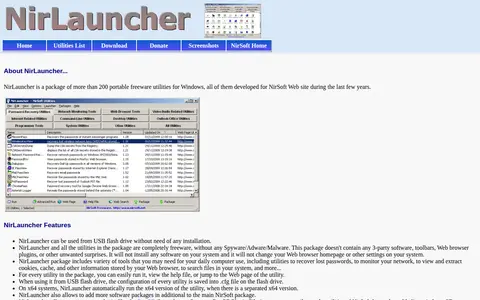
0NirLauncher is a package of more than 200 portable freeware utilities for Windows developed for the NirSoft website. It can run from a USB flash drive without installation and includes tools for password recovery, network monitoring, and browsing stored browser information. It works on Windows versions from Windows 2000 through Windows 10, including x64 systems.
-
0Device Cleanup Tool is a portable utility that lists non-present devices and allows for easy removal. It displays device name, class and last time used, and permits selecting multiple devices or all at once for removal. A video tutorial and command-line version are available. It requires Windows 11, 10, 8 or 7 and is freeware.
-
0Core Temp is a program that monitors processor temperature and other vital information. It displays the temperature of each individual core of every processor in a system, showing fluctuations in real time with varying workloads. It is motherboard agnostic and works with Intel, AMD and VIA x86 processors, running on Microsoft Windows versions from XP through 11 and corresponding server editions.
-
0
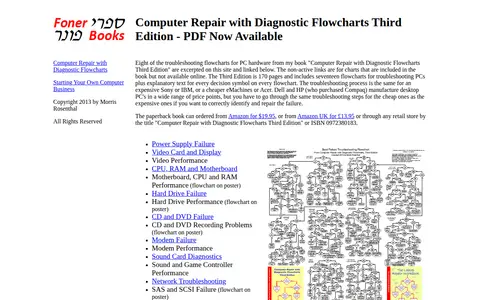
A page presenting sample diagnostic troubleshooting flowcharts for PC hardware failures, excerpted from the third edition of the book Computer Repair with Diagnostic Flowcharts. Charts cover topics such as power supply, video, hard drive, CD and DVD, modem, sound, network, peripheral and boot failures. The page notes that inactive links correspond to charts included in the book but not available online.
Community notes
Reviews and discussion
No reviews yet
Be the first to share how this project worked for you.
Join the discussion
Sign in with a verified account to leave a review or join the discussion.
Sign in to review