

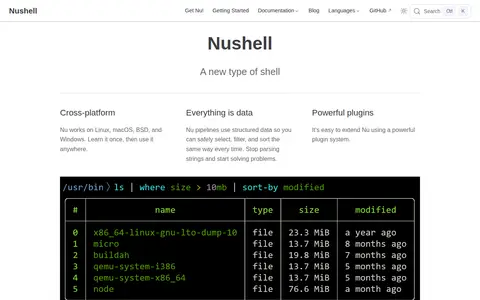

Nushell is a cross-platform shell that works on Linux, macOS, BSD, and Windows. Its pipelines use structured data, and it reads formats including JSON, YAML, SQLite, and Excel. It operates on typed data and offers a plugin system for extension. Nushell is available as downloadable binaries, through package managers, in a GitHub Action, and as source code.
Emaculation
E-Maculation is a site dedicated to emulation of the classic Macintosh computer on macOS, Windows and Linux, using emulators such as SheepShaver, Basilisk II, Mini vMac, Qemu and PearPC. It hosts a wiki with information about the emulators and setup guides, plus discussion and support forums.
Screenshot unavailable. The listing stays available while a preview is prepared.
Features
- dedicated to emulation of the classic Macintosh computer in MacOSX/macOS, Windows and Linux Source: www.emaculation.com
- You will find information about the emulators and setup guides Source: www.emaculation.com
Links
Tags
-
0Nushell is a cross-platform shell that works on Linux, macOS, BSD, and Windows. Its pipelines use structured data, and it reads formats including JSON, YAML, SQLite, and Excel. It operates on typed data and offers a plugin system for extension. Nushell is available as downloadable binaries, through package managers, in a GitHub Action, and as source code.
-
0Grub2Win is a Windows application for safely multibooting Windows and Linux. It configures Grub boot screens and options from Windows, supports EFI and BIOS firmware in 64 and 32 bit, and supports Windows XP through Windows 11. It is free and open source, installs to a 30 MB directory and includes GNU Grub 2.16 modules.
-
0
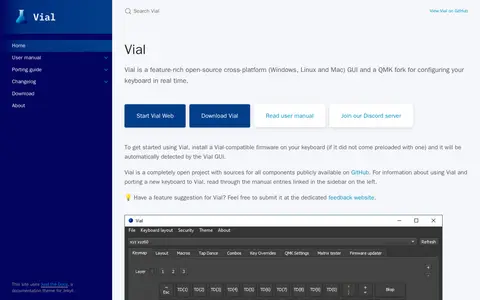
Vial is an open-source cross-platform GUI and a QMK fork for configuring a keyboard in real time, available for Windows, Linux and Mac. It requires a Vial-compatible firmware installed on the keyboard, which the Vial GUI then automatically detects. Sources for all components are publicly available on GitHub.
-
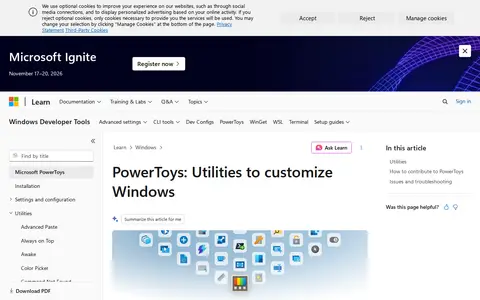
0Microsoft PowerToys is a set of free, open-source utilities for Windows 10/11 aimed at power users and developers. The current utilities include FancyZones for window layouts, PowerToys Run, Color Picker and PowerRename, among others. The project is hosted on GitHub for code, issues and contributions.
-
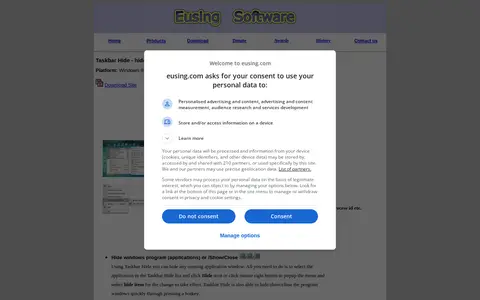
0Taskbar Hide is a Windows utility for hiding running application windows, either from a list or with a hotkey, and for showing, hiding or closing them. It can hide system tray icons, reorder taskbar windows, keep windows on top, minimize to tray, and hide the taskbar, start button, task window, system tray and time clock. It also displays window properties and can maximize all windows.
-
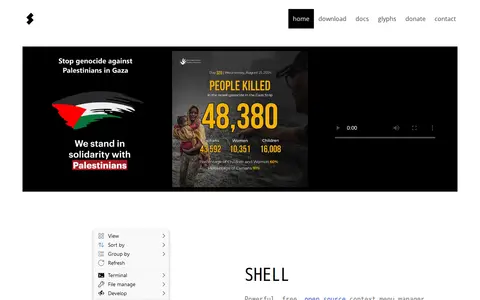
0Shell is a free, open source context menu customizer for Windows File Explorer. It lets users choose items for the context menu, create custom commands, and modify or remove existing items. It is a portable utility configured through a plain text file named shell.nss, and it supports Windows 7, 8, 10 and 11 on x86, x64 and arm64.
Community notes
Reviews and discussion
No reviews yet
Be the first to share how this project worked for you.
Join the discussion
Sign in with a verified account to leave a review or join the discussion.
Sign in to review