


Grub2Win is a Windows application for safely multibooting Windows and Linux. It configures Grub boot screens and options from Windows, supports EFI and BIOS firmware in 64 and 32 bit, and supports Windows XP through Windows 11. It is free and open source, installs to a 30 MB directory and includes GNU Grub 2.16 modules.
PowerToys
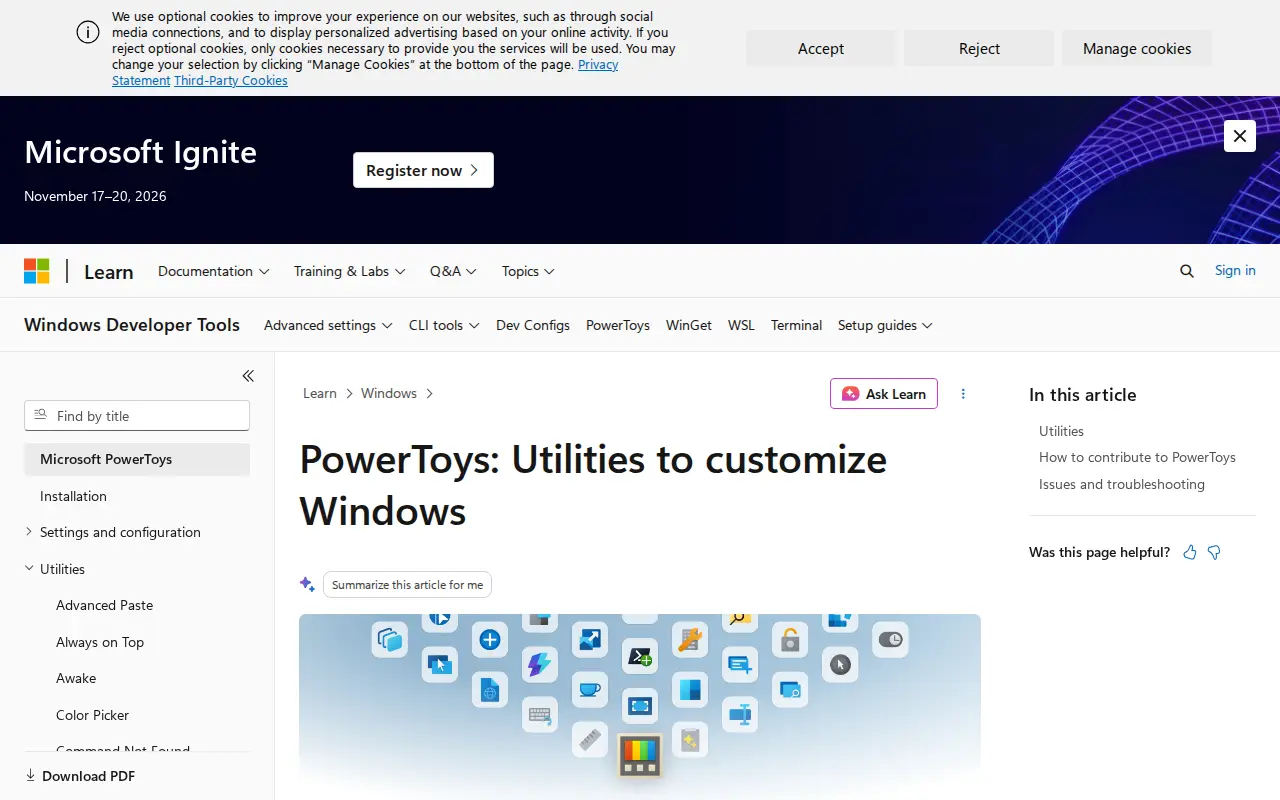
Microsoft PowerToys is a set of free, open-source utilities for Windows 10/11 aimed at power users and developers. The current utilities include FancyZones for window layouts, PowerToys Run, Color Picker and PowerRename, among others. The project is hosted on GitHub for code, issues and contributions.
Features
- set of free, open-source utilities Source: learn.microsoft.com
Links
Tags
-
0Grub2Win is a Windows application for safely multibooting Windows and Linux. It configures Grub boot screens and options from Windows, supports EFI and BIOS firmware in 64 and 32 bit, and supports Windows XP through Windows 11. It is free and open source, installs to a 30 MB directory and includes GNU Grub 2.16 modules.
-
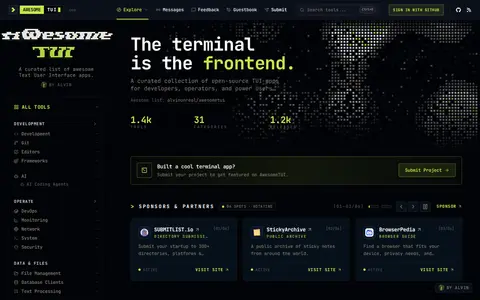
0Awesome TUI is a curated collection of open-source terminal user interface apps for developers, operators, and power users. It covers system utilities and developer tools, and includes an app catalog, categories, and a way for maintainers to claim projects.
-
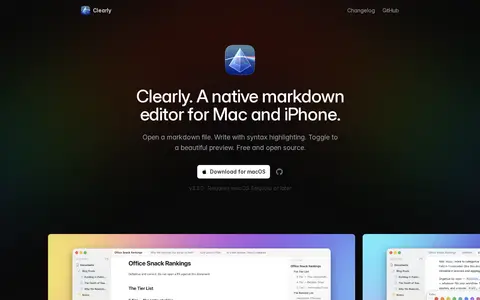
0Clearly is a native markdown editor for Mac and iPhone. It opens .md files and provides syntax highlighting while writing, with a toggle to a rendered preview. The software is free and open source, and the macOS download requires macOS Sequoia or later.
-
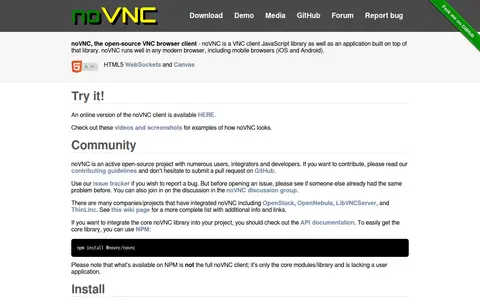
0noVNC is an open-source VNC browser client, distributed as a JavaScript library and an application built on it. It runs in modern browsers, including mobile browsers on iOS and Android, and uses HTML5 WebSockets and Canvas. It requires a browser with support for modern features and does not work in Internet Explorer. The license is MPL-2.0.
-
0SoundSwitch is a free, open-source Windows app that switches audio playback and recording devices with global hotkeys. It supports per-app rules, profiles and notifications, runs in the system tray, and lets users cycle devices with default hotkeys such as Ctrl + Alt + F11 for playback.
-
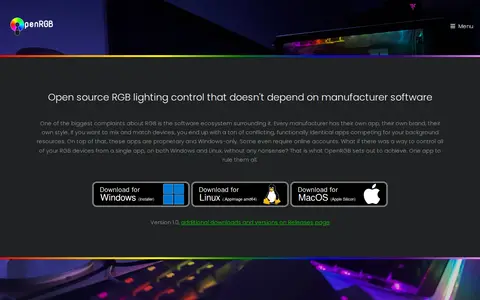
0OpenRGB is open source RGB lighting control software that does not depend on manufacturer software. It runs on Windows, Linux and MacOS, replacing proprietary RGB apps with a lightweight interface. It offers a network-based SDK with bindings for multiple languages and a plugin interface. Version 1.1 is referenced.
Community notes
Reviews and discussion
No reviews yet
Be the first to share how this project worked for you.
Join the discussion
Sign in with a verified account to leave a review or join the discussion.
Sign in to review