


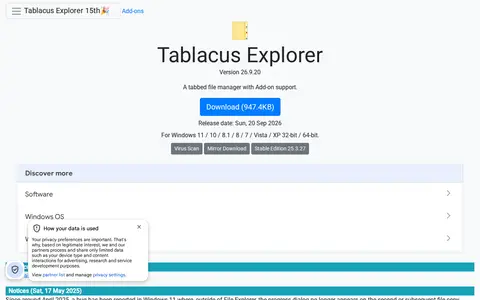
Tablacus Explorer is a tabbed file manager with add-on support, offered as a portable download that requires no installation. It runs on 32-bit and 64-bit Windows versions from Vista to 11, with multiple language and Unicode support. Columns include total file size and label, and associations, menus, keys and mouse gestures are customizable. The source is open and released under the MIT License.
Delapp
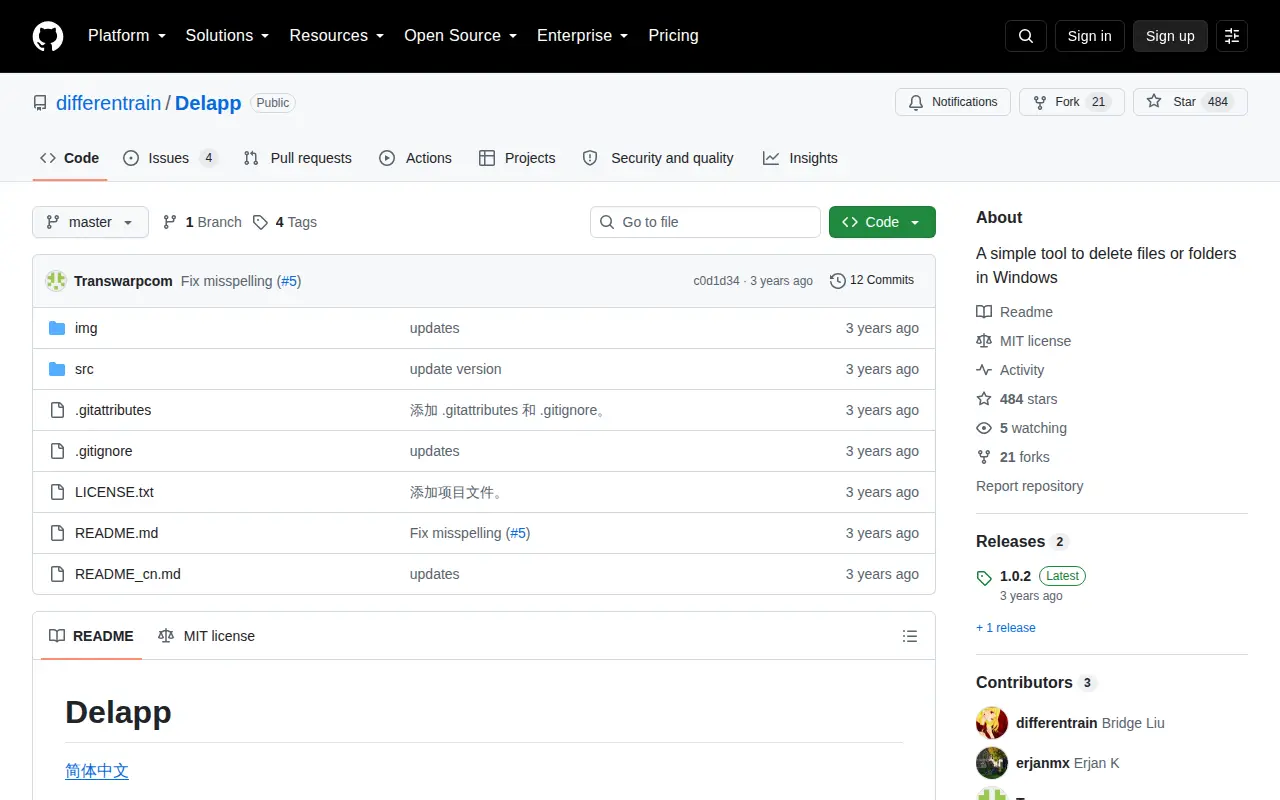
Delapp is a single-file Windows tool for deleting files and folders. Users drag and drop items into a delete-list and confirm deletion; deleted items are not moved to the recycle bin. It requires Windows 7 or later and .NET Framework 4.8 Runtime or later, and can add entries to the Explorer right-click menu.
Features
- app, no installation required Source: github.com
Links
Tags
-
0
Tablacus Explorer is a tabbed file manager with add-on support, offered as a portable download that requires no installation. It runs on 32-bit and 64-bit Windows versions from Vista to 11, with multiple language and Unicode support. Columns include total file size and label, and associations, menus, keys and mouse gestures are customizable. The source is open and released under the MIT License.
-
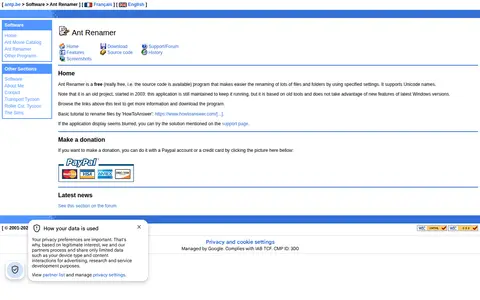
0Ant Renamer is a free program for renaming large numbers of files and folders using specified settings, and it supports Unicode names. It offers operations such as replacing character strings, inserting or moving characters, deleting characters, enumeration, case changes, regular expressions and name creation from EXIF or MP3 tag information. The page notes it is an old project started in 2003, still maintained but based on old tools.
-
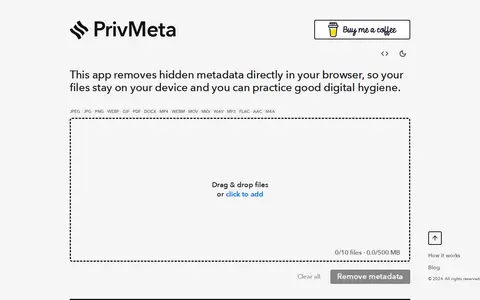
0PrivMeta is a free browser-based metadata remover for supported images, videos, audio, PDFs, and documents. File cleaning runs in the browser without uploading files or requiring an account, so files stay on the device. Supported formats include JPEG, PNG, WEBP, GIF, PDF, DOCX, MP4, WEBM, MOV, MKV, WAV, MP3, FLAC, AAC, and M4A.
-
0
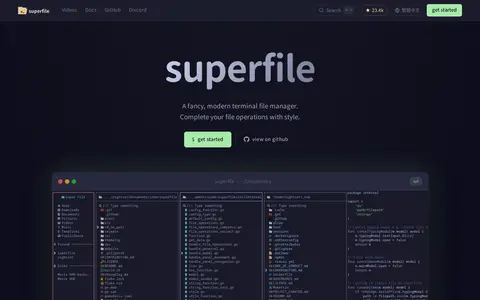
superfile is a modern terminal file manager built with Go and Bubble Tea. It focuses on user interface, functionality and ease of use, and offers file copy, move, delete, rename, fuzzy search, bulk operations and image preview.
-
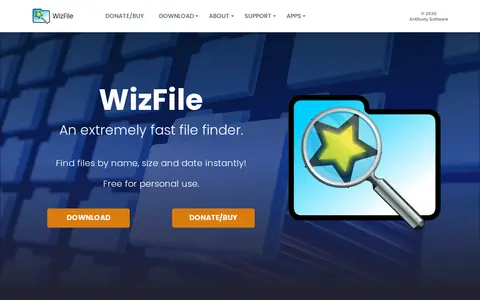
0WizFile is a file finder utility for Windows that locates files by name, path, size and date, showing results as the user types. It monitors the file system so results update in real time, and it reads the NTFS Master File Table directly to build its internal database quickly. It also supports non-NTFS hard drives, network drives, USB drives and individual directories.
-
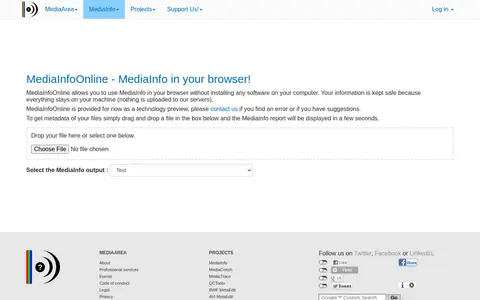
0MediaInfoOnline is an online file analyzer that lets users run MediaInfo in a browser without installing software on their computer. Files are dragged into the page and an MediaInfo report is displayed; processing stays on the user's machine and nothing is uploaded to servers. It is provided as a technology preview.
Community notes
Reviews and discussion
No reviews yet
Be the first to share how this project worked for you.
Join the discussion
Sign in with a verified account to leave a review or join the discussion.
Sign in to review