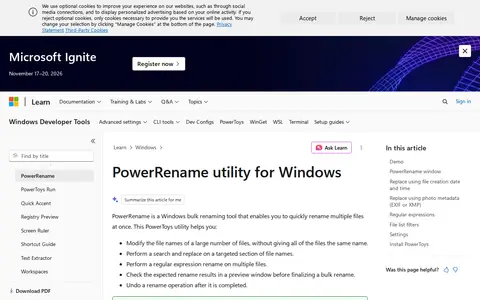

PowerRename is a Windows utility from PowerToys for bulk file renaming. It performs search-and-replace and regular expression renames across multiple selected files, shows expected results in a preview window before finalizing, and allows the operation to be undone after completion. Options include matching all occurrences and case sensitivity, with application limited to filename or extension.
Directory
File Utilities
Explore File Utilities resources in Software & Online Tools.
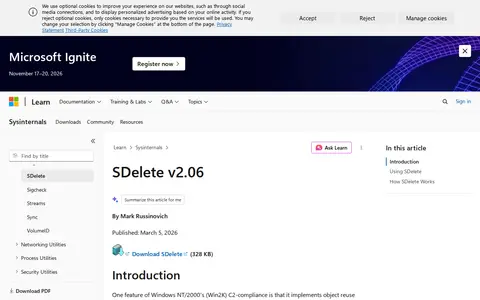
SDelete is a command-line Sysinternals utility that securely overwrites existing files and cleanses free space on a logical disk, including data in unallocated portions. It accepts wildcard characters in file or directory specifiers and implements the Department of Defense clearing and sanitizing standard DOD 5220.22-M. The tool securely deletes file data but not file names located in free disk space.
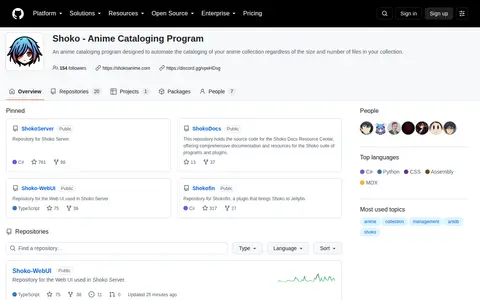
Shoko is an anime cataloging program designed to automate the organization of anime collections of any size. It is hosted as a public repository on GitHub where users can contribute to its ongoing development.
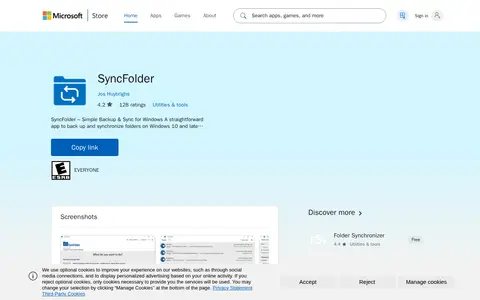
SyncFolder helps download, sync, transfer, or manage files across local and cloud storage.
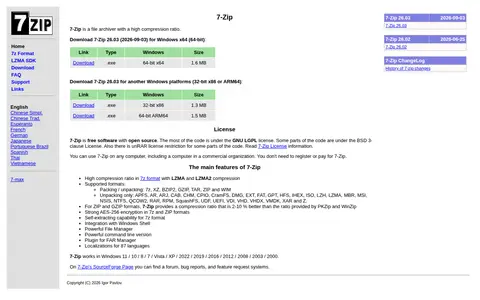
7-Zip is a file archiver with a high compression ratio, offering LZMA and LZMA2 compression in 7z format. It packs and unpacks 7z, XZ, BZIP2, GZIP, TAR, ZIP and WIM, and unpacks many other formats. It is free software with open source, mostly under the GNU LGPL license, and works in Windows 11, 10, 8, 7, Vista and XP.
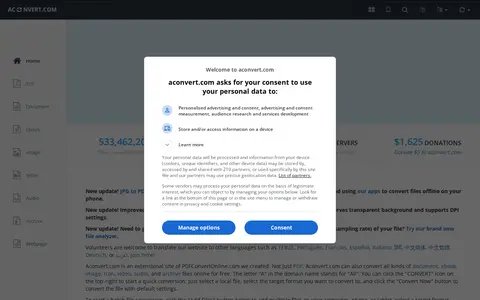
Aconvert.com converts document, ebook, image, icon, video, audio and archive files online for free. Users select a local file and a target format, then convert; batch conversion is available by adding multiple files. The site is an extensional site of PDFConvertOnline.com.
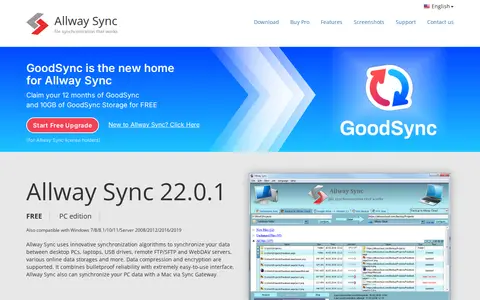
allwaysync helps download, sync, transfer, or manage files across local and cloud storage.
AnyConv is an online file converter that supports documents, images, videos, audio, and more. No software installation is needed; files are uploaded to the site for conversion. The listing states a maximum upload size of 100 MB and that uploaded and converted files are automatically deleted after 1 hour.
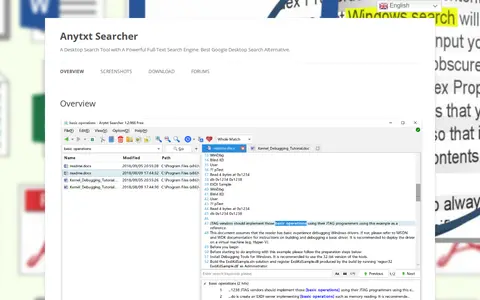
AnyTXT Searcher is a desktop full-text search application that extracts text from documents and indexes it for searching. It supports formats including plain text, Word, Excel, PDF, and images via offline OCR, and runs on Windows, MacOS, and Linux.
ConvertCSV.com is a collection of online tools for converting CSV and Excel data to and from formats such as JSON, XML, SQL, YAML, KML, GeoJSON, HTML, Markdown and PDF. It also provides a CSV viewer and editor, a CSV validator, SQL querying and data extraction tools. The tools run on the client side, so data never leaves the computer.
ConvertFiles is an online file converter supporting over 300 formats of documents, images, presentations, archives, audio and video files. Users upload files, select an output format and quality, then download the result or receive it by email. Files are handled with SSL encryption and deleted from the server after 4 hours for non-signed-in users.
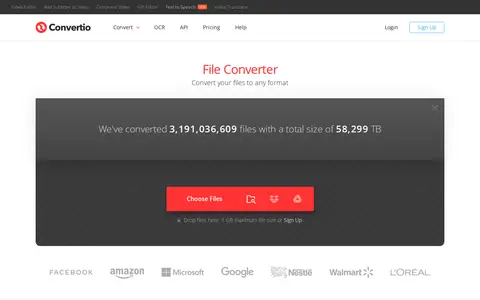
Convertio is a file utility for storage, cleanup, downloads, syncing, previews, or file management.
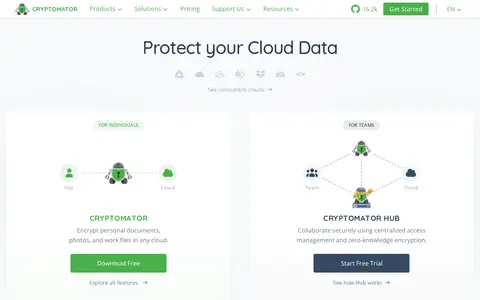
Cryptomator is an open-source encryption tool for cloud storage. It encrypts files on the user's device before they are stored in services such as Dropbox, Google Drive and OneDrive, and makes them available through a virtual drive. It is available for Windows, macOS, Linux, Android and iOS.
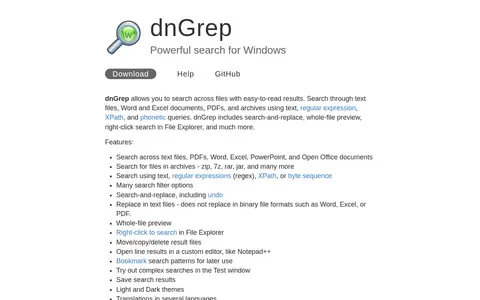
dnGrep is a search tool for Windows that searches across text files, Word and Excel documents, PDFs, and archives using text, regular expression, XPath, and phonetic queries. It includes search-and-replace in text files, whole-file preview, right-click search in File Explorer, and result file management. It runs on Windows 10, 11, or Windows Server and may be incompatible with Windows Smart App Control.
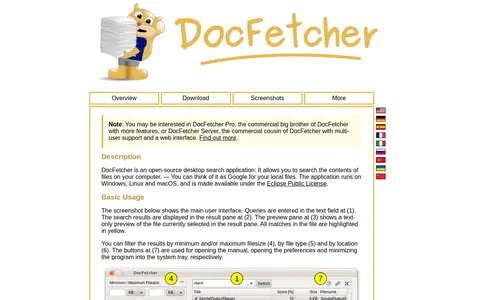
DocFetcher is an open-source desktop search application that searches the contents of files stored on a computer. It runs on Windows, Linux and macOS under the Eclipse Public License. Users create indexes for folders to search, and results include a text-only preview with highlighted matches and filters by filesize, file type and location.
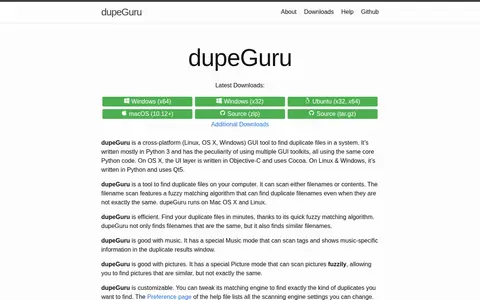
dupeGuru is a cross-platform GUI tool for finding duplicate files in a system, written mostly in Python 3. It can scan filenames or contents, and includes Standard, Music and Picture modes with their own scan types. Filename scans use a fuzzy matching algorithm that finds similar filenames, not only identical ones.
Encode is a file utility for storage, cleanup, downloads, syncing, previews, or file management.
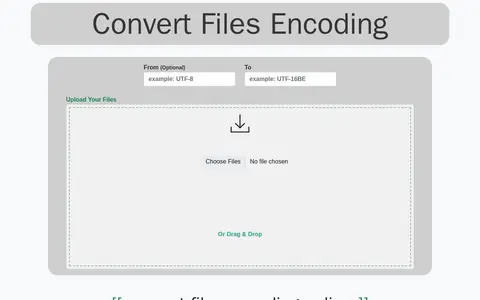
Encoding Converter is an online tool for batch converting files from any encoding to any encoding. It accepts a single file, many files, or .zip files. Specifying the original encoding is optional but recommended.
Eraser is a file utility for storage, cleanup, downloads, syncing, previews, or file management.
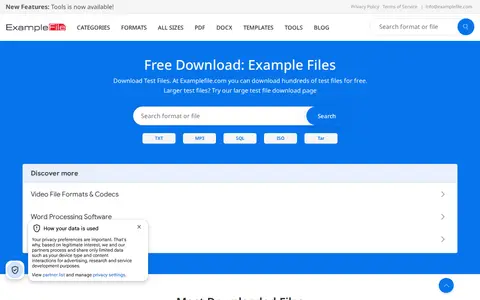
ExampleFile offers free sample files for testing, including PDF, JPG, PNG, ZIP, MP4, DOCX and other formats in various sizes from 1KB to 100MB. Files are grouped by categories such as code, image, text, document, compressed, video and sound files.
ExtractMetadata is a free online tool for viewing metadata from files of arbitrary type. It supports formats including HTML, PDF, Microsoft Office documents, images such as JPEG, GIF, PNG and TIFF, audio formats such as MP3, FLAC, OGG and WAV, and archives such as TAR.GZ and ZIP.
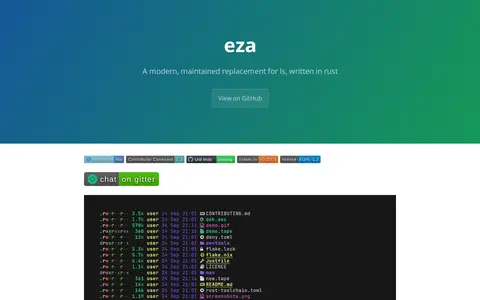
eza is a command-line file listing tool described as a more featureful, user-friendly version of ls. It lists files with colour, icons, Git status and a tree view in one small binary. It offers recursive tree output with depth limits, relative dates, clickable hyperlinks and colours distinguishing file types. It is written in Rust, licensed EUPL-1.2, and packaged for Windows, macOS, Linux and BSDs.
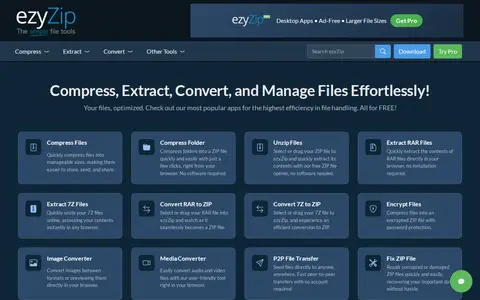
ezyZip is a browser-based tool for compressing, extracting and converting files. It creates ZIP archives and extracts RAR, 7z and GZ files, and it also converts archive, image and audio/video formats. The site lists a Pro option including a downloadable archive converter app for offline use.
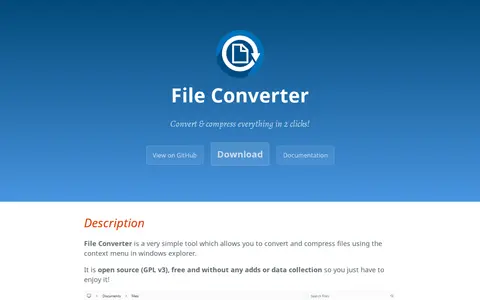
File Converter is a tool that converts and compresses one or several files using the context menu in Windows Explorer. It is open source under GPL v3, free, and without ads or data collection. It supports many audio, video, image and document input and output formats, and conversion presets can be added or edited in context menus. Office document conversion requires Microsoft Office installed and activated.
Compare listed projects
Details from each project's website. Open a listing for its full overview.
PowerRename
Features
- bulk file renaming with regex support Source: learn.microsoft.com
SDelete
Features
- command line utility that takes a number of options Source: learn.microsoft.com
Aconvert
Features
- converts all kinds of document, ebook, image, icon, video, audio, and archive files online for free Source: www.aconvert.com
AnyTXT
Features
- It works perfectly on Windows, MacOS and Linux Source: anytxt.net
- image(OCR offline) Source: anytxt.net