


ConvertFiles is an online file converter supporting over 300 formats of documents, images, presentations, archives, audio and video files. Users upload files, select an output format and quality, then download the result or receive it by email. Files are handled with SSL encryption and deleted from the server after 4 hours for non-signed-in users.
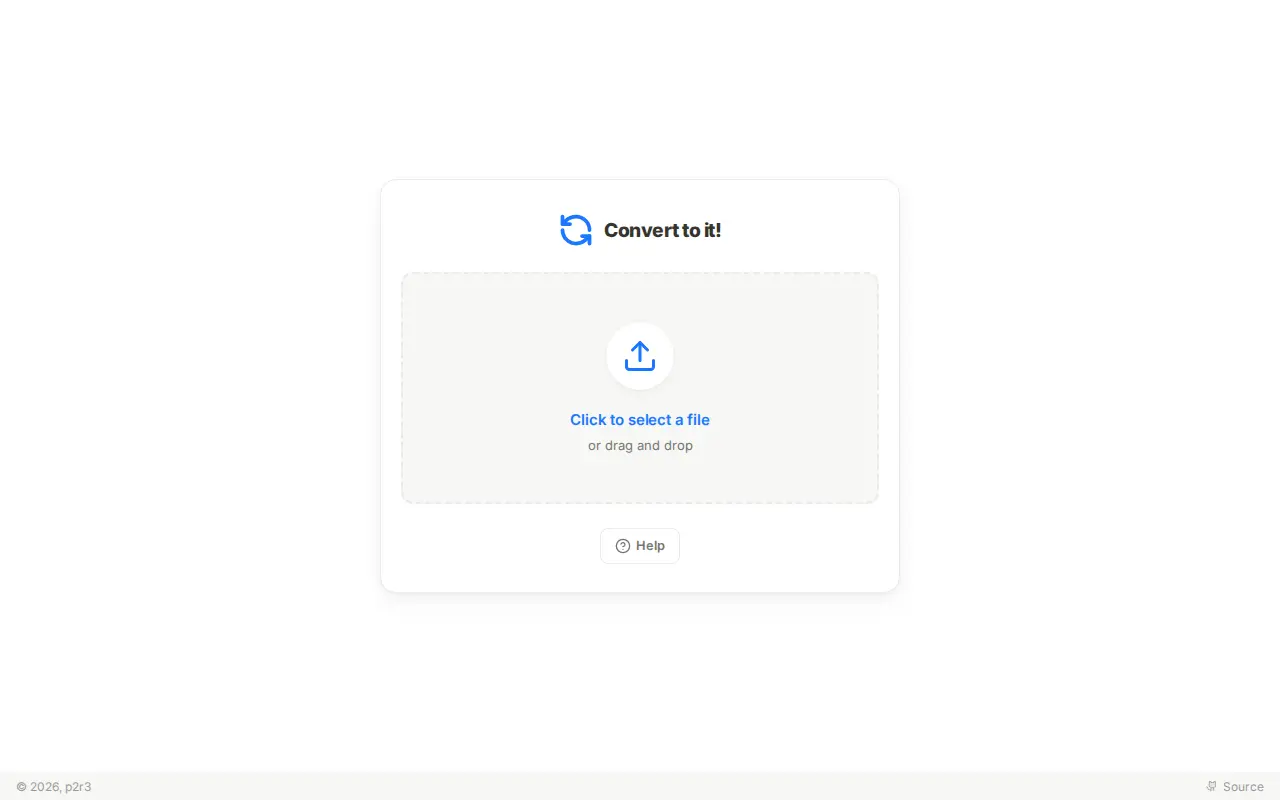
Convert to it!
Convert to it! is a file utility for storage, cleanup, downloads, syncing, previews, or file management.
Links
Tags
-
0ConvertFiles is an online file converter supporting over 300 formats of documents, images, presentations, archives, audio and video files. Users upload files, select an output format and quality, then download the result or receive it by email. Files are handled with SSL encryption and deleted from the server after 4 hours for non-signed-in users.
-
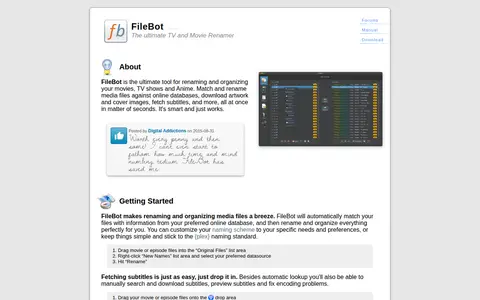
0FileBot is a tool for renaming and organizing movies, TV shows and anime. It matches media files against online databases, downloads artwork and fetches subtitles, and offers a command-line interface for automated workflows.
-
0EMCO UnLock IT is a free Windows program for investigating and releasing locks on file system resources. It shows the processes that hold locks on a resource and allows the locks to be released. The download page provides an EXE installer and technical requirements.
-
0
Minuimus is a file optimiser utility script that makes files smaller without compromising their contents, using file-specific optimisations such as decompressing and recompressing data. By default its optimisations are transparent, preserving image pixels, media quality and metadata unaltered. It consists of a perl script and optional binaries, released under the GPL v3 license, and runs on Ubuntu Linux and Windows via Strawberry Perl.
-
0
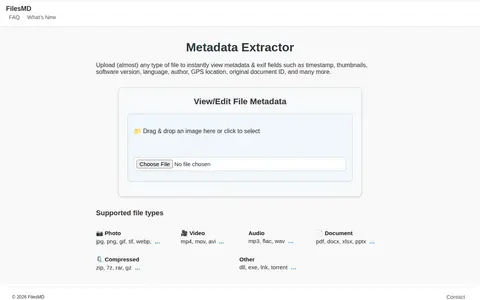
FilesMD is a web-based metadata viewer and editor. Users upload files to view EXIF and metadata fields such as timestamp, thumbnails, software version, language, author, and GPS location. It also supports editing file metadata and lists supported file types.
-
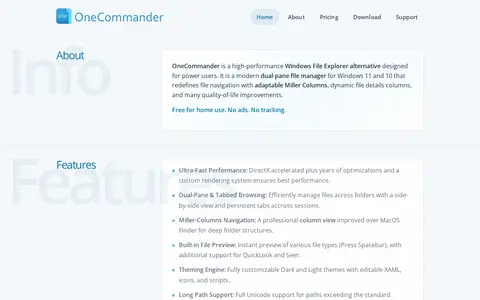
0OneCommander is a file manager replacement for Windows 10 and 11, offering dual-pane and tabbed browsing, Miller columns, built-in file preview, theming and long path support. It is free for non-commercial home use; commercial use requires a lifetime Pro license.
Community notes
Reviews and discussion
No reviews yet
Be the first to share how this project worked for you.
Join the discussion
Sign in with a verified account to leave a review or join the discussion.
Sign in to review