



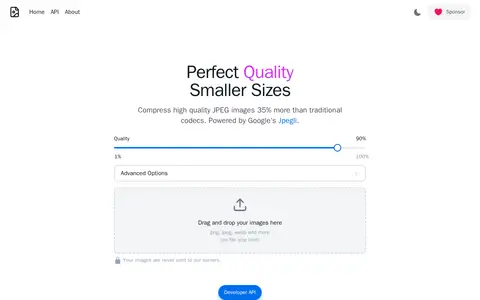

optimize.photos is a tool for compressing high quality JPEG images. According to the site, it compresses them 35% more than traditional codecs and is powered by Google's Jpegli. It accepts files by drag and drop and states that images are never sent to its servers.
CLI
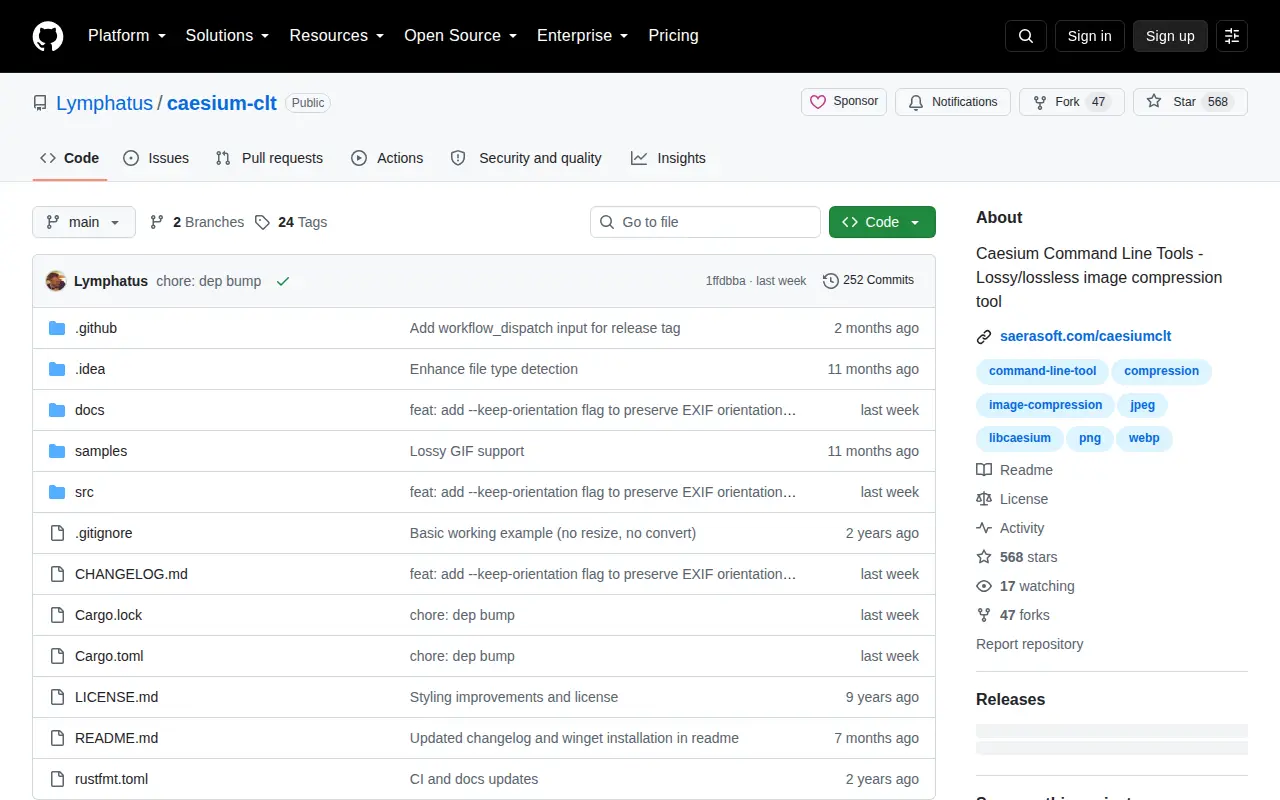
Caesium Command Line Tools is a command line image compression tool that supports both lossy and lossless compression, associated with the Caesium image compressor project and hosted on the GitHub platform.
Links
Tags
-
0optimize.photos is a tool for compressing high quality JPEG images. According to the site, it compresses them 35% more than traditional codecs and is powered by Google's Jpegli. It accepts files by drag and drop and states that images are never sent to its servers.
-
0
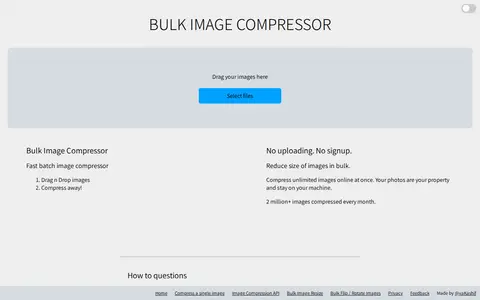
Bulk Image Compressor is an online tool for compressing multiple JPG, JPEG, PNG and WebP images at once. Files are processed without uploading, and no signup is required. The tool also offers options to set a target size in KBs and a maximum width and height in pixels.
-
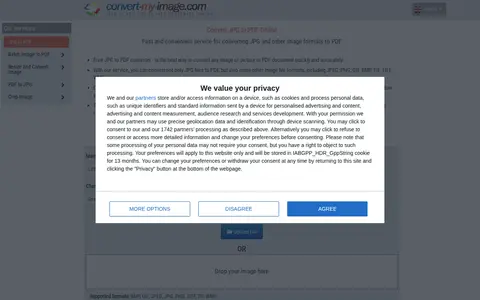
0Convertmyimage is an online service for converting JPG and other image formats to PDF. It accepts formats including JPG, JPEG, PNG, GIF, BMP, TIF, TIFF and WMF, and offers settings for margins, page orientation, image size and rotation. Batch conversion, resizing and PDF to JPG conversion are also listed.
-
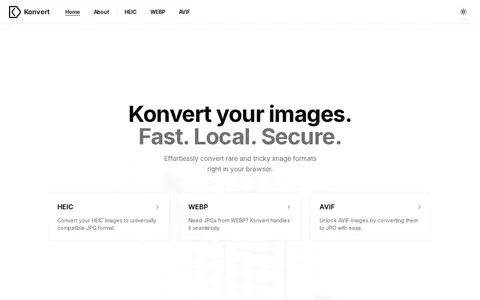
0Konvert is a browser-based image format converter. It converts HEIC, WEBP and AVIF images to JPG. The site states that conversion happens client-side, so files do not leave the device, and that there are no restrictions or accounts.
-
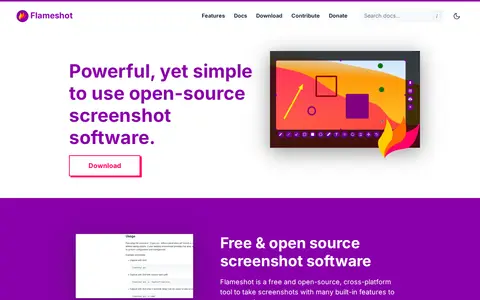
0Flameshot is a free and open-source, cross-platform screenshot tool with built-in editing features. Users select an area to capture, then annotate it with arrows, text, blur, borders and counters before saving. It offers a configuration dialog, a command-line interface for scripting, and downloads for Windows, macOS and Linux.
-
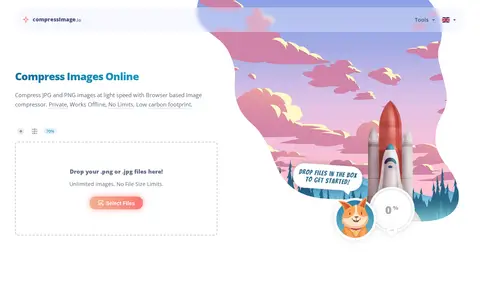
0CompressImage is a browser-based tool for compressing JPEG, PNG, GIF and WebP images. The site states that compression runs offline in the browser and that images are not uploaded to a server. It offers settings for quality, maximum width or height, conversion to WebP, metadata stripping and IDs removal. Files can be downloaded individually or together as a ZIP.
Community notes
Reviews and discussion
No reviews yet
Be the first to share how this project worked for you.
Join the discussion
Sign in with a verified account to leave a review or join the discussion.
Sign in to review