
Taskbar Hide is a Windows utility for hiding running application windows, either from a list or with a hotkey, and for showing, hiding or closing them. It can hide system tray icons, reorder taskbar windows, keep windows on top, minimize to tray, and hide the taskbar, start button, task window, system tray and time clock. It also displays window properties and can maximize all windows.
Bulk Crap Uninstaller
Windows uninstaller for removing programs, leftovers, bundles, and unwanted installed software.
Screenshot unavailable. The listing stays available while a preview is prepared.
Links
Tags
-
0Taskbar Hide is a Windows utility for hiding running application windows, either from a list or with a hotkey, and for showing, hiding or closing them. It can hide system tray icons, reorder taskbar windows, keep windows on top, minimize to tray, and hide the taskbar, start button, task window, system tray and time clock. It also displays window properties and can maximize all windows.
-
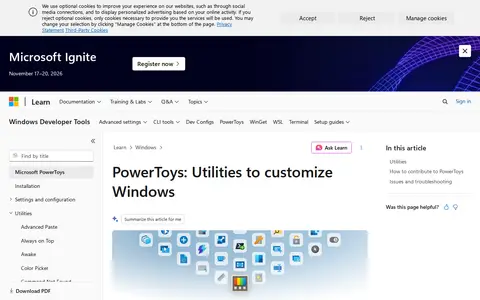
0Microsoft PowerToys is a set of free, open-source utilities for Windows 10/11 aimed at power users and developers. The current utilities include FancyZones for window layouts, PowerToys Run, Color Picker and PowerRename, among others. The project is hosted on GitHub for code, issues and contributions.
-
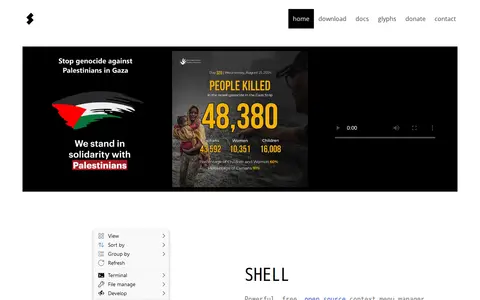
0Shell is a free, open source context menu customizer for Windows File Explorer. It lets users choose items for the context menu, create custom commands, and modify or remove existing items. It is a portable utility configured through a plain text file named shell.nss, and it supports Windows 7, 8, 10 and 11 on x86, x64 and arm64.
-
0
Winaero Tweaker is a free application for all versions of Windows that adjusts hidden settings not exposed in the user interface. The system utility supports Windows 7, 8, 8.1, 10 and 11 and includes hundreds of settings, plus context menus, options and commands for existing Windows apps and tools.
-
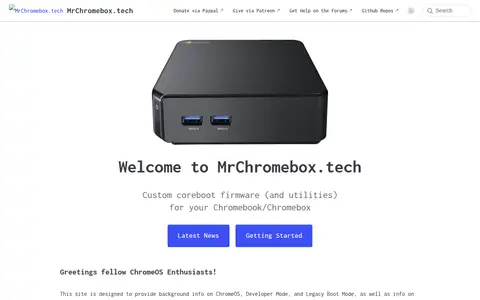
0MrChromebox.tech is a documentation site about ChromeOS, Developer Mode, and Legacy Boot Mode, and about modifying or replacing firmware on ChromeOS devices. It is also the home of the ChromeOS Firmware Utility Script, which automates tasks required to run an alternate OS on a Chromebook or Chromebox. The documentation states that changes are made at the user's own risk.
-
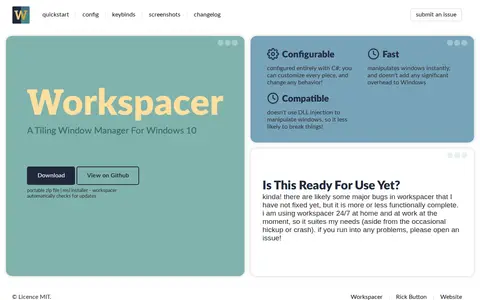
0WorkSpacer is a tiling window manager for Windows 10, configured entirely with C#. Its site describes it as configurable and fast, and says it manipulates windows without DLL injection. The author notes it is more or less functionally complete but likely still has major bugs.
Community notes
Reviews and discussion
No reviews yet
Be the first to share how this project worked for you.
Join the discussion
Sign in with a verified account to leave a review or join the discussion.
Sign in to review