VSCodium vs Zed: Extensions or Shared Editing?
VSCodium vs Zed compares extensions, collaboration, telemetry, platform support, and free editing, with Zed Pro at $10 per month for hosted AI extras.
On this page
VSCodium is my pick for most readers already using a Code-style editor and compatible extensions. Choose Zed if built-in shared editing matters more than keeping that extension setup. Both offer free editing. The surprise is that Zed's settings import doesn't bring over extensions or keybindings, so changing editors involves more than opening the same folder.
VSCodium vs Zed at a glance
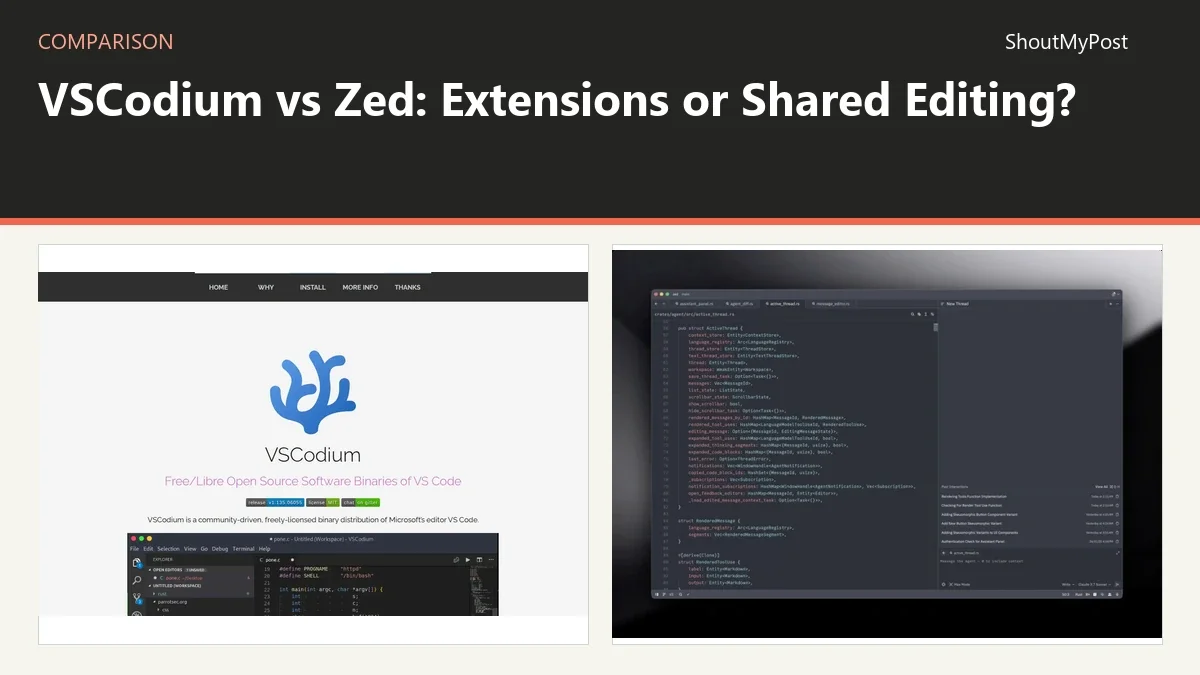
VSCodium distributes MIT-licensed builds of the open-source Code editor. Zed is a different editor with built-in collaboration and optional hosted AI. That makes this a choice about daily work: keeping an existing editor layout, or moving to Zed's approach to shared projects and code search.
| Factor | VSCodium | Zed | Source and date checked |
|---|---|---|---|
| Free editing | Free binaries; no paid editor plan | Personal is free forever | VSCodium homepage; Zed pricing, October 9, 2026 |
| Paid price | No editor subscription | Pro $10/month; $5 monthly hosted-model tokens included | Zed pricing, October 9, 2026 |
| Free AI limit | Depends on separately installed extension or provider | 2,000 accepted edit predictions on Personal; own API keys and external agents supported | Zed pricing; VSCodium extension docs, October 9, 2026 |
| Platforms | Windows, macOS, Linux | Windows, macOS, Linux; Linux needs Vulkan 1.3 | Both installation pages, October 9, 2026 |
| Extension system | Code-compatible packages from Open VSX; some Microsoft packages incompatible | Its own catalog; no one-to-one match for every Code extension | Both extension/migration docs, October 9, 2026 |
| Shared editing | Depends on compatible extensions; Microsoft's Live Share is incompatible | Built-in collaboration, including shared edits and voice | VSCodium compatibility list; Zed migration docs, October 9, 2026 |
| Open source | Yes; MIT binaries | Yes; GPL-3.0-or-later, with Apache-2.0 components where marked | VSCodium homepage; Zed repository LICENSE files, October 9, 2026 |
| Visible release | 1.135.06055, September 9, 2026 | 1.23.2, October 7, 2026 | Official release pages, October 9, 2026 |
| Privacy and data location | Microsoft telemetry disabled in the builds; local files remain on your computer unless another feature sends them | Client metrics/crash reports can be disabled; hosted AI/collaboration use service-side metadata; no residency choice stated on the cited telemetry page | VSCodium homepage; Zed telemetry docs, October 9, 2026 |
| Settings import | Uses Code-style editor settings | Imports supported VS Code settings; excludes extensions and keybindings | Zed migration guide, October 9, 2026 |
Extensions: VSCodium keeps more of the familiar setup
VSCodium keeps the Code editor model: Activity Bar, Extensions view, editor settings, and a workspace built around installed packages. That is a strong reason to keep it if your everyday commands already work. You aren't paying an editor subscription to retain that setup.
Its registry is Open VSX, and compatibility isn't identical to Microsoft's product. The project's compatibility list names Microsoft C/C++, Python, Live Share, and several remote-development packages as incompatible. It also lists replacement packages for some tasks. I wouldn't choose VSCodium solely because an extension has “VS Code” in its description; the publisher's supported editors matter.
Zed's catalog is built for Zed. Its migration documentation says it has fewer extensions than VS Code, with emphasis on languages, themes, and core editing additions. Some functions are already in the editor, including a terminal, task runner, and collaboration. That reduces the packages needed for those jobs, but it doesn't recreate a specialist plugin's interface.
For example, a repository that needs a particular embedded-development panel has a different decision from a JavaScript project using a terminal and language server. The first may depend on one package; the second may already have a reasonable Zed path. “Supports my language” and “supports my workflow” are separate questions.
My pick for keeping a working Code-compatible package setup is VSCodium. Its weakness is the subset of packages that Open VSX and the publisher can support.
Winner for an existing compatible extension workflow: VSCodium.
Shared editing: Zed puts collaboration in the editor
Zed includes collaboration with shared code, cursors, selections, and voice. Its migration guide describes a Collab Panel and channels for inviting collaborators. If your team pairs on code, that is a concrete feature you can choose without finding a separate Code extension first.
VSCodium's official compatibility list excludes Microsoft's Live Share. That's a real gap for someone whose pair-programming setup depends on it. Another compatible tool may cover your needs, but this comparison doesn't treat a different package as identical to Live Share.
The distinction matters most during a shared debugging session. Zed gives the editor a built-in shared workflow; VSCodium gives you the editor and lets supported packages add to it. If you only exchange patches and review changes asynchronously, shared cursors may add little to your day. If you pair every afternoon, they're a reason to favor Zed.
Zed's collaboration also involves a hosted service. It isn't a way to make every team feature independent of an account or network. Choose it for the specific shared actions you want, such as editing a file together, rather than for a vague promise that teamwork will become easier.
Winner for built-in live collaboration: Zed.
Cost: free editing on both, paid hosted AI on Zed
VSCodium's binaries are free. A separately chosen extension or AI provider can charge for its service, but VSCodium has no paid editor tier. You can budget for those additions separately from the editor itself.
Zed's current pricing lists Personal as free forever and Pro at $10 per month. Pro includes unlimited accepted edit predictions and $5 of hosted-model tokens each month. After the included credit, hosted usage is billed at API list price plus 10%, and a spending cap is available.
That's a subscription with metered usage above the included balance. It isn't unlimited hosted-model prompting for $10. If the fixed prediction allowance on Personal is enough, the paid tier is optional. You can also use your own supported API provider, whose bill remains separate, or external agents.
I would keep editor choice and AI spending as two decisions. A developer who wants no AI can use free editing in either tool. A developer who wants Zed's hosted models should compare the model's usage price and spending cap with their expected work. The subscription amount alone doesn't tell you the final bill.
VSCodium is the simpler choice when you want an editor with no first-party AI subscription. Zed has the clearer bundled option when its prediction and hosted-model features are what you want.
Winner for an editor without a hosted-service plan: VSCodium.
Privacy and machines: local editing doesn't describe every connection
VSCodium's homepage says its MIT-licensed binaries have telemetry disabled. That describes the VSCodium build. An extension can still communicate with its own service, and a repository can still use remote tools. The editor's default doesn't rewrite those separate products' behavior.
Zed's telemetry documentation separates client-side metrics and crash reports from metadata needed for hosted AI or collaboration. You can disable the client options in settings. Hosted services still need metadata for functions such as billing and rate limits. The docs also explain a telemetry log so you can inspect recorded events.
On platform support, both have Windows, macOS, and Linux builds. Zed's Linux instructions specify Vulkan 1.3. That is a practical hardware/driver check if you're switching on an older machine, a virtual machine, or a Linux desktop with a limited graphics setup. It is more informative than assuming every available Linux package runs on every system.
The checked release pages list VSCodium 1.135.06055 and Zed 1.23.2. Keep the installed version visible when reporting an extension problem or asking about a setting: the package you're running can differ from the latest release, especially when an operating system supplies it through its own repository.
Winner for Microsoft telemetry disabled in the distributed build: VSCodium.
What users say
A VSCodium replacement discussion from October 2025 through April 2026 includes praise for its everyday web-development use, alongside complaints about finding lesser-known extensions. That matches the choice here: people can like the editor and still be stopped by one package their work depends on.
A July 2026 Zed migration thread describes a Python developer using Zed for daily work despite missing extensions. Replies praise its editing feel and discuss friction around specialist tools and familiar Git workflows. One developer keeps VSCodium for Flutter work. I like that practical split: the editor that handles most files needn't be the only editor installed.
These reports give both tools a clear weakness. VSCodium can make package availability a chore; Zed can make a familiar task feel different or leave you looking for an equivalent feature. The right winner depends on which chore occurs in the project you open every morning.
Choose VSCodium if…
- Your Code-compatible extensions already work through Open VSX.
- You want free MIT-licensed binaries with Microsoft telemetry disabled.
- Your daily work depends on the familiar Extensions view and editor settings.
Choose Zed if…
- Built-in live collaboration is part of your team's routine.
- Your languages and essential tools have a workable Zed setup.
- You prefer its code-search and project approach enough to redo editor-specific settings.
Other options
CodeSandbox is worth considering for hosted development and sharing runnable work. StackBlitz focuses on browser-based JavaScript development. They replace the environment for those jobs, rather than copying every desktop-editor feature. Browse code editors and the broader development tools directory for more choices.
FAQ
Is VSCodium free?
Yes, VSCodium distributes free MIT-licensed editor binaries. There isn't a paid VSCodium editor subscription. A package you install can still use a separate paid service, so its cost belongs to that publisher or provider. The VSCodium homepage lists Windows, macOS, and Linux installation options.
Is Zed free without Pro?
Yes, Zed Personal provides free editing and 2,000 accepted edit predictions. Pro is optional at $10 per month and includes $5 in hosted-model tokens. You can also bring a supported API key or use external agents; those options have their own service costs and setup.
Can Zed import VSCodium extensions?
No, Zed doesn't import Code extensions as part of its settings migration. Its documented VS Code importer also excludes keybindings. Install Zed equivalents for the features you need and set shortcuts separately. A supported font or tab-size import is different from bringing over an extension's commands and interface.
Can I keep both editors?
Yes, you can keep both editors and open your project files with the one that handles the task. Use one for everyday code and the other for a specialist workflow if needed. Editor-specific settings and extensions remain separate, even when the source files live in the same folder.
Sources
VSCodium's homepage, extension compatibility list, and release page; Zed's pricing, installation, migration, telemetry, release, and repository license pages. Community links appear in What users say. Facts checked October 9, 2026.
Related articles
Current evidence
Verified facts
Each value shows its source and when it was checked.
| Fact | VSCodium | Zed |
|---|---|---|
| Site status | Livevscodium.com | Livezed.dev |
| Current catalogue summary | VSCodium is a community-driven, freely-licensed binary distribution of Microsoft's editor VS Code. It provides build scripts that clone Microsoft's vscode repository and upload resulting binaries, with telemetry disabled, so users do not have to download and build from source. It is available for Windows, Mac OS and Linux, including through package managers such as Brew, WinGet, Chocolatey, Scoop and snap.vscodium.com | Zed is a high-performance, multiplayer code editor created by the developers of Atom and Tree-sitter. Built from scratch in Rust to leverage multiple CPU cores and GPU resources, it is designed for speed, real-time collaboration with other users, and AI-assisted editing. The editor is available for macOS, Linux, and Windows.zed.dev |