majorgeeks.com
MajorGeeks Windows Tweaks is a Windows system utility for cleanup, diagnostics, tweaks, processes, or administration.
Directory
System utilities covers small programs that tune, clean, or extend the computer you already use. The topic includes package managers, keyboard and clipboard helpers, window and taskbar tweaks, driver catalogues, and diagnostic tools. Before you install one, compare it with what your operating system already offers, check the platform and version it supports, and look at how often the project ships fixes. Several entries are open source projects kept by a small team, so an active issue tracker and a recent release tell you more than a long feature list. Some tools also need administrator rights or a background service, which is worth knowing in advance.
MajorGeeks Windows Tweaks is a Windows system utility for cleanup, diagnostics, tweaks, processes, or administration.

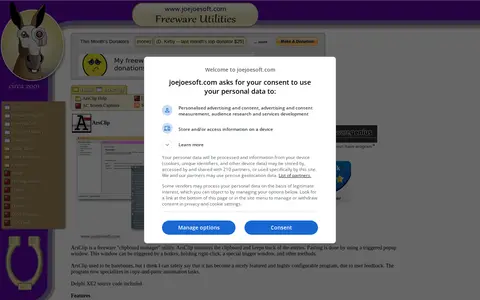
ArsClip is a freeware clipboard manager utility that monitors the clipboard and keeps track of entries. Pasting uses a triggered popup window, which can be opened by a hotkey, holding right-click, or other methods. The program specializes in copy-and-paste automation tasks and supports permanent clips and macros, pictures, rich text, file copy, Unicode and HTML.

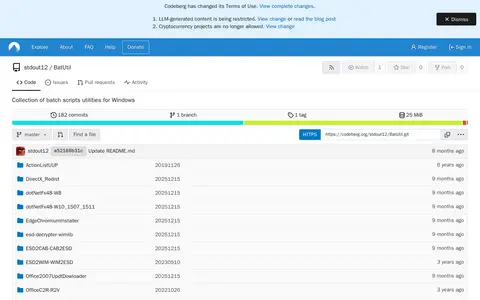
BatUtil is a collection of mostly batch script utilities for Microsoft Windows and Office. It includes scripts such as W10UI for installing or integrating Windows NT 10.0 updates and a UUP-to-ISO converter for assembling segmented UUP files into WIM or ISO files. Releases are available via download mirrors.

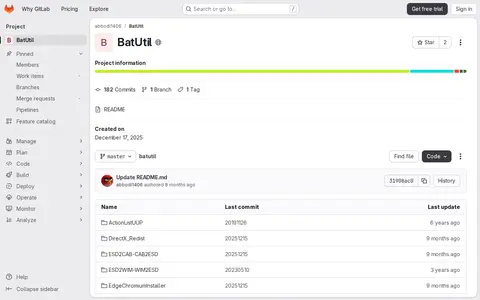
Batutil is a GitLab-hosted repository for the BatUtil project. As of the latest snapshot, the repository was created on December 17, 2025, and contains 182 commits, 1 branch, and 1 tag.

ClipAngel is a clipboard manager that captures clipboard objects and lets the user select and paste one into any program. It supports text, HTML, RTF, file and image clipboard formats. History is stored encrypted on disk, and it requires .NET Framework 4.52 or later.
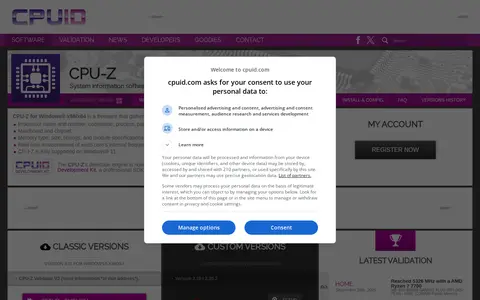
CPU-Z is a freeware for Windows x86/x64 that gathers information on some of the main devices of a system, including the processor name and number, codename, process, package, cache levels, mainboard and chipset, and memory type, size, timings and module specifications. It also provides real time measurement of each core's internal frequency and memory frequency.

GPU-Z is a lightweight utility designed to give information about a video card and GPU. TechPowerUp distributes it as versioned downloads with MD5, SHA1 and SHA256 checksums, including a standard version and an ASUS ROG themed version.
Windows uninstaller and cleanup tool for removing programs and leftover files.

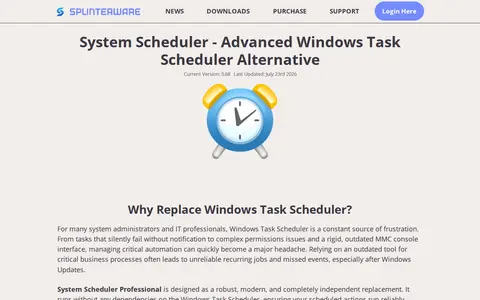
System Scheduler is a task scheduler replacement for Windows for automating tasks, scheduling applications and managing reminders. The Professional version is described as independent of Windows Task Scheduler, with a built-in Service Mode and watchers for files, processes, windows and services.

Spencer is a utility that restores a Windows XP style Start Menu on Windows 11 and Windows 10. It provides one-click access to Start Menu entries, the Control Panel, an administrator command line and the Run dialog. It does not interfere with the Windows 11 Start Button and can be pinned to the taskbar. A free ZIP download is offered.

Taskbar Hide is a Windows utility for hiding running application windows, either from a list or with a hotkey, and for showing, hiding or closing them. It can hide system tray icons, reorder taskbar windows, keep windows on top, minimize to tray, and hide the taskbar, start button, task window, system tray and time clock. It also displays window properties and can maximize all windows.

BleachBit is a free, open-source disk space cleaner and privacy manager for Windows and Linux. It deletes junk files such as temporary files, browser caches and logs, and can shred files and wipe free space. All features work offline without registration or license activation.

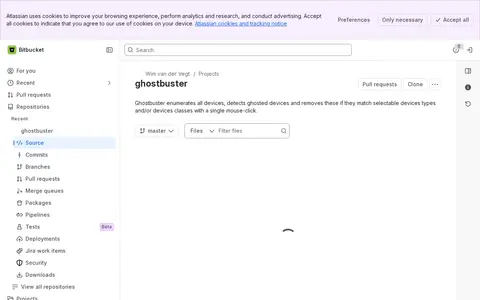
GhostBuster is a system utility for Windows, hardware checks, cleanup, process control, or desktop customization.

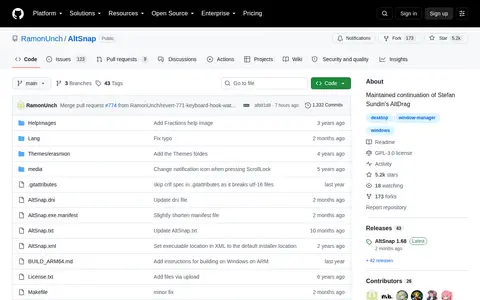
AltSnap is a fork of Stefan Sundin's AltDrag for Windows. It lets users move and resize windows by holding the Alt key and clicking anywhere on the window. This version injects nothing into other applications and does not require separate 32-bit and 64-bit builds. It adds options such as transparent window dragging, a Maximize action, pause options and more blacklists.

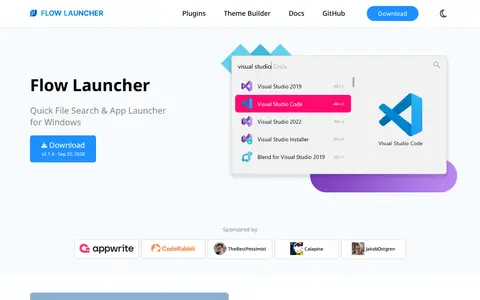
Flow Launcher is a free and open-source file search and app launcher for Windows. A customizable hotkey triggers the search window, and it can open apps, search files and file contents, run web searches, find bookmarks, run system and shell commands, do calculations and search Windows settings. Plugins can be installed from a plugin store or written in C#, F#, Python, JavaScript or TypeScript.

r/TechSupport is a Reddit community or thread with discussion, guides, updates, or shared resources.

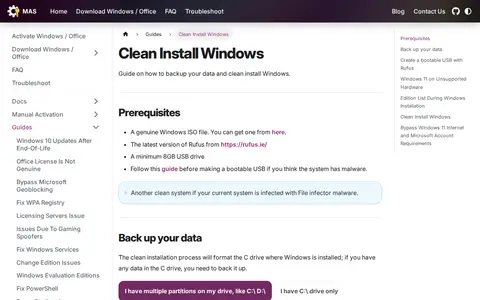
A guide covering how to back up data and clean install Windows. It lists prerequisites such as a genuine Windows ISO file, the latest Rufus version and a minimum 8GB USB drive, and includes steps for creating a bootable USB with Rufus.

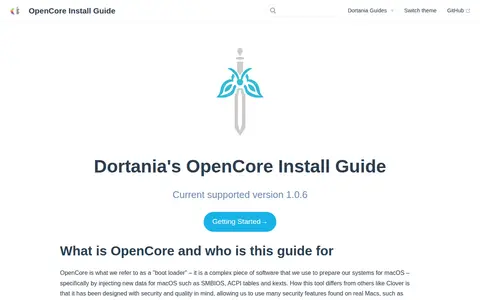
Dortania's OpenCore Install Guide covers installing macOS on an X86-based PC and explaining how a Hackintosh works. It describes OpenCore as a boot loader that injects data such as SMBIOS, ACPI tables and kexts for macOS, and states the guide is not a simple one-click install setup.

Windows Terminal is a Windows system utility for cleanup, diagnostics, tweaks, processes, or administration.

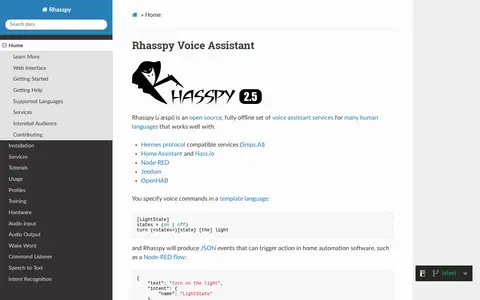
Rhasspy is an open source, fully offline set of voice assistant services for many human languages. It works with Hermes protocol compatible services, Home Assistant, Hass.io, Node-RED, Jeedom and OpenHAB. Voice commands are specified in a template language and produce JSON events that can trigger actions in home automation software. A web interface allows configuration, programming and testing, with functionality exposed through an HTTP API.

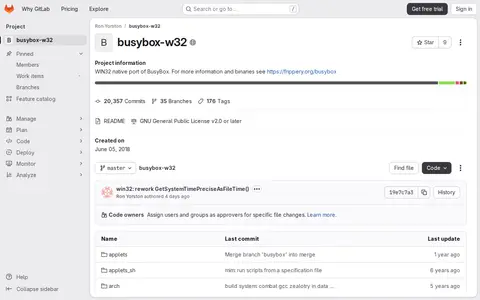
busybox-w32 is a WIN32 native port of BusyBox, hosted as a GitLab project. The repository refers readers elsewhere for more information and binaries. It is licensed under the GNU General Public License v2.0 or later and was created on June 05, 2018.

Device Cleanup Tool is a portable utility that lists non-present devices and allows for easy removal. It displays device name, class and last time used, and permits selecting multiple devices or all at once for removal. A video tutorial and command-line version are available. It requires Windows 11, 10, 8 or 7 and is freeware.

Grub2Win is a Windows application for safely multibooting Windows and Linux. It configures Grub boot screens and options from Windows, supports EFI and BIOS firmware in 64 and 32 bit, and supports Windows XP through Windows 11. It is free and open source, installs to a 30 MB directory and includes GNU Grub 2.16 modules.

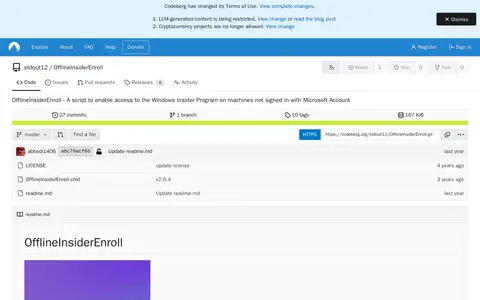
OfflineInsiderEnroll is a Windows Command Prompt script that enables access to the Windows Insider Program on machines not signed in with a Microsoft Account. It works on Windows 11 and Windows 10 version 1809 or later, requires administrative privileges, and lets users select Insider channels; it can also restore Windows Insider Program defaults.