How to Import OPML into NetNewsWire
Learn how to import OPML into NetNewsWire on Mac, iPhone and iPad. Choose the destination account, check the feed list and keep your export as a backup.
On this page
Here's how to import OPML into NetNewsWire: export your subscriptions from the old reader, choose Import Subscriptions…, select the destination account and open the file. You'll need NetNewsWire and an OPML export. The subscriptions move; don't treat that file as a complete backup of every article you've read or starred.
How to import OPML into NetNewsWire without moving the wrong data
An OPML subscription list carries feed subscriptions. It isn't an archive of your reading history. That distinction becomes visible when changing accounts, even within the same reader.
In an October 3, 2026 forum discussion, a reader praised how subscriptions copied from On My Mac to iCloud but found read counts and starred articles didn't follow as hoped. Developer Brent Simmons replied that transferring that state was a requested feature.
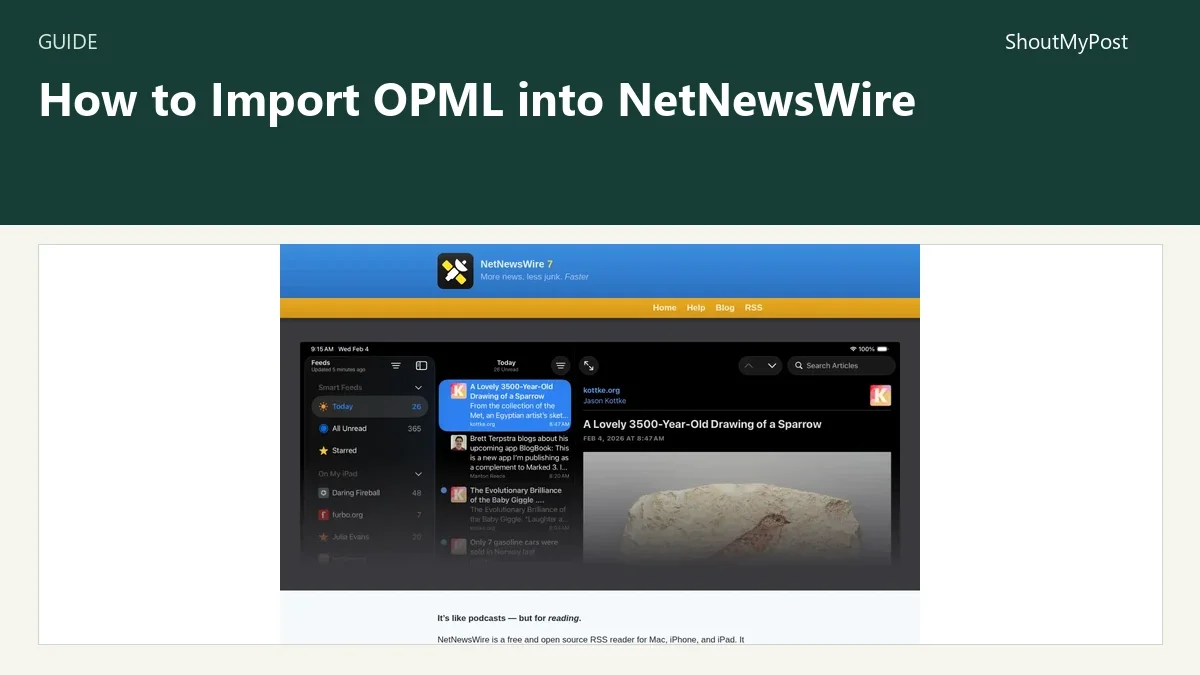
My recommendation is to save important article URLs separately before a move. Keep the old reader available while you check the new subscription list. The NetNewsWire listing links to the free Apple-device app; supported current downloads and older help books are available from its official site.
1. Export a subscription list from the old reader
Use the old reader's documented OPML export option. Save the resulting .opml file somewhere you can find from the device receiving it. On a Mac that might be a local folder; on an iPhone or iPad, place it in Files.
Give the file a name such as reading-subscriptions-2026-10-09.opml. The date helps you tell a recent export from one you saved before reorganizing folders. Keep the original file rather than changing it while you are still deciding where to import.
If your reader exports something else, don't rename it to .opml and expect the format to change. A saved article, a feed's XML and a subscription list have different contents. Look for the export intended for moving subscriptions between readers.
2. Choose the account that will receive the feeds
Decide whether the new subscriptions belong in a local account or an account used for synchronization. NetNewsWire's published import instructions prompt you to choose when more than one account is present.
This is the consequential part of the import. A correctly opened file can still land in an account you don't plan to use on another device. Choose the destination before assuming that a successful import should appear everywhere.
For a local reading setup, keep it local. For an existing synced setup, use that account. Don't create an extra syncing service merely because an import dialog offers more than one kind of destination.
3. Import the file on a Mac
The official Mac import guide gives the menu path File › Import Subscriptions…. Select the destination account if asked, choose the OPML file and click Open.
The feeds should join your subscription list. Read through the sidebar and inspect several recognizable subscriptions. A file containing a long list can make a successful import look busy before it makes it look familiar.
The site labels this published help book for version 6.1; its current NetNewsWire 7 homepage still lists OPML import and export. The supported import task is the same, while platform support and other features follow the current download page.
4. Use the mobile import route on iPhone or iPad
NetNewsWire's iPhone and iPad help describes Settings on the Feeds screen, then Import Subscriptions. Choose an account if asked, then select the OPML file in Files.
If you moved the file from a Mac, make sure it is available in the file location you selected on the mobile device. A file that is only saved in a Mac's local Downloads folder isn't automatically present in the iPhone's file picker.
You should see the imported feeds added to the current list. The original export remains a separate file. I would keep it until the final check instead of deleting the only convenient copy immediately after the import.
5. Read a few feeds and keep the backup
Open several imported subscriptions and compare their titles with the old reader. Check a folder you used often and a subscription you added recently.
An imported list doesn't make a publisher keep old stories in its feed. If a recent feed no longer contains an article you saved years ago, the subscription URL can still be correct. Preserve that article's original URL separately.
For syncing accounts, let the initial synchronization finish before deciding a second device is missing subscriptions. The Mac import guide says an initial iCloud sync can take several minutes. It doesn't give a fixed completion time for every account.
Known problems and troubleshooting
The October forum exchange identifies two concrete account-migration disappointments: unread counts can change, and starred articles may not follow the subscription copy. Exporting another OPML file won't recreate state that the subscription list doesn't carry.
| Problem | Cause to check | Fix |
|---|---|---|
| Feed list appears in the wrong account | A different import destination was selected | Confirm the account before reorganizing or repeating the import |
| Old read counts aren't preserved | Subscriptions moved without their reading state | Keep the previous reader available for reference |
| Starred articles didn't come across | The move carried subscriptions rather than saved-item state | Preserve original article URLs separately |
| A feed has no old articles | The publisher's current feed no longer includes them | Use saved original URLs for that older reading |
Two variations
For a reader change, import into the account you actually plan to read. Keep the old export and source reader until folders and subscriptions look right. Then continue using the new reader for fresh articles.
For sharing a reading list, give another person the OPML file without treating it as a live subscription to your future edits. A June 2026 NetNewsWire forum reply from Brent Simmons says automatic subscription to an online OPML list wasn't a supported feature at that time. A file import is a snapshot of a list.
Completion checklist and next steps
- The file came from an OPML subscription export.
- You selected the intended local or syncing account.
- Familiar feeds and folders appear in the sidebar.
- Important saved article URLs remain accessible separately.
- You kept the export until the list was checked.
If you want another kind of reader, explore Feedreader, Capy Reader, Gnus, KrISS-feed and Makagiga. The news-search category contains their directory entries. Choose the reader around the devices and accounts you use, then move the subscription list.
FAQ
Does OPML move my saved articles?
An OPML subscription list doesn't serve as a full saved-article archive. It carries the subscriptions that a reader can fetch again. Keep important original article URLs separately before migrating. The October 2026 NetNewsWire account-copy discussion shows why a transferred feed list shouldn't be treated as a guarantee that starred items follow.
Can I import on an iPhone or iPad?
Yes, the published mobile help describes importing from the Feeds screen through Settings and Import Subscriptions. Save the .opml file in Files, select the destination account if asked, then choose the file. A copy sitting only in a Mac's local folder needs to reach the mobile device first.
Will this remove subscriptions from my old reader?
Importing the exported file into NetNewsWire doesn't instruct the old reader to delete its subscriptions. It reads the list you supplied into the destination account. Keep the old reader until you've checked the new list and saved-item references. Any later account deletion or cleanup is a separate action.
Sources
NetNewsWire Mac and mobile import help, current homepage and the October 2026 account-copy discussion. The June 2026 Feedland discussion supplies the snapshot-versus-live-list distinction. Official pages checked October 9, 2026.
Related articles
Directory
Listings in this article
-
NetNewsWire
Read and organize RSS subscriptions on Apple devices.