How to Add a Page to Mwmbl
Learn how to add a page to Mwmbl using Add new and result approvals. Follow its curation rules, choose a good query and avoid promoting your own site.
On this page
Here's how to add a page to Mwmbl: sign in, search for the query the page answers, then use Add new to enter its URL. You'll need an account and a page you've read. This guide follows Mwmbl's curation instructions, including the rule that makes it a poor place to promote your own project.
How to add a page to Mwmbl without self-promotion
Mwmbl's curation guidelines prohibit adding your own site or promoting an employer, relative or associate. That applies even when you think the page answers the query. The point is helping someone else find an answer; project promotion belongs elsewhere.
The guide also limits current curation to English queries because of moderation capacity. Ordinary searching and editing results are different activities. You can use the Mwmbl search service without turning every query into a contribution.
My recommendation is to start with one public page on a subject you understand. Read it before deciding that the search result needs it. A title can promise an answer while the actual page contains only a signup form, an outdated instruction or someone else's summary.
1. Sign in and choose a query
Use an existing Mwmbl account. The Terms say basic searching doesn't need an account, while curation and contributions do. Sign in before editing results.
Search for the topic the page answers. Prefer a query another person could reasonably type, such as the name of a documented command plus its task. Don't create a long sentence designed solely to make one URL look like the perfect result.
Mwmbl's guide advises against curating misspellings. Correct the query before editing its result set. Otherwise, you spend effort improving an accidental spelling while the intended query remains unchanged.
When the result page opens, read what is already there. The missing piece might be a better explanation, an official manual or a practical example. If an existing page already supplies that answer, approving it may be the smaller contribution.
2. Read the destination and choose the exact URL
Open the candidate page and find the part that answers the query. Prefer the specific article or documentation page over a broad homepage. A searcher asking how a setting works shouldn't need to hunt through the entire site after opening your result.
Copy the page's public URL. Avoid a link from a private dashboard, a local file path or a session-specific preview. Another reader must be able to reach the same material without borrowing your signed-in account.
For example, if a project's public manual has a page devoted to importing a file, use that page instead of the vendor's sales page.
3. Use Add new for a missing result
On the results page, choose Add new and enter the URL. That button name and the manual-URL route appear in the official curation guide.
Read the resulting entry before moving on. The destination should be the page you intended to contribute. If the interface reports an error, keep the query and URL so you can explain what failed; don't repeatedly submit the same address under different queries.
Adding a result for a query is a narrower task than asking a crawler to discover everything a domain contains.
4. Approve a result that's already present
If the page is already listed, use its tick (✓) control instead of adding it again. Mwmbl's guide says approved results move toward the top. Your contribution is the approval; a duplicate entry adds clutter without adding another answer.
Read competing results before approving one. An official reference and a worked example can both belong in a result set. For an ambiguous word, choose pages that help with its different meanings instead of assuming everyone wanted your interpretation.
This is also where I would stop for a first contribution. One thoughtful approval teaches the task better than attempting to rebuild a whole query's result list in one sitting.
5. Flag a curation that needs moderator attention
The guide describes flagging unsuitable curations with a reason. Explain the concrete problem: the page doesn't answer the query, it promotes a contributor's own site, or it contains an inaccurate instruction. A moderator can revert the curation or leave it in place.
Don't flag a page merely because you prefer another author's style. A disagreement about which explanation is clearer isn't the same as a conflict of interest. Point to the passage or relationship that makes the edit a problem.
Known problems and troubleshooting
The public issue list includes issue 313, titled “ui does not list if domain has been submited or not correctly.” If a domain-status display is confusing, inspect the actual result URL before adding a duplicate.
Issue 316, opened May 4, 2026, reports an outdated crawler link in the README. Manual curation doesn't need crawler installation. Use the current Book of Mwmbl instructions if you later decide to contribute crawling work.
| Problem | Cause to check | Next action |
|---|---|---|
| You can search but can't contribute | No signed-in contribution account | Sign in with your own account |
| The same destination already appears | You found an existing result | Approve that entry instead of duplicating it |
| A domain-status indicator looks wrong | A reported UI problem affects status display | Inspect the listed URLs and preserve the query for a report |
| You followed an old crawler link | README link reported as outdated | Use current contributor documentation; manual edits need no crawler |
Two ways to make a smaller contribution
If you don't know a missing page, read and approve a result you can judge. This helps without turning the search into a hunt for something new. A clear reference page is a reasonable first candidate.
If you do know a missing page, keep the edit centered on its answer. Compare the specific URL with nearby results and add it only where it fills a gap. Save unrelated discoveries in your bookmarks; one interesting site doesn't belong under every query.
Completion checklist and next reading
- You used an English query with its intended spelling.
- You read the destination and can explain how it answers that query.
- You have no prohibited connection to the site.
- You approved an existing result or added one exact public URL.
- Any flag names a concrete problem for a moderator.
For other search approaches, explore Marginalia Search, Wiby, Searx Party and MetaGer. The search engines category includes the directory entries. These choices can remain ordinary search tools even if you contribute to Mwmbl occasionally.
FAQ
Do I need an account to add a Mwmbl result?
Yes, contributions and curation use a Mwmbl account. Basic web searching remains available without one, according to its Terms. Sign in with your own account before following the contribution controls. Adding a URL is a public search contribution, so read the page and choose the query it actually answers.
Can I add my own website?
No, Mwmbl's curation guidelines prohibit self-promotion. The same rule covers an employer, relative or associate, even if the page would answer the query. Contribute an independent page you can assess without that connection. If you're launching your own project, use a submission channel that explicitly accepts maker promotion.
Does adding a URL crawl every page on the site?
The manual curation instructions don't promise a full-domain crawl. They describe adding a result by entering its URL for a query. Choose the exact public page that answers the question, then assess that result. Running a contributor crawler is a separate activity with its own documentation and API rules.
Sources
Mwmbl's Curation Guidelines and Terms, plus its public issues 313 and 316; checked October 9, 2026. Exact control names come from the official curation guide.
Related articles
Directory
Listings in this article
-
Mwmbl
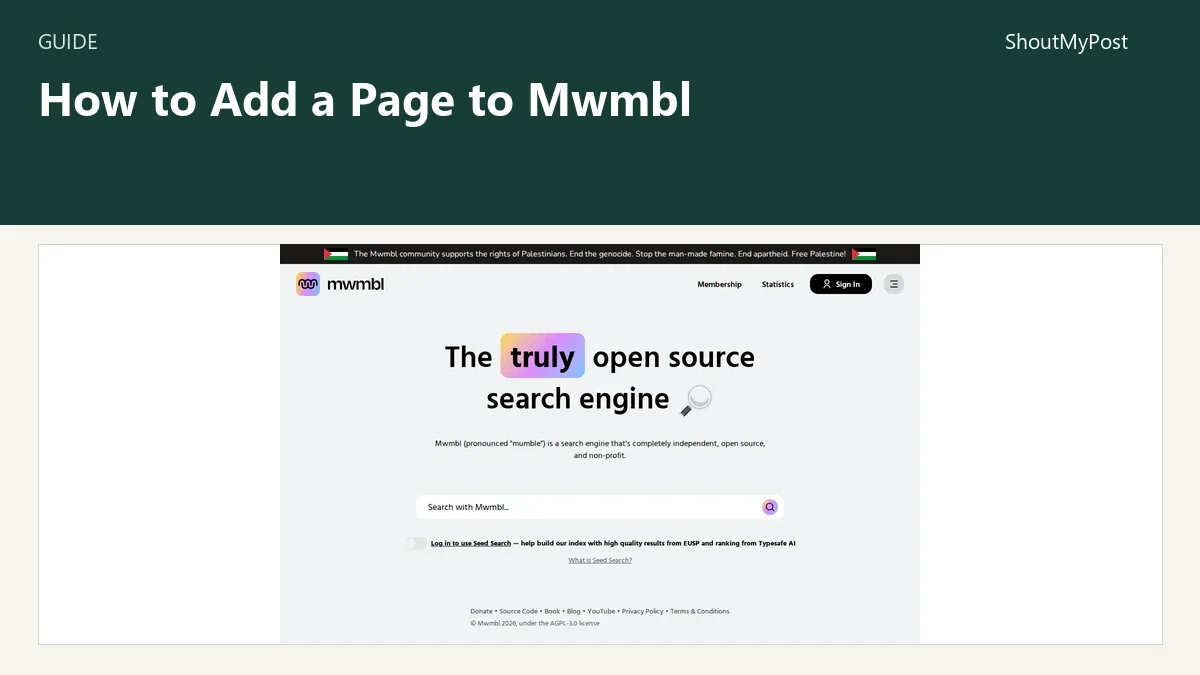
Mwmbl is a completely independent, open source, non-profit search engine. It provides a Seed Search feature that allows logged-in users to help build its index using high-quality results from EUSP and ranking from Typesafe AI.