
Directory

Search results

Published directory entries matching your search.

Search results

12 listings
learn.microsoft.com

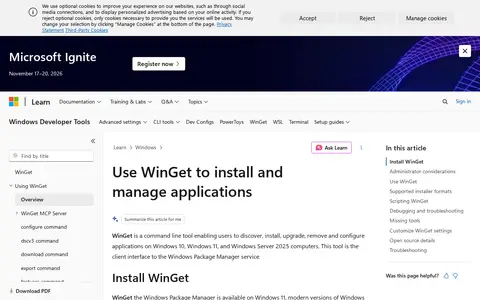
WinGet is a command line tool that enables developers to discover, install, upgrade, remove and configure applications on Windows computers. It serves as the client interface to the Windows Package Manager service and is supported on Windows 10 version 1809 (build 17763) or later.

System Utilities 0
github.com

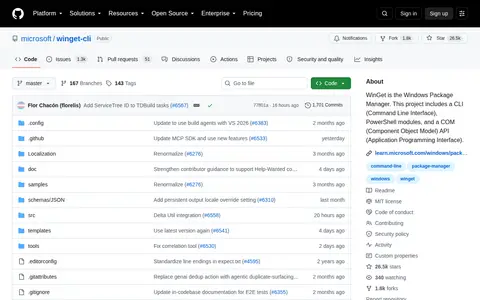
Winget Cli is a system utility for Windows, hardware checks, cleanup, process control, or desktop customization.

System Utilities 0
github.com

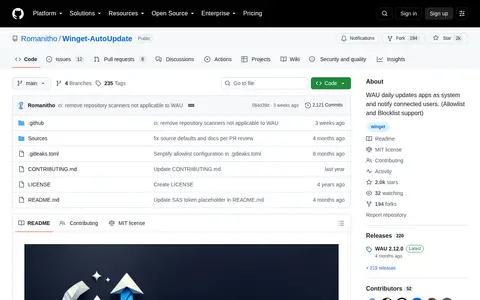
Auto Update, also known as Winget-AutoUpdate (WAU), is a Windows system utility that automatically updates installed applications on a daily basis using the Winget package manager, running updates with system privileges. It notifies connected users of update activity, supports allowlist and blocklist configurations to control which apps are updated, and offers adjustable notification level settings.

System Utilities 0
winstall.app

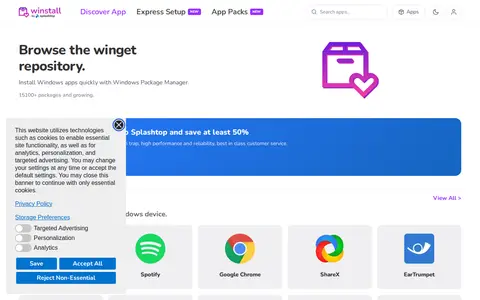
winstall is a browser-based interface for Microsoft's Windows Package Manager (winget). It lets users browse the winget repository, select multiple apps, and generate an install script that can be pasted into a terminal. The site also lists curated packs of apps that can be installed as a set.

System Utilities 0
github.com

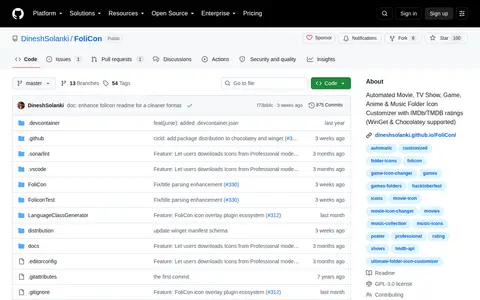
FoliCon is an automated folder icon customizer for movies, TV shows, games, anime and music. It supports IMDb and TMDB ratings and is compatible with Windows Package Manager (WinGet) and Chocolatey.

File Utilities 0
github.com

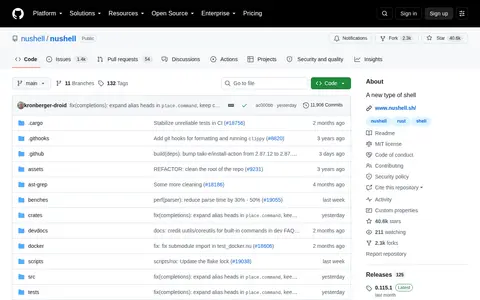
Nushell is a shell that treats each input as structured data rather than raw streams of text. Listing a directory returns a table of rows, and values can be piped through a series of commands called a pipeline. The project has reached a minimum-viable-product level of quality. It is available via package managers including brew and winget.

System Utilities 0
github.com

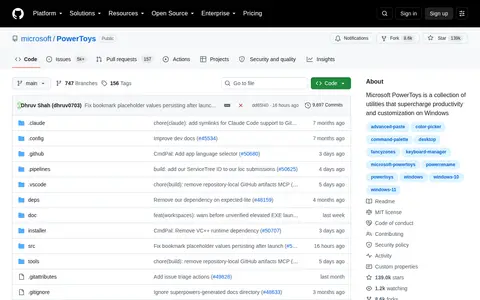
Microsoft PowerToys is a collection of utilities for Windows. The repository lists over 30 utilities, including Advanced Paste, Always on Top, Color Picker, FancyZones, PowerRename, PowerToys Run and Text Extractor. It can be installed from GitHub releases, the Microsoft Store or WinGet. Developer documentation describes prerequisites and setup steps for contributors.

System Utilities 0
github.com

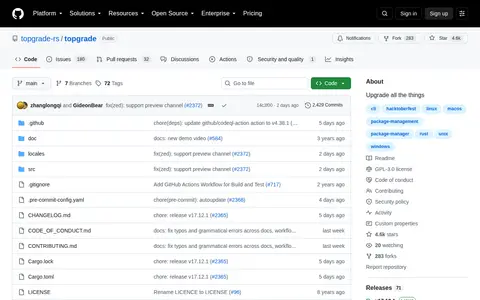
Topgrade is a fork of topgrade by r-darwish that detects which package managers and tools are in use and runs the appropriate update commands. It is written in Rust under a GPL-3.0 license and available through multiple installation channels, including cargo, Homebrew, Winget and package repositories. Custom commands can be defined in the configuration file.

System Utilities 0
devolutions.net

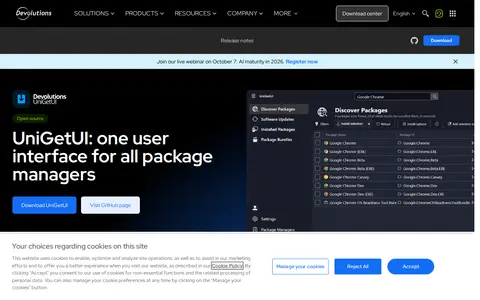
UniGetUI is a graphical interface for Windows package managers, combining packages from WinGet, Scoop, Snap, Chocolatey, Pip, Npm, .NET Tool and PowerShell Gallery. It allows installing, updating and uninstalling software without the command line, along with package discovery and filtering, bulk operations, and exporting and importing package lists between machines. It is free and open source under the MIT license.

System Utilities 0
vscodium.com

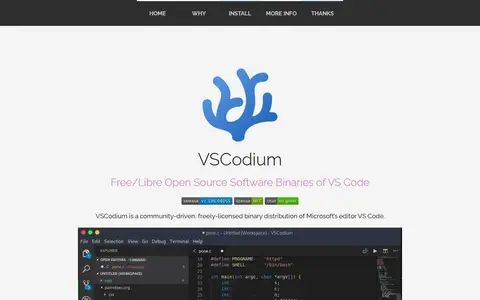
VSCodium is a community-driven, freely-licensed binary distribution of Microsoft's editor VS Code. It provides build scripts that clone Microsoft's vscode repository and upload resulting binaries, with telemetry disabled, so users do not have to download and build from source. It is available for Windows, Mac OS and Linux, including through package managers such as Brew, WinGet, Chocolatey, Scoop and snap.

IDEs & Code Editors 0
github.com

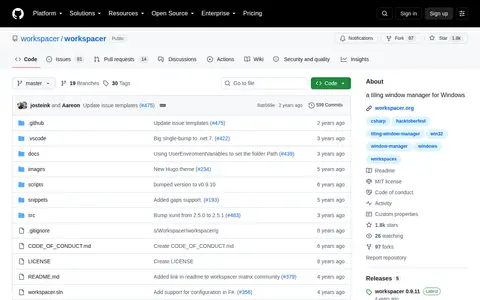
Workspacer is an open-source tiling window manager for Windows 10 and later, compared in the listing to Unix tiling window managers. It is written in C# and distributed under the MIT license. Configuration uses a scriptable API with default settings, and it can be installed through Winget, Chocolatey or Scoop.

System Utilities 0
github.com

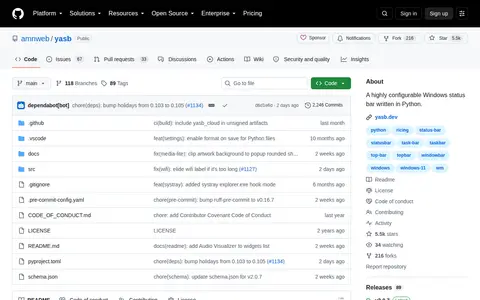
YASB (Yet Another Status Bar) is a highly configurable status bar for Windows written in Python. It supports many widgets, theming and deep customization. The wiki states it runs only on Windows. It can be installed via an .msi from GitHub releases, WinGet, Scoop or Chocolatey.

System Utilities 0