
code.visualstudio.com
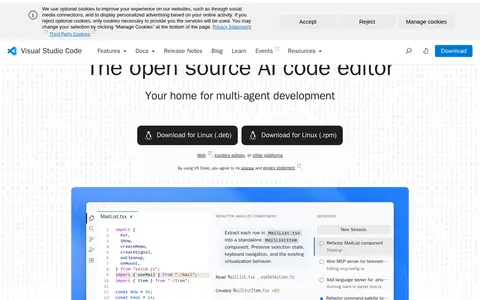
Edit and debug code with a desktop editor.
Directory
Published directory entries matching your search.
Edit and debug code with a desktop editor.

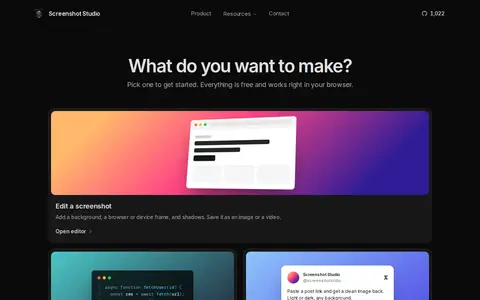
Screenshot Studio is a free, open-source browser editor for screenshots, code images, X post images, and App Store screenshots. It offers background, frame, mockup, and animation options, plus image tools for compressing, converting, and resizing. Images are edited on the device, with no signup, no watermark, and no paid tier.
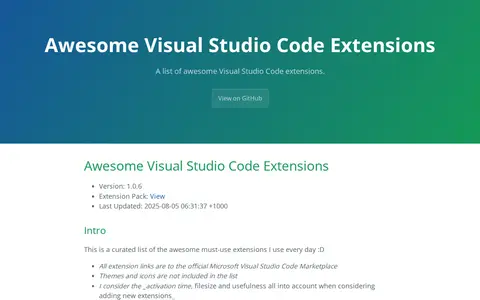
A curated list of Visual Studio Code extensions described as must-use. It links to the official Microsoft Visual Studio Code Marketplace. Themes and icons are excluded, and extensions are free from cost.

Extension for Visual Studio Code - An open-source AI debugging agent.

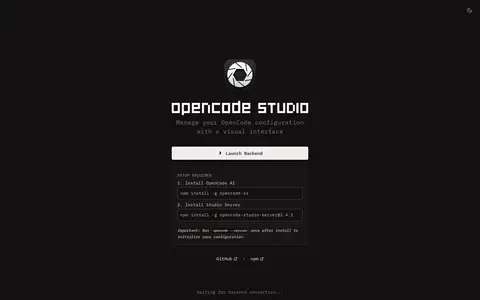
Config Manager, part of OpenCode Studio, is a visual configuration management tool for OpenCode. It provides a modern dashboard that allows users to configure MCP servers, skills, plugins and AI agents.

Harper is an open-source grammar and spell checker that runs entirely on the device. It covers US, UK, Canadian, Australian and Indian English, and performs checks locally without cloud round-trips, telemetry or an LLM. Integrations listed include Obsidian, Chrome, Firefox, WordPress, Visual Studio Code, Neovim, Helix, Emacs, Zed and Sublime Text.

UMLet is a free, open-source UML tool with a simple user interface for drawing UML diagrams. Sequence and activity diagrams can be created from plain text, and diagrams can be exported to eps, pdf, jpg, svg and the clipboard. It is available as a stand-alone app for Windows, macOS and Linux, as an Eclipse plugin, as the UMLetino web app and as a Visual Studio Code extension.

VsixHub is a directory for free Visual Studio Code extensions distributed as .VSIX files. It lists extensions by categories such as themes, programming languages, linters, debuggers, snippets, keymaps and formatters, with sections for trending, most installed and most popular extensions and version history links.