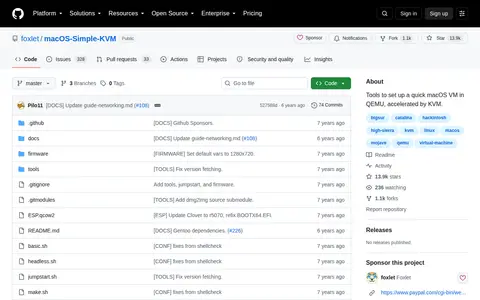

macOS-Simple-KVM provides tools to set up a quick macOS virtual machine in QEMU, accelerated by KVM. It requires a Linux system with qemu 3.1 or later, python3, pip and the KVM modules enabled; a Mac is not required. Installation media is downloaded by running jumpstart.sh, with Catalina as the default version and options for High Sierra, Mojave or Catalina, and basic.sh starts the machine.
Directory
Search results
Published directory entries matching your search.
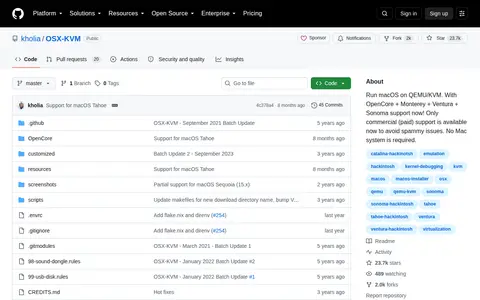
OSX-KVM is a tool that enables running macOS on QEMU/KVM. It supports OpenCore and macOS Monterey, Ventura, and Sonoma, requires no Mac system, and currently offers only commercial paid support.
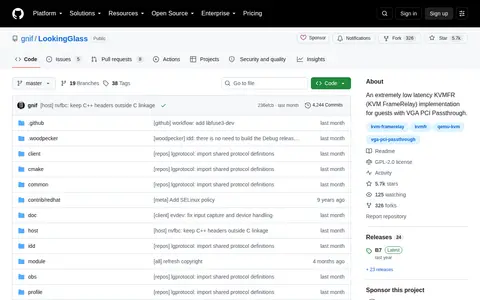
Looking Glass is an extremely low latency KVMFR (KVM FrameRelay) implementation for guests with VGA PCI Passthrough. It lets users use a Windows virtual machine from Linux with very low display and input latency. The recommended setup uses the Looking Glass Indirect Display Driver in the Windows guest and the Looking Glass Client on the Linux host. The Linux client is distributed as source code and must be built before installation.
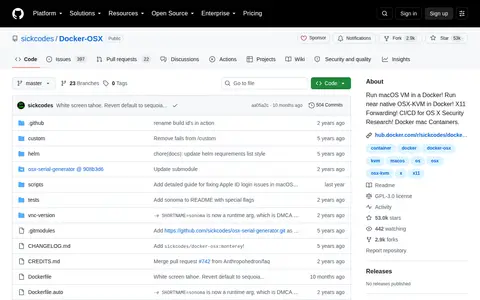
Docker OSX is a GitHub-hosted project that enables running a macOS virtual machine inside a Docker container. It uses near-native OSX-KVM, supports X11 Forwarding, and is intended for CI/CD and OS X security research use cases.
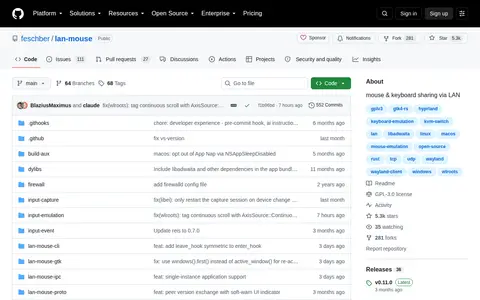
Lan Mouse is cross-platform mouse and keyboard sharing software that lets multiple PCs be used with a single mouse and keyboard, described as a software KVM switch. It is written in Rust and aims to be an open-source alternative to proprietary tools. It supports GNOME, KDE Plasma, wlroots compositors, Windows and macOS.
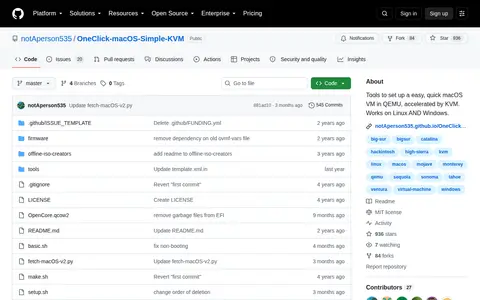
OneClick-macOS is an open-source toolset hosted on GitHub for setting up a streamlined, KVM-accelerated macOS virtual machine via QEMU. The tools are compatible with both Linux and Windows operating systems, and development is open to GitHub contributors.