
github.com
Auto Install / Update is an open source Linux, macOS, or Unix resource with code, tools, or setup notes.
Directory
Published directory entries matching your search.
Auto Install / Update is an open source Linux, macOS, or Unix resource with code, tools, or setup notes.

Auto Setup is an open source Linux, macOS, or Unix resource with code, tools, or setup notes.

auto-cpufreq is an automatic CPU speed and power optimizer for Linux. It actively monitors laptop battery state, CPU usage, CPU temperature and system load, aiming to improve battery life. It offers monitor, live, GUI, governor override and turbo mode options, and can be installed as a daemon.

Autokey is a Linux, macOS, BSD, or Unix resource for tools, documentation, communities, or system workflows.

AutoKey is a desktop automation utility for Linux and X11, formerly hosted on Google and updated to run on Python 3. It is an X11 application and will not function correctly when Wayland is used instead of Xorg. The project offers scripting, phrases, and mouse and keyboard control features documented in its wiki.

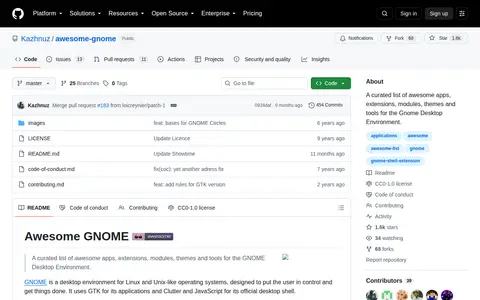
Awesome GNOME is a curated open-source list of high-quality applications, extensions, modules, themes, and tools designed for use with the GNOME desktop environment on Linux systems. The repository is organized into sections such as applications, internet and networking, and office software for easy navigation.

Awesome Homelab is an open source Linux, macOS, or Unix resource with code, tools, or setup notes.

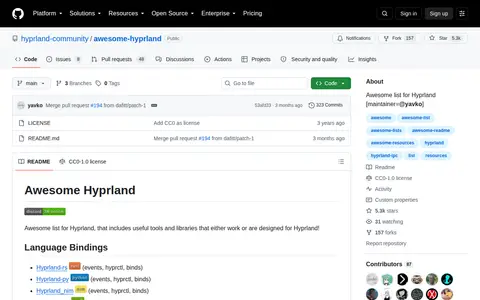
Awesome Hyprland is an open source Linux, macOS, or Unix resource with code, tools, or setup notes.

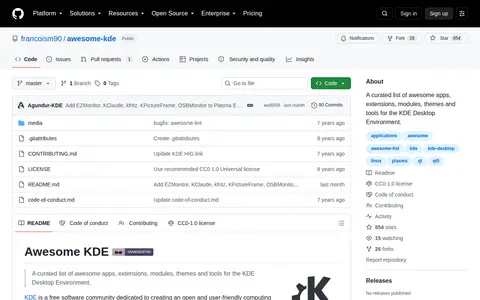
Awesome KDE is a curated open-source list of high-quality applications, extensions, modules, themes, and tools designed for use with the KDE desktop environment on Linux systems. The repository is organized into sections including applications, internet and networking, and graphics and imaging software for easy reference.

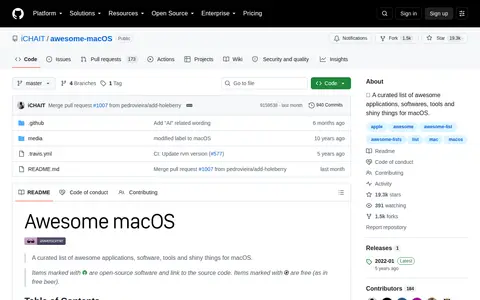
Awesome macOS is an open source Linux, macOS, or Unix resource with code, tools, or setup notes.

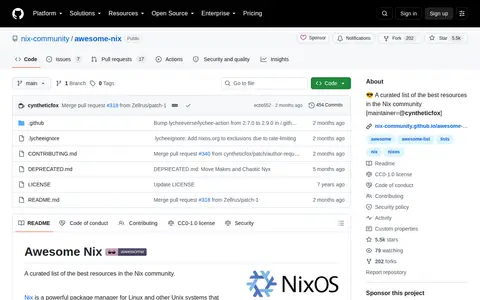
Awesome Nix is an open source Linux, macOS, or Unix resource with code, tools, or setup notes.

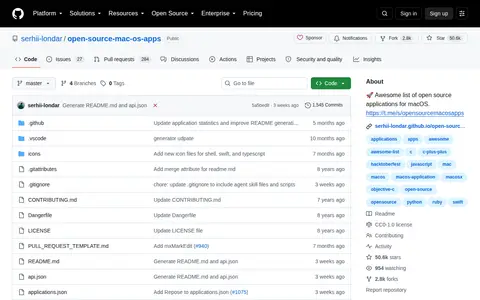
Awesome OS Apps is an open source Linux, macOS, or Unix resource with code, tools, or setup notes.

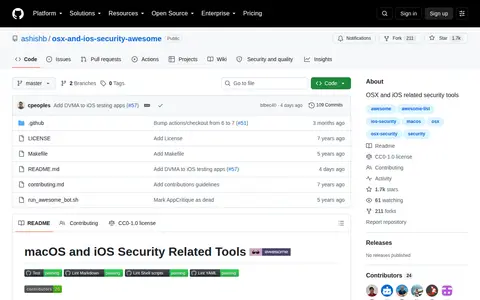
Awesome OSX Security is an open source Linux, macOS, or Unix resource with code, tools, or setup notes.

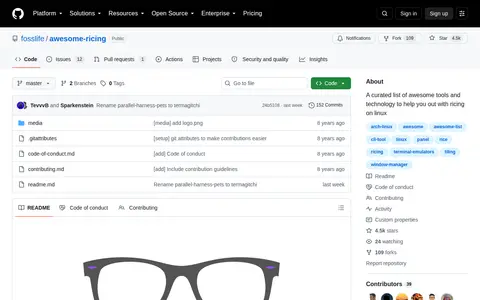
Awesome Ricing is a curated list of tools and technologies intended to help with ricing on Linux, described as making the operating system look beautiful. The list groups packages under headings such as window managers, which includes tiling window managers like bspwm and i3, along with terminals, bars and panels, CLI tools, colorschemes and shells.
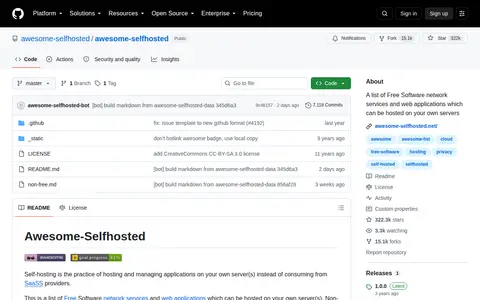
Awesome Selfhosted is an open source Linux, macOS, or Unix resource with code, tools, or setup notes.

Awesome Selfhosted UI is a Linux, macOS, BSD, or Unix resource for tools, documentation, communities, or system workflows.

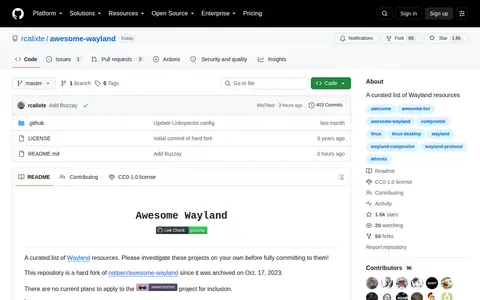
Awesome Wayland is an open source Linux, macOS, or Unix resource with code, tools, or setup notes.

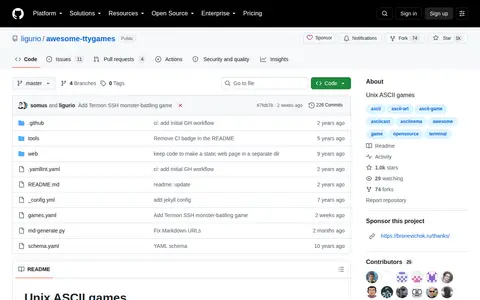
Awesome-ttygames is an open source Linux, macOS, or Unix resource with code, tools, or setup notes.
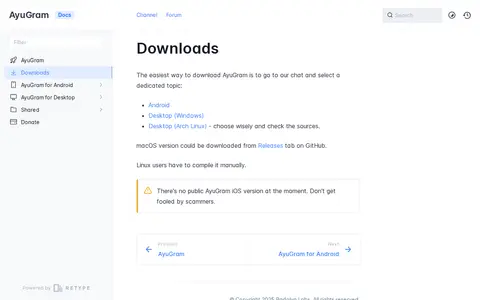
AyuGram is distributed through a chat topic for Android and Windows builds, with an Arch Linux build also listed. A macOS version is available from the Releases tab on GitHub, and Linux users must compile it manually. No public iOS version exists at the time of the document.

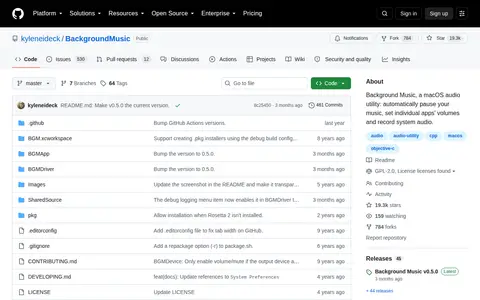
BackgroundMusic is an open source Linux, macOS, or Unix resource with code, tools, or setup notes.

Baobab is a Linux, macOS, BSD, or Unix resource for tools, documentation, communities, or system workflows.

GNU Bash is the GNU Project's shell, an sh-compatible shell that incorporates features from the Korn shell and the C shell. It is intended to conform to the POSIX Shell and Tools standard and offers improvements over sh for programming and interactive use. Most sh scripts can run by Bash without modification. It includes command-line editing, job control, shell functions and aliases, and indexed arrays.

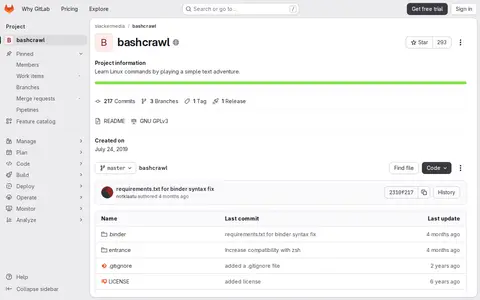
Bash Crawl helps learn, search, or use command-line tools, shell commands, and terminal workflows.

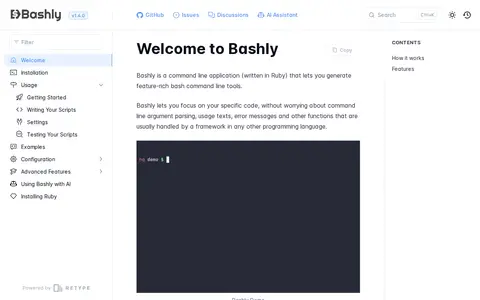
Bashly is a command line application written in Ruby that generates bash command line tools from a YAML configuration describing commands, subcommands, arguments, and flags. It produces a standalone script that parses and validates user input, provides help messages, and runs per-command code kept in separate files. Optional standard library functions include color output, config file management, YAML parsing, and bash completions.