
Directory

Search results

Published directory entries matching your search.

Search results

132 listings
codeberg.org

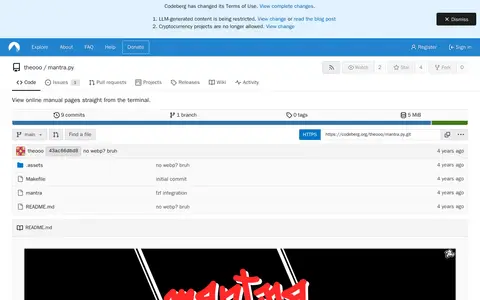
mantra.py is a Python rewrite of mantra that views online manual pages, taken from man.archlinux.org, from the terminal without downloading and installing the whole package. It requires Python, BeautifulSoup4 and fzf, and is installed manually via git clone and make install or through the AUR. Command-line options include help, keyword and download.

Linux & macOS Software 0
tuxmate.com

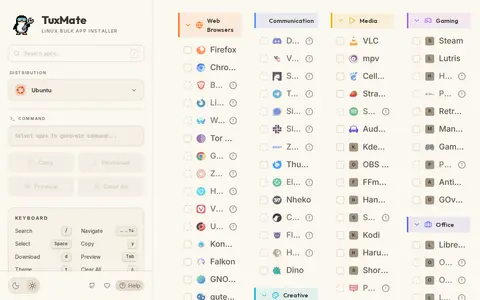
TuxMate is a Linux bulk application installer tool. It generates terminal commands that allow users to install their selected applications across a range of Linux distributions. The platform supports installation commands for over 180 apps on Ubuntu, Debian, Arch, Fedora, and other supported Linux distributions.

Software Downloads 0
Preview unavailable
avark.agency

Type Terms is an animated typographic cheat sheet that explains typographic terminology. It covers terms such as stem, serif, sans-serif, bar, eye, foot, terminal, aperture and kerning. The tool is intended for those new to typography or wanting to refresh their memory, and it can be embedded on a website.

Text & Writing Tools 0
github.com

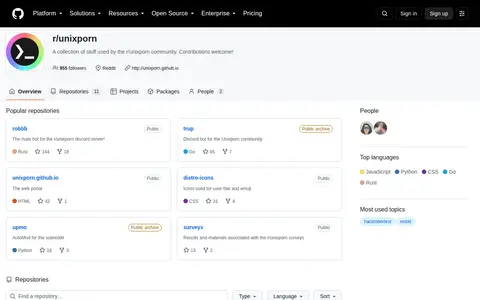
Unixporn is an open source command-line or Unix tool for terminal workflows and system use.

Linux & macOS Customization 0
thp.io

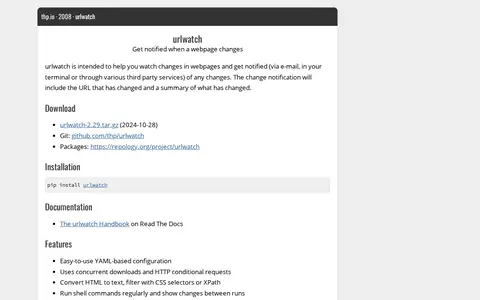
urlwatch is a tool that monitors webpages and notifies users when they change, via e-mail, in the terminal or through third party services. Notifications include the changed URL and a summary of the change. It uses YAML-based configuration and concurrent downloads, and can send changes via e-mail, Telegram, Slack and Pushover.

URL & Link Tools 0
viceclipper.framer.website

Vice helps learn, search, or use command-line tools, shell commands, and terminal workflows.

Linux & macOS Gaming 0
wearewaylandnow.com

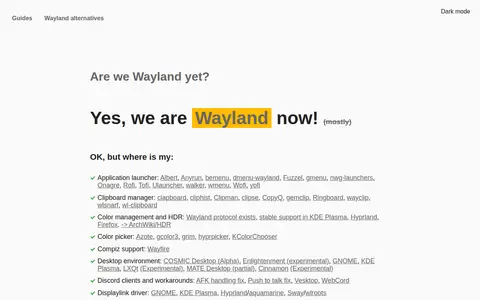
A directory page listing Wayland-compatible software across many categories, including compositors, terminals, file managers, screenshot tools and screen recorders. It also notes partial or experimental desktop environment support and where Wayland protocols or portal features exist.

Linux & macOS Customization 0
apps.gnome.org

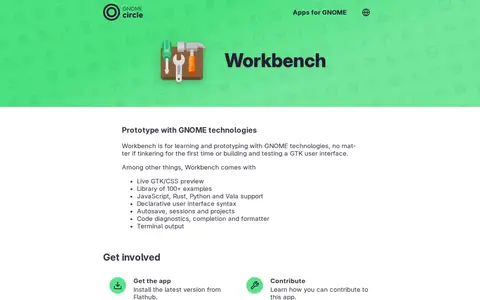
A GNOME application for learning and prototyping with GNOME technologies, from first tinkering to building and testing a GTK user interface. It includes live GTK/CSS preview, a library of over 100 examples, support for JavaScript, Rust, Python and Vala, declarative UI syntax, autosave, sessions and projects, code diagnostics and terminal output.

Programming & Technology Learning 0
xpipe.io

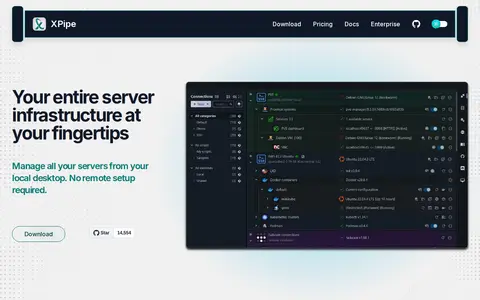
XPipe is a connection hub that accesses server infrastructure from a local machine. It works on top of installed command-line programs and requires no setup on remote systems. It manages remote connections, remote file management, terminal launching, SSH support, container runtime integrations, hypervisors, remote apps, and concurrency synchronization through a git repository. A Community plan is free; Homelab is $5/month or $40/year, and Professional is $10/month or $80/year.

File Hosting & Sharing 0
apps.kde.org

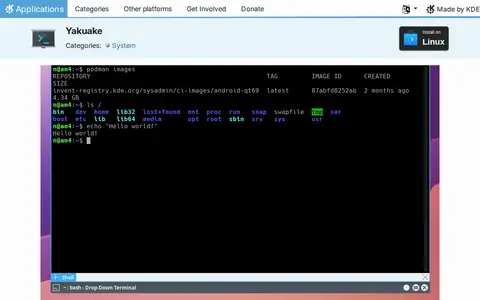
Yakuake is a drop-down terminal emulator based on KDE Konsole technology. It rolls down from the top of the screen and offers a tabbed interface, configurable dimensions and animation speed, skins and a D-Bus interface. It is available for Linux through distribution package managers and Flathub.

Linux & macOS Tools 0
yazi-rs.github.io

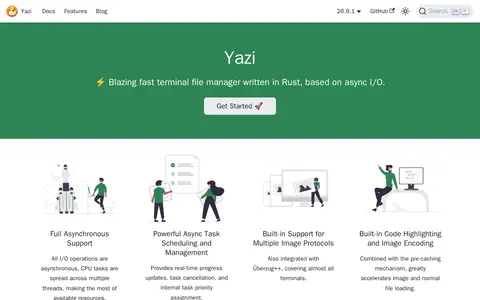
Yazi is a terminal file manager written in Rust that is based on async I/O. All I/O operations are asynchronous, and CPU tasks run across multiple threads. It offers scrollable previews, visual mode with bulk rename, multi-tab support, and incremental find. Search uses fd by name and rg by content. Optional tools extend functionality for thumbnails, archive handling and PDF preview.

File Utilities 0
zellij.dev

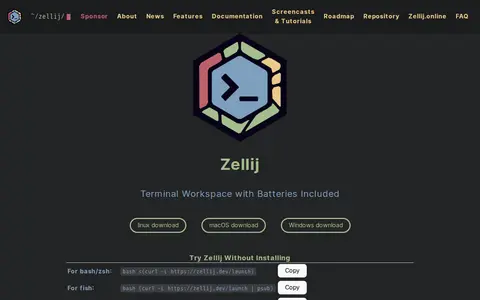
Zellij is a terminal workspace described as coming with batteries included. Its feature list covers floating panes, stacked panes, layouts and automation, session management, a web client and a plugin system. The site offers a way to try it without installing.

System Utilities 0