Directory

Search results

Published directory entries matching your search.

Search results

152 listings
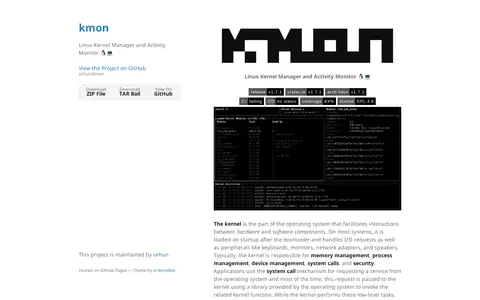
kmon.cli.rs

kmon is a Linux kernel manager and activity monitor available through Cargo, Arch Linux, Nixpkgs, Alpine Linux and Docker, with a manual installation option. The site also provides background on kernel function and design.

Linux & macOS Software 0
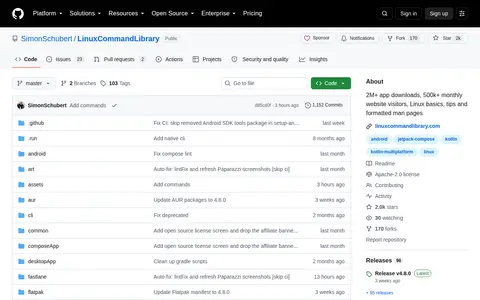
linuxcommandlibrary.com

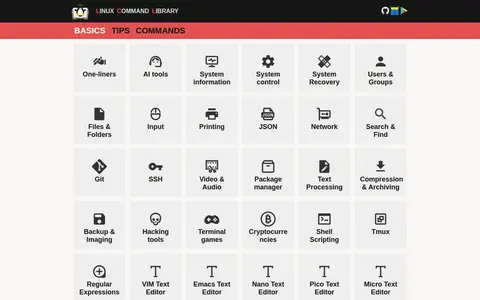
Linux Command Library is a collection of cheat sheets with Linux tips and terminal basics, covering categories such as system control, users, files, package managers, video and audio, hacking tools and terminal games. The site also links to Braincup, an open source brain training project with 41 mini-games, from the same maker.

Linux & macOS Software 0

Linux Command Library is a project offering a GUI and CLI app for browsing Linux manual pages and terminal tips. The app has 9257 manual pages, 30+ basic categories and general terminal tips. It works fully offline without an internet connection and has no tracking software. Native CLI and GUI binaries are available for Linux, macOS and Windows.

Linux & macOS Software 0
Preview unavailable
labex.io

Beginner-friendly Linux course covering command line, filesystems, permissions, networking, and processes.

Linux & macOS Software 0
linux-live.org

Linux Live Kit is a set of shell scripts for creating a custom Live Linux. Users install a distribution, ensure squashfs and aufs or overlayfs kernel modules are supported, then run the build script as root to produce an ISO image; a TAR archive and bootinst.sh can make a bootable USB device.

Linux & macOS Software 0
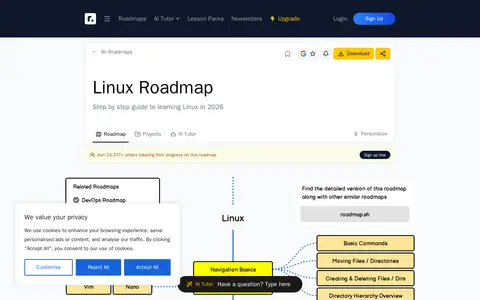
roadmap.sh

Linux Roadmap is a step-by-step guide to learning Linux in 2026, hosted on the roadmap.sh platform. roadmap.sh provides community-created roadmaps, best practices, projects, articles, resources, and learning journeys to help users select career paths and develop professional skills.

Linux & macOS Software 0
Preview unavailable
linuxquestions.org

Linux support forum for troubleshooting distributions, hardware, software, and command-line issues.

Linux & macOS Software 0
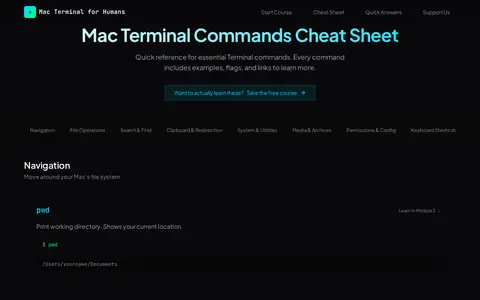
macterminal.cc

A cheat sheet of Mac Terminal commands covering navigation, file operations, and search, including pwd, ls, cd, cat, head, tail, less, mkdir, touch, cp, mv, rm, man and open. It lists flags, examples and keyboard shortcuts for each command.

Linux & macOS Software 0
github.com

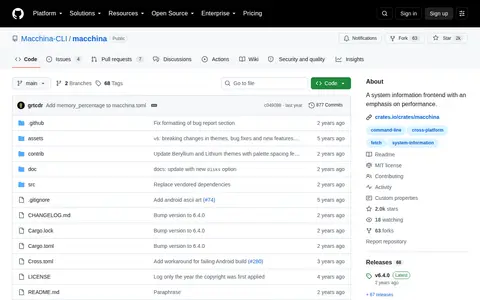
macchina is a system information frontend with an emphasis on performance, available for Linux, macOS, Windows, NetBSD, FreeBSD, OpenWrt and Android. It displays system information such as kernel version, uptime, memory usage and processor load. It is described as basic by default and customizable by design, with a theming system kept outside the configuration file. The project is in maintenance mode, accepting only bug fixes and documentation improvements.

Linux & macOS Software 0
man.archlinux.org

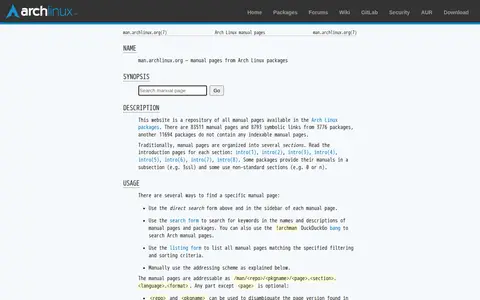
The Arch Linux manual pages website (man.archlinux.org) is a repository of manual pages from Arch Linux packages. It contains 83,516 manual pages and 8,793 symbolic links sourced from 3,776 packages, while 11,705 packages lack indexable manual pages. The site organizes pages into traditional sections and provides search forms to locate pages by name, description, or package.

Linux & macOS Software 0
github.com

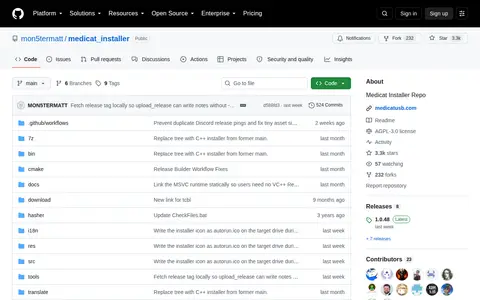
Medicat Installer is a Windows application that installs or updates Ventoy, optionally formats a USB drive as NTFS, extracts MediCat and verifies files by MD5. A native C++ build replaces earlier batch scripts, and a shell script for Linux remains on a separate branch.

System Utilities 0
mega.io

MEGA CMD is a command line tool that works with a MEGA account and data, allowing access to MEGA services via commands. It offers an interactive shell for navigating an account like a local folder and scriptable commands for Linux, Mac, or Windows shells, aimed at advanced users automating interaction with their MEGA account.

File Hosting & Sharing 0
github.com

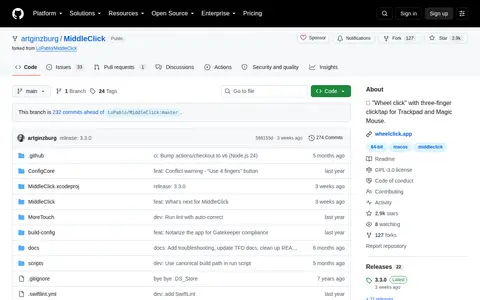
MiddleClick is an open source command-line or Unix tool for terminal workflows and system use.

Linux & macOS Software 0
github.com

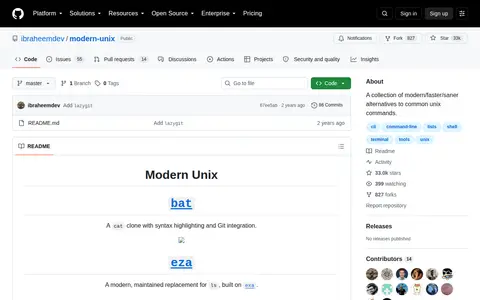
Modern Unix is a collection of modern, faster and saner alternatives to common Unix commands. The repository lists command-line tools including bat, a cat clone with syntax highlighting and Git integration, and ripgrep, described as an extremely fast alternative to grep that respects gitignore. It also covers tools for file listing, git and diff viewing, directory navigation and system monitoring.

Linux & macOS Software 0
github.com

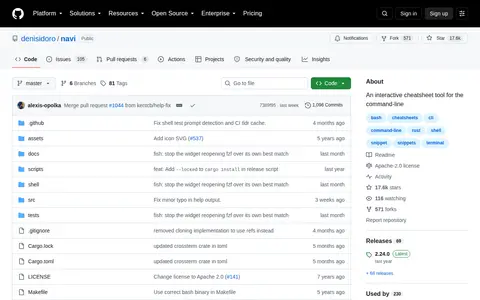
navi is an interactive cheatsheet tool for the command-line that lets users browse cheatsheets they write or download and execute commands, with suggested argument values displayed in a list. It uses fzf or skim and can run as a command, a shell widget or a Tmux widget. The repository is in maintenance mode, receiving bug fixes but no planned new features.

Linux & macOS Software 0
xwmx.github.io

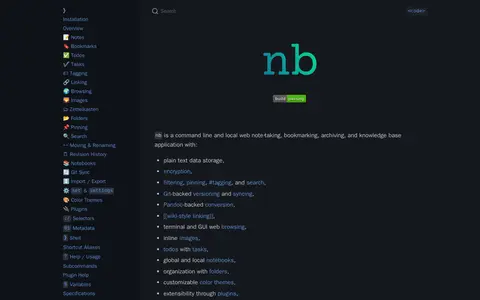
nb is a command line and local web note-taking, bookmarking, archiving, and knowledge base application. It stores data as plain text, creates notes in formats such as Markdown, Org, LaTeX, and AsciiDoc, and is contained in a single portable shell script. It works in standard Linux and Unix environments, including macOS and Windows via WSL, MSYS, and Cygwin.

Linux & macOS Software 0
rentry.co

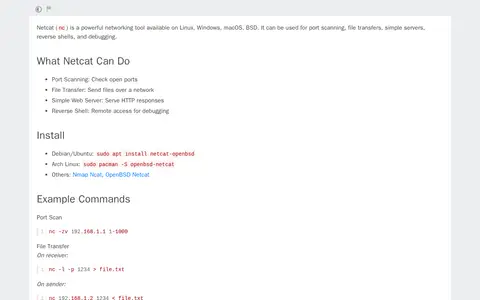
Netcat (nc) is a networking tool available on Linux, Windows, macOS and BSD. It can be used for port scanning, file transfers, simple servers, reverse shells and debugging. The page also lists installation commands for several distributions and example commands.

Linux & macOS Tools 0
nushell.sh

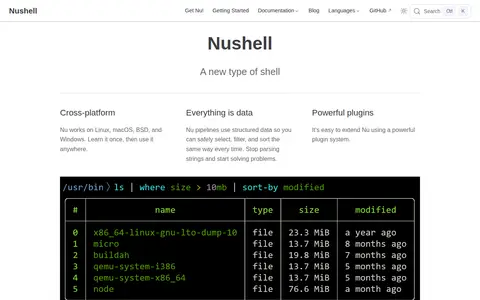
Nushell is a cross-platform shell that works on Linux, macOS, BSD, and Windows. Its pipelines use structured data, and it reads formats including JSON, YAML, SQLite, and Excel. It operates on typed data and offers a plugin system for extension. Nushell is available as downloadable binaries, through package managers, in a GitHub Action, and as source code.

System Utilities 0
github.com

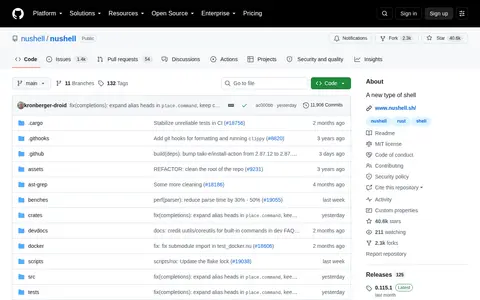
Nushell is a shell that treats each input as structured data rather than raw streams of text. Listing a directory returns a table of rows, and values can be piped through a series of commands called a pipeline. The project has reached a minimum-viable-product level of quality. It is available via package managers including brew and winget.

System Utilities 0
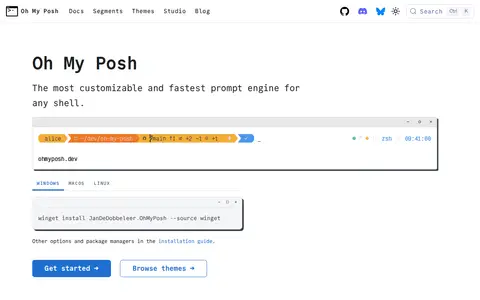
ohmyposh.dev

Oh My Posh is a prompt engine for shells, with one configuration intended to work across PowerShell, Bash, Zsh, Fish, Nu and others on Windows, macOS, Linux, WSL, containers and SSH. It is written in Go, and its segments run concurrently and cache results so prompts render in milliseconds. Around 120 segments cover git status, cloud context, language versions and system metrics.

Developer & Network Utilities 0
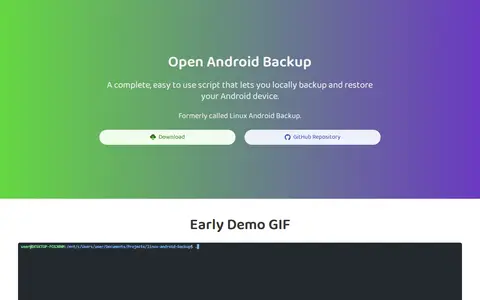
mrrfv.github.io

Open Android Backup is a shell script and Flutter app for locally backing up and restoring Android devices. It runs on Windows, macOS and Linux, uses 7-Zip archives, and encrypts and compresses backups by default. SMS messages and call logs cannot currently be restored, and app data is not saved due to Android restrictions.

Android Apps & Tools 0
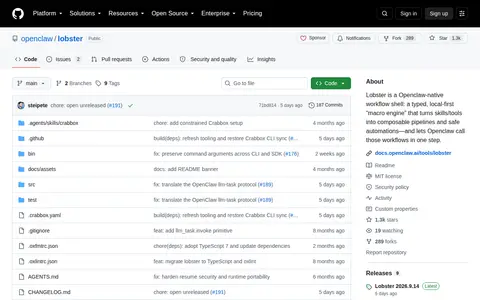
github.com

Lobster is an Openclaw-native workflow shell described as a typed, local-first macro engine that turns skills and tools into composable pipelines and automations. Workflows use JSON-first typed pipelines and can include approval and input gates that OpenClaw presents to the user. It requires Node.js 22 or newer and the pnpm version pinned in package.json. Captured process output is unlimited by default unless an output byte limit is set.

AI Agents & Automation 0
Preview unavailable
ovagames.com

Ova Games is a site for downloading PC games, with sections for GOG games, repack games and scene games. Listings include titles such as DriveClub Recompiled, Mortal Shell II Devout Edition and SnowRunner A MudRunner Game Premium. The site describes offering scene releases, GOG, repack, torrent and direct links.

Game Downloads 0
overthewire.org

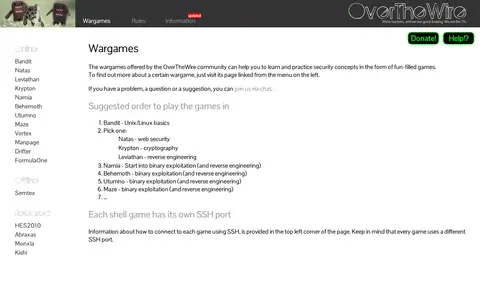
OverTheWire is a community offering wargames intended to help people learn and practice security concepts through games. Its suggested order begins with Bandit for Unix/Linux basics, followed by a choice among Natas for web security, Krypton for cryptography or Leviathan for reverse engineering, then binary exploitation games. Each shell game uses its own SSH port.

Programming & Technology Learning 0