
Directory

Search results

Published directory entries matching your search.

Search results

179 listings
github.com

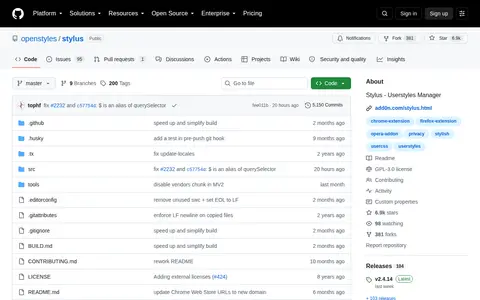
Stylus is a browser extension that restyles websites via CSS themes. It is compatible with Chrome, Firefox, and Chromium-based browsers, and supports UserCSS styles installable from a plain text URL. It includes a built-in editor for CSS themes and cloud sync for Dropbox, GDrive, OneDrive, or WebDAV-compatible servers.

Browser Tools & Extensions 0
github.com

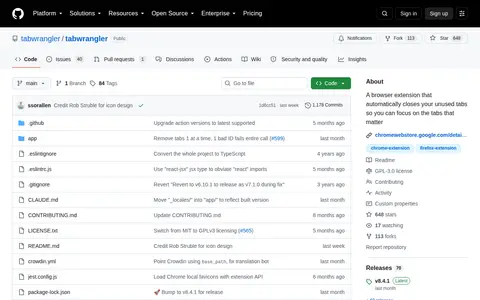
Tab Wrangler is a Chrome and Firefox extension that automatically closes tabs that have not been visited for a while, one hour by default. Closed tabs are saved to the Tab Corral, a searchable list from which they can be restored. Individual tabs, windows and listed domains can be locked to prevent auto-closing.

Browser Tools & Extensions 0
chromewebstore.google.com

Browser extension for Text to Image, adding useful tools or workflow improvements inside the browser.

Browser Tools & Extensions 0
github.com

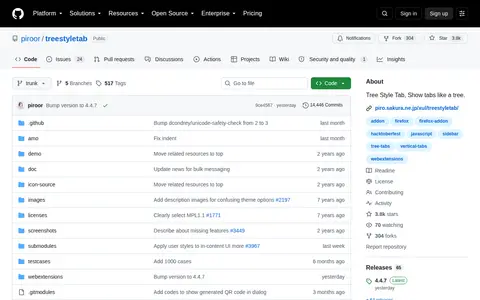
Tree Style Tab is a Firefox extension that organizes tabs as trees. Tabs opened from the current tab become children of that tab, branches can be collapsed by clicking an arrow on the parent tab, and the tree can be restructured by drag and drop. The extension provides an API for other extensions that extend its sidebar behavior.

Browser Tools & Extensions 0
turnoffthelights.com

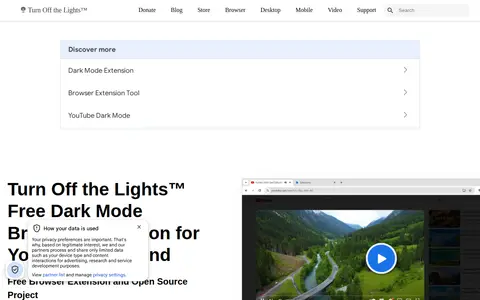
Turn Off the Lights is a free, open-source browser extension that applies dark mode to websites and adds a one-click dimmer for videos. The site says it uses stylesheet injection that preserves video colors while darkening the rest of the page. It lists availability for Chrome, Firefox, Edge, Safari and Opera.

Browser Tools & Extensions 0
chromewebstore.google.com

Browser extension for uAutoPagerize, adding useful tools or workflow improvements inside the browser.

Browser Tools & Extensions 0
ui.vision

Ui.Vision RPA is an open-source browser and desktop automation tool for building reusable macros. It offers web automation, desktop automation, web scraping, UI testing and test automation, using visual recording, Selenium-style commands or a JavaScript API. The V10 release adds an AI macro assistant and an MCP bridge for connecting AI assistants. The browser extension is available for Chrome, Edge and Firefox.

Browser Tools & Extensions 0
vimium.github.io

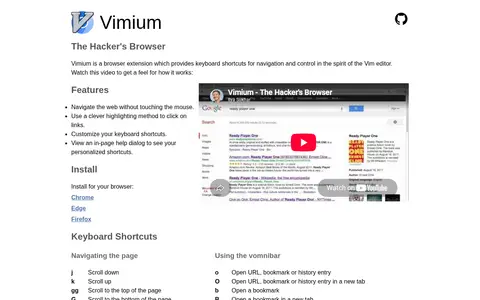
Vimium is a browser extension providing keyboard shortcuts for navigation and control in the spirit of the Vim editor. It is available for Chrome, Edge and Firefox. The shortcuts support scrolling, following links, manipulating tabs, navigating history, copying the current URL, and opening URLs, bookmarks or history entries through the vomnibar. Keyboard shortcuts can be customized, and an in-page help dialog shows personalized shortcuts.

Browser Tools & Extensions 0
chromewebstore.google.com

Browser extension for Volume Master, adding useful tools or workflow improvements inside the browser.

Browser Tools & Extensions 0
chromewebstore.google.com

Browser extension for WAIncognito, adding useful tools or workflow improvements inside the browser.

Messaging & Chat 0
whatfonttool.com

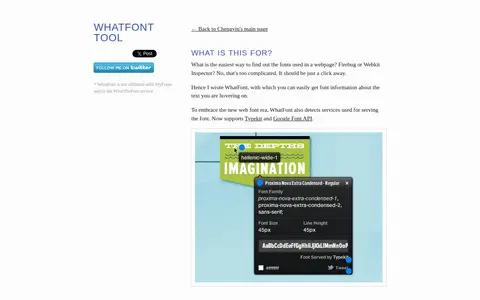
WhatFont is a tool for identifying fonts used on webpages. It is available as a bookmarklet, Chrome extension and Safari extension. When activated on a webpage, users can hover over text to retrieve font information, and the tool detects font serving services including Typekit and Google Font API. It supports Firefox 3.6+, Chrome 9+, Safari 4+, Internet Explorer 9 and has limited support for Internet Explorer 8.

Text & Writing Tools 0
yomitan.wiki

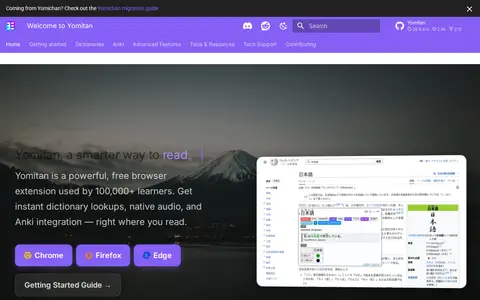
Yomitan is a free browser extension that provides pop-up dictionary lookups while reading. It shows definitions, word frequencies, native audio and example sentences, and can send lookups to Anki as flashcards. The extension supports Chrome, Firefox and Edge and runs on Android devices.

Language Learning 0
Preview unavailable
hackertab.dev

Hackertab is a free start page for developers that shows daily developer news, trending GitHub repositories and tech conferences, curated hourly from more than 50 sources. It is available as a browser extension for Chrome, Firefox, Brave and Edge and as a web version, with no account required to browse news. The site describes it as free and open source with no tracking.

Developer News 0
allmangasreader.com

A browser extension for following updates of manga on online manga readers. It displays full chapter scans, helps track reading state and scores, and bookmarks scans. Versions are offered for Firefox and for Opera and Chromium-based browsers, and the beta channel provides features as they are developed.

Manga 0
anime-skip.com

Anime Skip is an open-source tool that automatically skips parts of anime episodes using a community timestamp database. It provides a video player with auto-skip timestamps, customizable keyboard shortcuts, advanced controls including playback speed up to 4x, and a free API for developers. Extensions are offered for Chrome and Firefox, with support for Crunchyroll.
Anime Streaming & Discovery 0
github.com

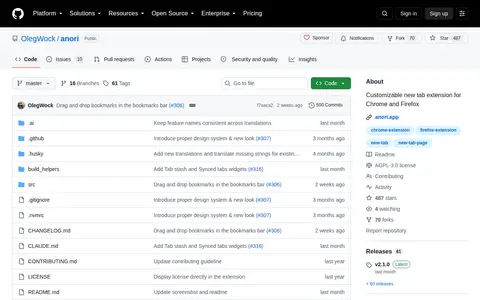
Anori is a customizable new tab extension for Chrome and Firefox. It lets users add and arrange widgets on the homepage, including bookmarks, calendar, notes, tasks and other tools, with widget packs organized in folders. It supports light and dark modes and offers eight color schemes and backgrounds, with users able to create their own.
Browser Tools & Extensions 0
my.jdownloader.org

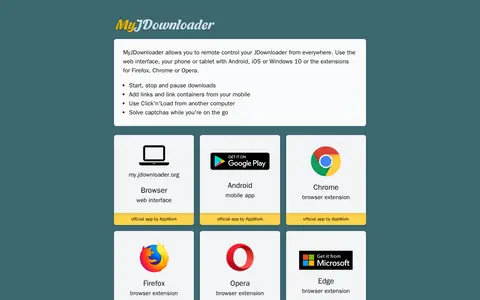
A list of apps and browser extensions for the MyJDownloader remote control service for JDownloader. It covers the web interface and apps for Android, iOS, Windows 10, Firefox, Chrome, Opera and Edge, letting users start, stop and pause downloads and add links from mobile.

Download Managers 0
bmz.absolutezero.fyi

Bookmark Manager Zero is a privacy-focused bookmark management suite with browser extensions that work with native Firefox or Chrome bookmarks. It performs link health checking and link security scanning, detecting dead links and flagging suspicious URLs. Optional GitLab sync lets the web and Android apps access bookmarks on mobile devices.

Browser Tools & Extensions 0

A browser extension that lets users read articles from supported sites that implement a paywall, and allows adding a domain as a custom site. Weekly updates are released for fixes and new sites. Installation instructions are provided for Chrome and Firefox.

Internet Utilities 0
chaos-frontend-toolkit.web.app

Chaos Frontend Toolkit is a browser extension bundling tools intended to break web apps so developers can find ways to improve them, applying chaos engineering principles to the frontend. It covers areas such as network, timers, history, accessibility, localization and inputs, and is available on Chrome, Firefox and Edge as an open-source GPLv3 project.

Web Development 0
github.com

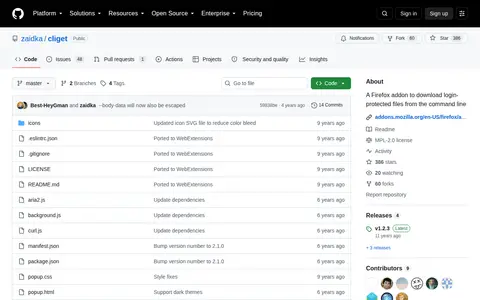
cliget is a Firefox addon that generates curl, wget or aria2 commands for downloading login-protected files from the command line. The generated commands emulate browser requests by sending the same cookies, user agent string and referrer. It is intended for downloading email attachments, purchased software or media, and source code from private repositories to a remote server without downloading files locally first.

Browser Tools & Extensions 0
codeweb.chat

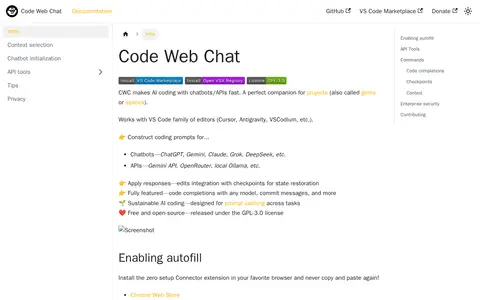
Code Web Chat (CWC) is a free, open-source AI coding tool that integrates with chatbots and APIs. It is compatible with the VS Code family of editors including Cursor, VSCodium, and Antigravity. It supports chatbots such as ChatGPT, Gemini, Claude, Grok and DeepSeek, and APIs including Gemini API, OpenRouter and local Ollama. Features include code completions, checkpoints for state restoration, and a browser extension for autofill available for Chrome and Firefox. It is released under the GPL-3.0 license.

AI Coding & Development 0

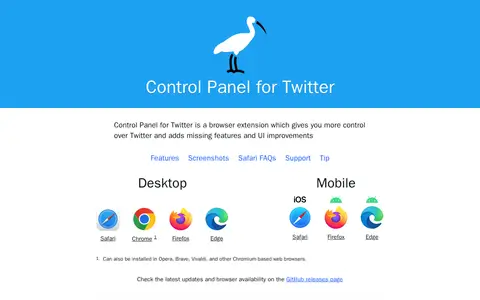
Control Panel for Twitter is a browser extension that gives users more control over their Twitter timeline and adds missing features and UI improvements. It is available for desktop and mobile browsers, including Safari, Chrome, Firefox and Edge.

X / Twitter 0

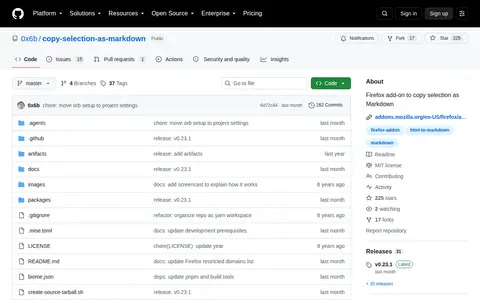
Copy Selection as Markdown is a Firefox add-on that copies the title, URL, and selection as Markdown. It is in maintenance mode, with no plans for new features or major changes. A Chrome version must be built and installed at the user's own risk.

Browser Tools & Extensions 0