
fonts.adobe.com
Adobe Fonts helps clean, compare, sort, transform, count, or format text in the browser.
Directory
Published directory entries matching your search.
Adobe Fonts helps clean, compare, sort, transform, count, or format text in the browser.

AnyTextEditor is a free online text editor that provides extensive functionality for editing and manipulating text. Users can work with various fonts, encodings, and code formats. The tool includes utilities such as find and replace, case conversion, URL decoding and encoding, HTML and CSS editing, word and character counting, grammar checking, text comparison, and text-to-speech. It also offers generators for passwords, QR codes, barcodes, random data, and more, as well as converters for documents like PDF, Word, and Excel.

Awwwards helps clean, compare, sort, transform, count, or format text in the browser.

Befonts is a site offering free fonts shared by their creators and curated for designers, with categories such as serif, script and display fonts. It also lists premium fonts with commercial licensing and offers text tools including a case converter, character counter and webfont converter.

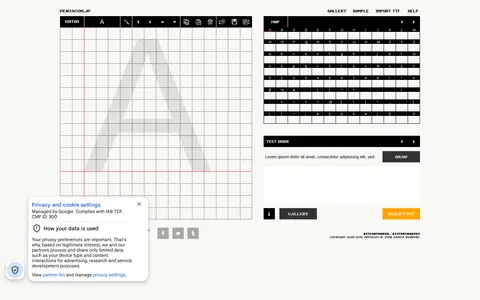
BitFontMaker2 helps clean, compare, sort, transform, count, or format text in the browser.

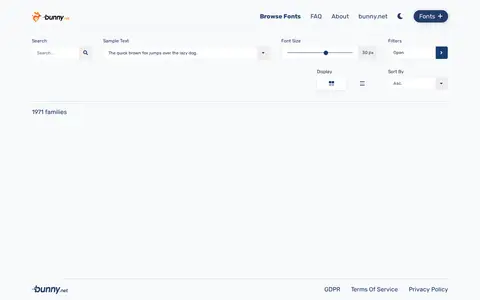
Bunny Fonts helps clean, compare, sort, transform, count, or format text in the browser.

CDNFonts helps clean, compare, sort, transform, count, or format text in the browser.
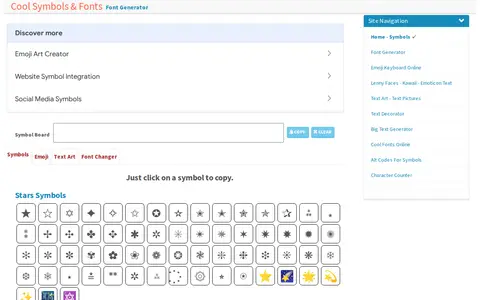
Cool Symbol is a collection of special text symbols, letters and characters, organized by category such as stars, currency, brackets, chess and cards, musical notes, arrows and zodiac signs. It also provides a cool font generator tool.

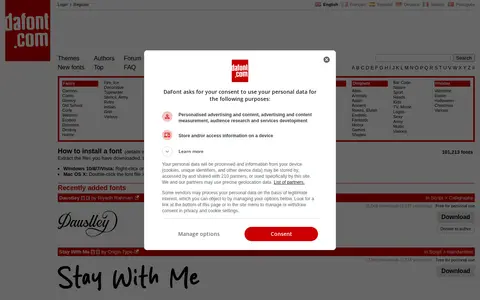
DaFont is an archive of freely downloadable fonts that can be browsed by alphabetical listing, style, author or popularity. The site states that fonts are the property of their authors and are either freeware, shareware, demo versions or public domain, and that the indicated licence is only an indication. It gives installation instructions for Windows, Mac OS X and other systems.

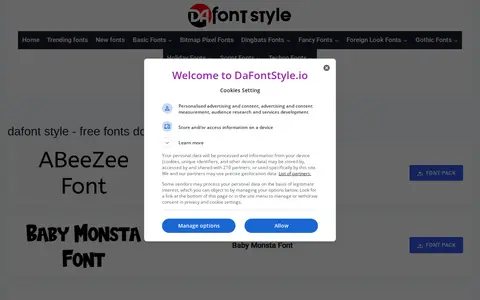
dafont.style helps clean, compare, sort, transform, count, or format text in the browser.

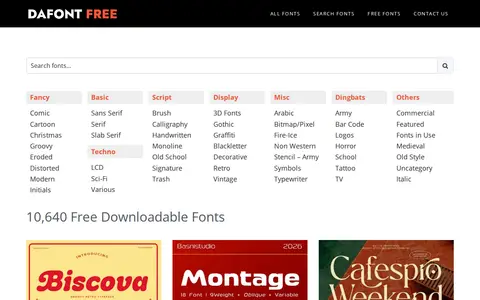
DaFontFree is a website that provides free downloadable fonts. It hosts over 10,640 high-quality fonts across categories including sans serif, serif, script, handwritten, and display. The fonts are available for both personal and commercial use.

DFonts is a website offering downloads of free fonts across categories such as serif, script, calligraphy, handwritten and display fonts. The source describes free fonts, Google Fonts and Adobe Fonts, and mentions unlocking commercial fonts.

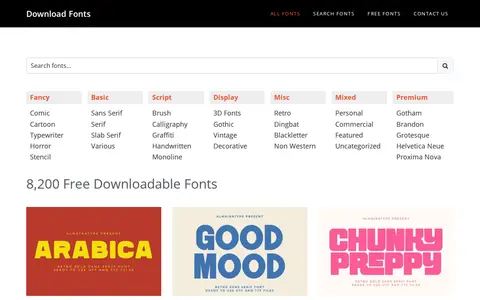
DownloadFonts is a website that offers free high-quality fonts for personal and commercial use. It provides access to a collection of over 5,600 to 8,200 fonts spanning categories including sans serif, serif, script, handwritten, calligraphy, display, and additional type styles. Users can browse and download fonts from the platform.
enFont helps clean, compare, sort, transform, count, or format text in the browser.

Fancy Text helps clean, compare, sort, transform, count, or format text in the browser.

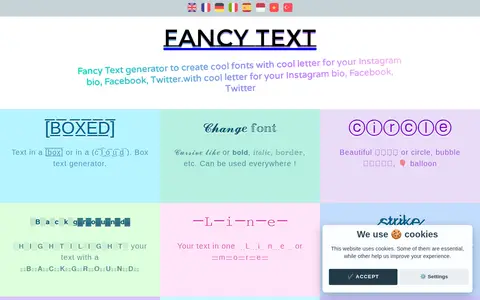
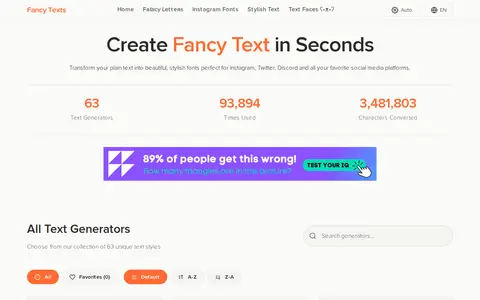
Fancy Text Decorator converts plain text into styled Unicode fonts. The site lists 63 text generators, including Aesthetic, Bold, Cursive, Fraktur and Vaporwave styles, for use on social media platforms. A free API transforms text, requires no registration and allows 100 requests per hour.

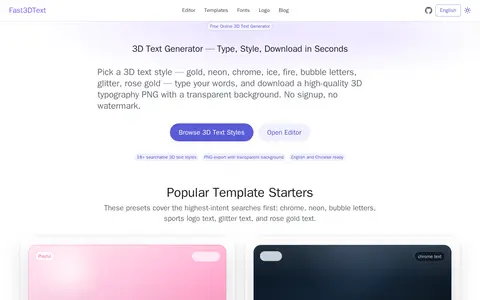
A free online 3D text generator with 18+ template styles. Users type words, choose a style such as gold, neon, or chrome, and export a transparent PNG. Fonts, gradients, background, shadow, and stroke can be customized. No signup and no watermark are required.

FlameText is a free online logo and text image generator that has been developed for 27 years. It provides access to a large selection of high-quality, easily customizable logo designs, along with related tools, fonts, and other resources for users to create logos and text images.
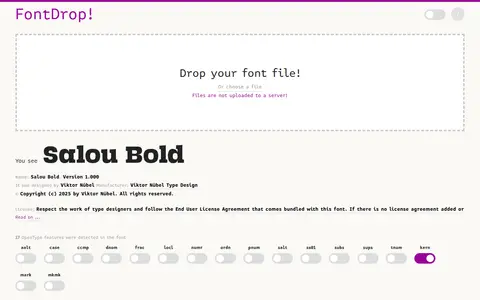
FontDrop helps clean, compare, sort, transform, count, or format text in the browser.

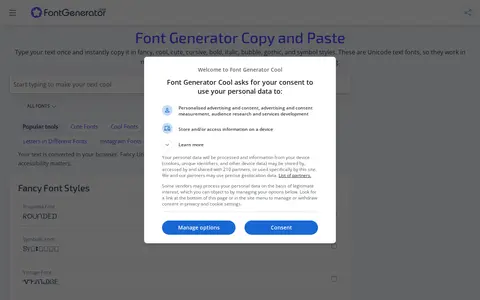
FontGenerator.cool turns text into 180+ copy-and-paste fonts for Instagram, TikTok, Discord and bios, including cool, cute, bold, cursive and symbol styles. A separate Unicode compatibility checker tests whether fancy text uses symbols or combining marks that may not work everywhere.

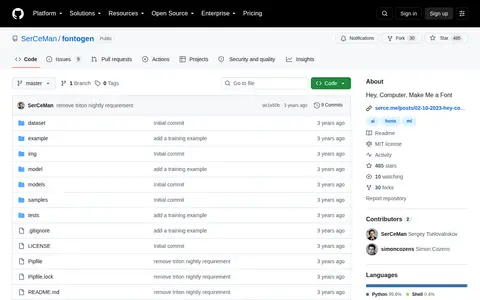
FontoGen helps clean, compare, sort, transform, count, or format text in the browser.

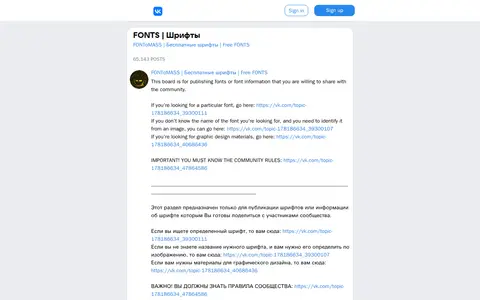
FONToMASS helps clean, compare, sort, transform, count, or format text in the browser.
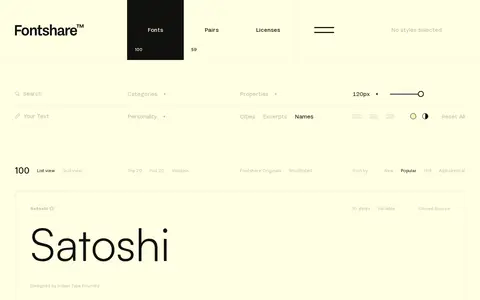
FontShare helps clean, compare, sort, transform, count, or format text in the browser.

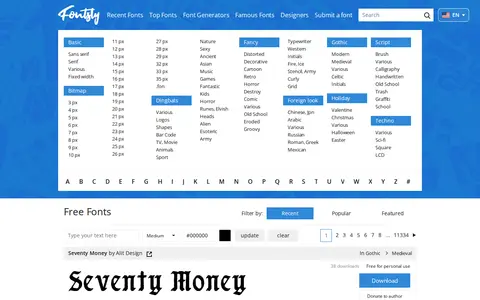
Fontsly helps clean, compare, sort, transform, count, or format text in the browser.