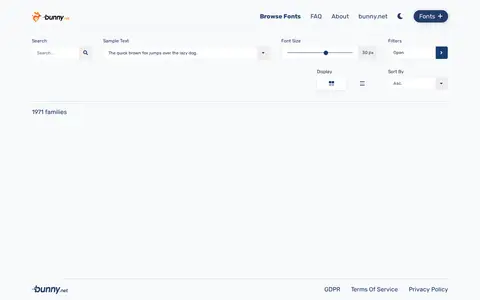

fonts.bunny.net
Bunny Fonts helps clean, compare, sort, transform, count, or format text in the browser.
Directory
Published directory entries matching your search.
Bunny Fonts helps clean, compare, sort, transform, count, or format text in the browser.

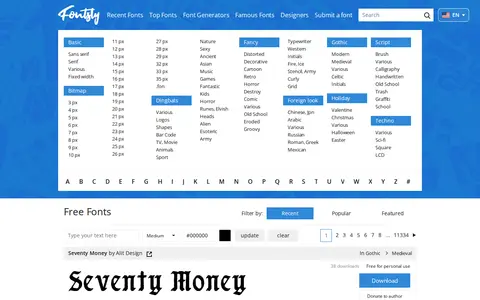
CDNFonts helps clean, compare, sort, transform, count, or format text in the browser.

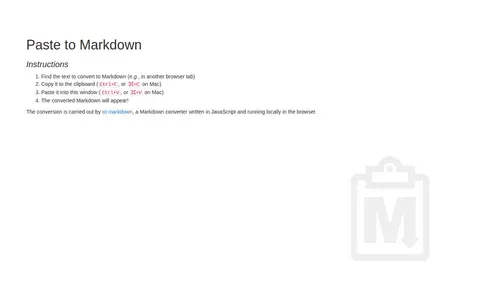
A browser-based tool that converts clipboard text into Markdown. Users copy text, paste it into the page, and the converted Markdown appears. Conversion is performed by to-markdown, a JavaScript converter running locally in the browser.

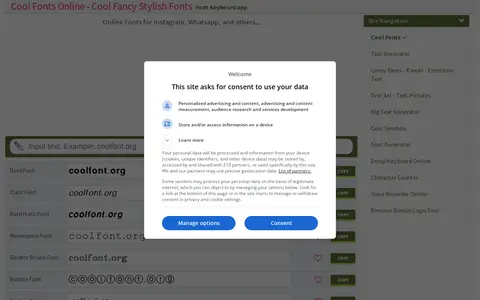
An online font generator that offers free fancy fonts for input text. Users can click a desired font and paste the result elsewhere. The site lists many font styles, including bold, italic, monospace, bubble, fraktur, small caps, upside down and strikethrough.

dafont.style helps clean, compare, sort, transform, count, or format text in the browser.

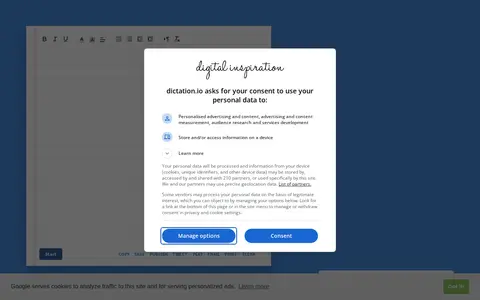
Voice Notepad is a speech-to-text tool that uses Google Speech Recognition to let users type with their voice in any language. It runs in Google Chrome and requires microphone access, and provides controls to start, copy, save, publish, tweet, email, print and clear the transcribed note. A text-to-speech section offers voice, pitch and speed settings.

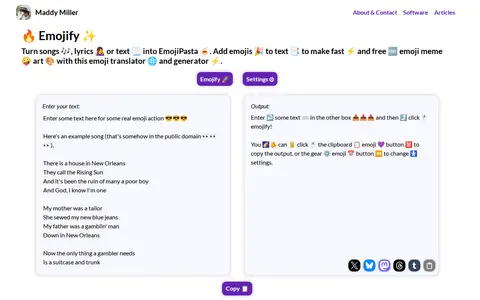
Emojify is a tool that acts as an emoji translator or emojipasta generator. The system is tuned to recognise less formal text, such as song lyrics or copypastas, and adds emojis to lyrics, poems, books, movie scripts, or plain text. It properly supports only English at present, with other languages planned. The tool is powered by an open source library released on GitHub.
enFont helps clean, compare, sort, transform, count, or format text in the browser.

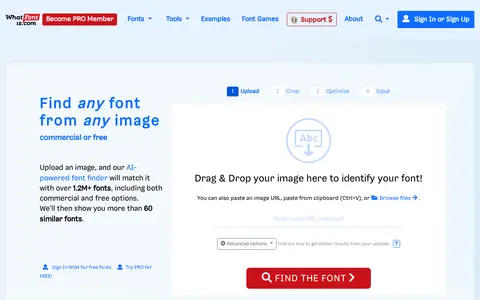
Font Finder by WhatFontIs is a web-based tool that identifies fonts from uploaded images. Users upload an image with text, and the service analyzes letterforms and returns matches sorted by visual similarity. It indexes around 1,200,000 free and commercial fonts. An image editor allows manual letter splitting.

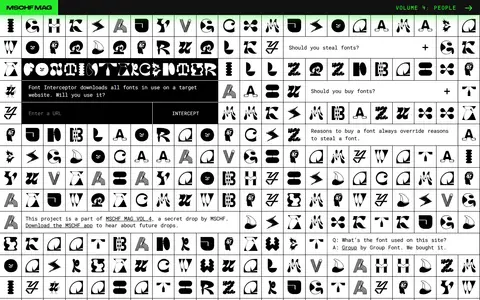
Font Interceptor helps clean, compare, sort, transform, count, or format text in the browser.
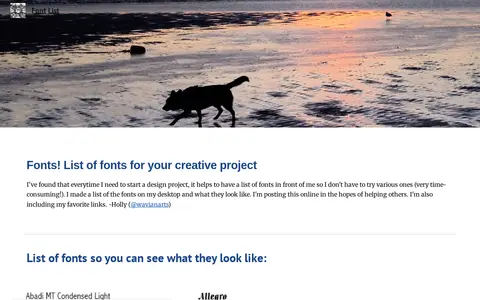
Font List helps clean, compare, sort, transform, count, or format text in the browser.

Font Meme helps clean, compare, sort, transform, count, or format text in the browser.

Font Spring helps clean, compare, sort, transform, count, or format text in the browser.
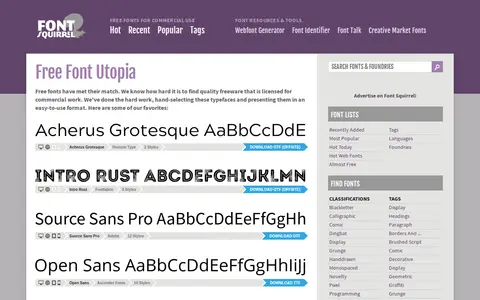
Font Squirrel helps clean, compare, sort, transform, count, or format text in the browser.

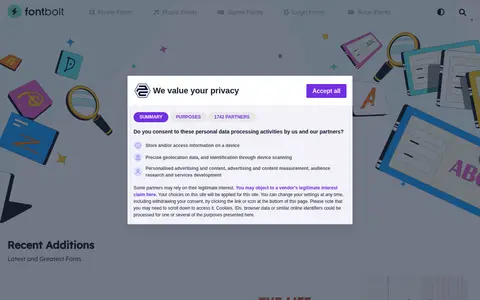
FontBolt is a site offering a font catalog of typefaces from movies, TV, logos, books, games and albums, along with a font generator for creating styled text. The site states its fonts are free to discover, download and generate. The catalog lists popular movie, TV and book fonts and recent additions.

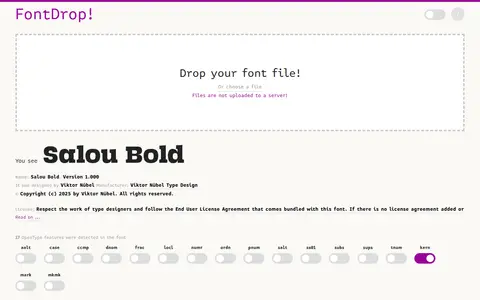
FontDrop helps clean, compare, sort, transform, count, or format text in the browser.

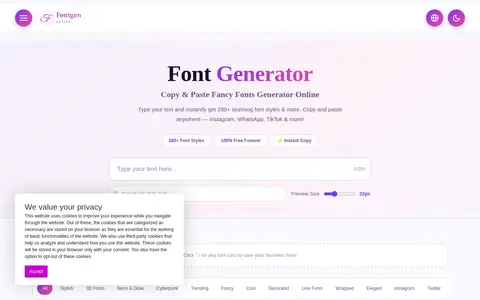
FontGenOnline is a free online font generator that converts typed text into more than 280 decorative font styles for copy and paste. The styles include cursive, bold, fraktur, double struck, 3D, neon, cyberpunk, trending and decorated categories. It is described as suitable for platforms and social media such as Instagram, WhatsApp and TikTok.

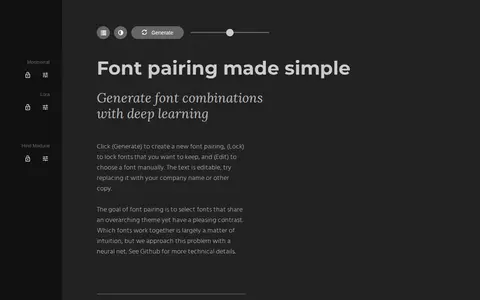
Fontjoy is a tool that helps designers choose font combinations. It generates font pairings using a neural net, with options to generate a new pairing, lock fonts to keep, and edit fonts manually. The sample text is editable.

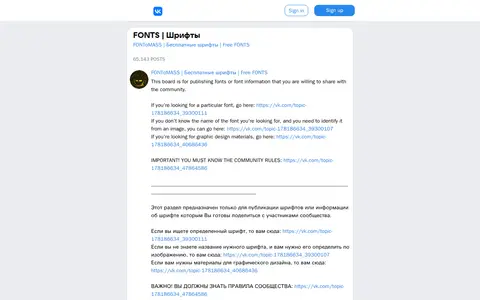
FONToMASS helps clean, compare, sort, transform, count, or format text in the browser.

Fonts Ninja offers a browser extension that identifies fonts on websites by hovering over text. It reports details such as font size, line height and colors, and provides typeface information including designer, pricing, additional styles and supported languages. The extension is available for free on Chrome, Safari, Firefox and Microsoft Edge.
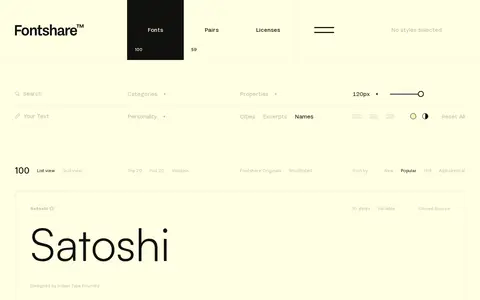
FontShare helps clean, compare, sort, transform, count, or format text in the browser.

Fontsly helps clean, compare, sort, transform, count, or format text in the browser.
FontYukle helps clean, compare, sort, transform, count, or format text in the browser.

Free Fonts Family helps clean, compare, sort, transform, count, or format text in the browser.