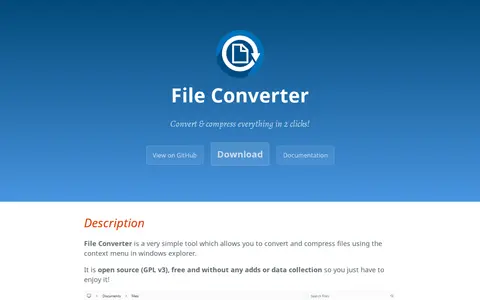
File Converter is a tool that converts and compresses one or several files using the context menu in Windows Explorer. It is open source under GPL v3, free, and without ads or data collection. It supports many audio, video, image and document input and output formats, and conversion presets can be added or edited in context menus. Office document conversion requires Microsoft Office installed and activated.
Directory
Search results
Published directory entries matching your search.
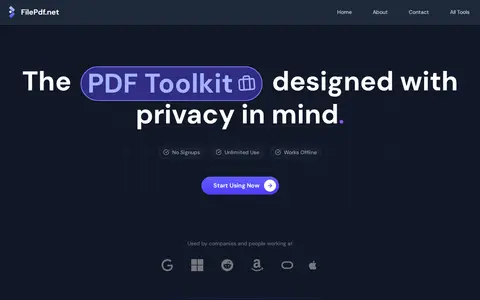
File PDF is a browser-based toolkit for PDF tasks including converting, merging, compressing, splitting, editing, signing and protecting files. The site states that processing happens client-side, so documents remain on the user's device and are not uploaded to a server. It also describes no signup requirement, unlimited use and batch processing.
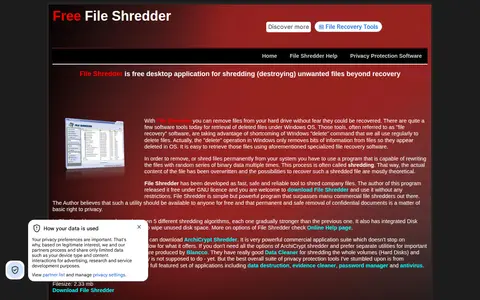
File Shredder is a free desktop application for shredding unwanted files beyond recovery. It offers five shredding algorithms and an integrated Disk Wiper that uses a shredding algorithm to wipe unused disk space. It runs on Windows NT through Windows 10 and is released under the GNU/GPL license for personal and commercial use.
File-Examples is a service for developers, designers and testers to download sample files in many formats and sizes for test, demo or presentation use. It offers video, audio, document, image and other files such as text and archives, all free to download.
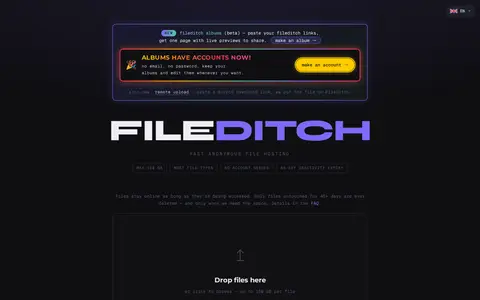
FileDitch is a file hosting service offered as fast anonymous file hosting. It accepts files up to 150 GB, most file types, and requires no account. Files stay online as long as they are being accessed, and only files untouched for 45 or more days are deleted, and only when space is needed.
FileInfo.com is a searchable database of over 10,000 file extensions with information about the associated file types. It allows users to look up unknown file types and find programs that open the files.
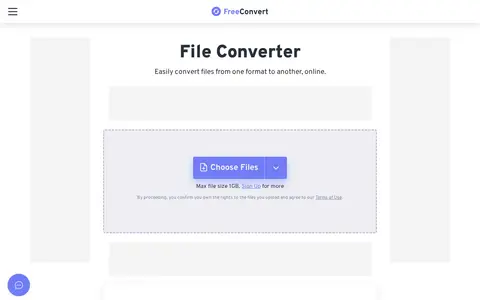
FreeConvert is an online file conversion service. It supports more than 2000 conversion types for audio, image, video, e-book, document, and archive file formats, and does not require users to install software. The service also provides additional tools including file compression utilities.
Juicebox is a temporary file hosting site that accepts uploads and supports pasting text or URLs for text snippets or media. Per its documentation, it runs as two separate services, juiceback (API gateway) and juicehost (file storage), both of which are needed to handle uploads and file serving. QUIC/HTTP/3 is optional and requires compiling with the quic feature.
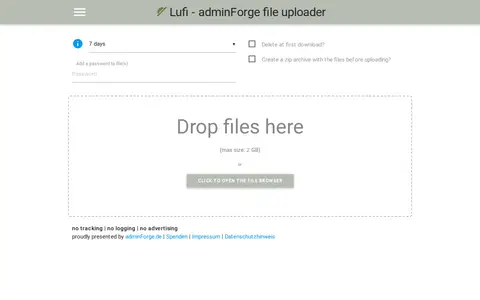
Lufi is a file uploader presented by adminForge.de. Users can drop files or open a file browser, and generated zip files can be uploaded. Uploaded files can be given a delay, after which the file is deleted. The page states no tracking, no logging and no advertising.
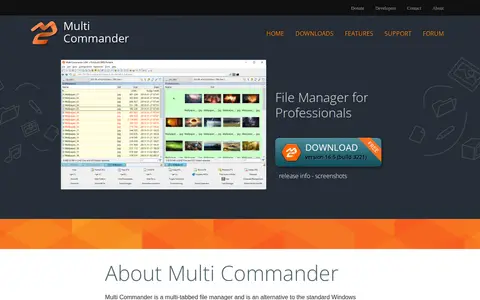
Multi Commander is a multi-tabbed file manager for Windows that uses a dual-panel layout as an alternative to Windows Explorer. It offers standard copy, move, rename and view operations plus archive browsing, FTP access, registry editing, file search, a MultiRename tool, scripting and plug-ins. File operations run in the background.

Patrins is a file hosting platform for uploading, organizing and sharing files. Uploads can be made through a dashboard, drag and drop, CLI or API, and each file gets a shareable page with inline previews. It also offers folder organization, temporary uploads that expire, WebDAV drive mounting, upload widgets and per-file analytics.
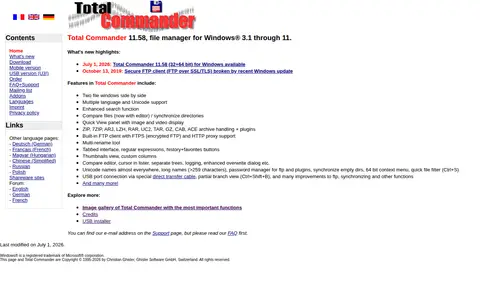
Total Commander is a shareware file manager replacement for Windows, featuring two file windows side by side, enhanced search, file comparison, archive handling, a built-in FTP client with FTPS support, a multi-rename tool and a tabbed interface.
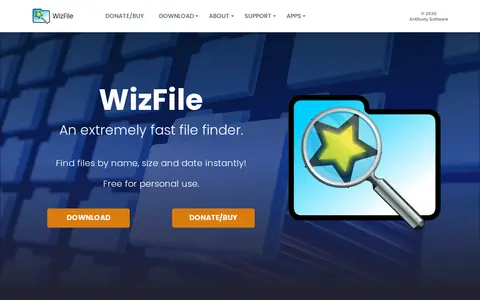
WizFile is a file finder utility for Windows that locates files by name, path, size and date, showing results as the user types. It monitors the file system so results update in real time, and it reads the NTFS Master File Table directly to build its internal database quickly. It also supports non-NTFS hard drives, network drives, USB drives and individual directories.
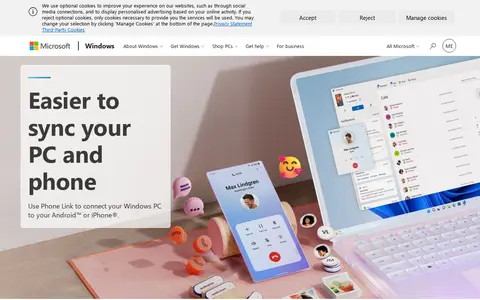
Phone Link helps download, sync, transfer, or manage files across local and cloud storage.
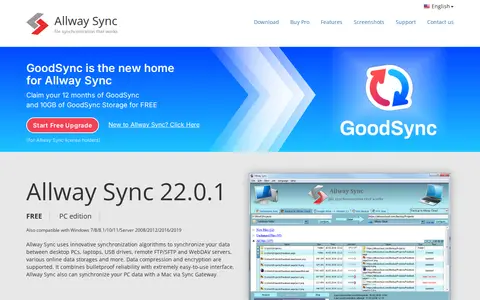
allwaysync helps download, sync, transfer, or manage files across local and cloud storage.
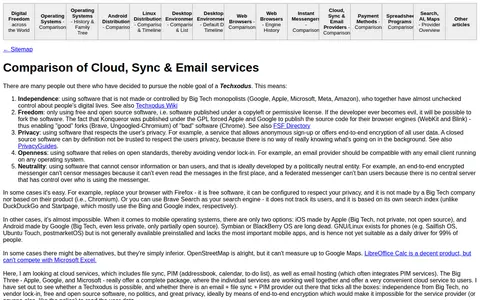
Eylenburg Comparisons is a webpage that compares cloud storage, sync, and email services. It outlines strategies for reducing dependence on Big Tech platforms, including using alternative privacy-focused services, end-to-end encrypted solutions, and self-hosted options. The page also references the Techxodus movement, which promotes independence from Big Tech monopolies, use of free and open source software, and user privacy, and links to related resources such as the Techxodus Wiki and FSF Directory.
FileDitch (New) helps upload, sync, or manage files across cloud storage, remote drives, or shared storage services.
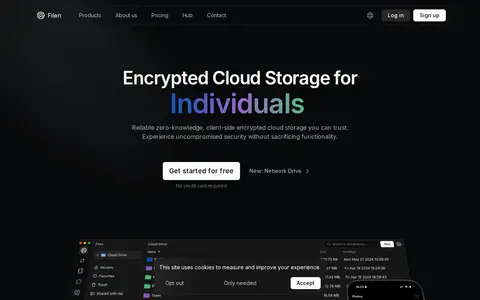
Filen is a cloud storage service built around zero-knowledge end-to-end encryption, with client-side encrypted storage for individuals. It offers features for syncing, sharing and organizing data, including a network drive and Smart Sync. Paid plans range from 200 GiB to 10 TiB of storage; a free tier starts with 10 GiB of space.
Fix helps download, sync, transfer, or manage files across local and cloud storage.
MEGA Desktop App is a desktop client for Windows, macOS and Linux that provides control over uploads and downloads and allows users to sync or back up computers with MEGA. It includes a transfer manager and browser integration, and requires the same version across all computers.
MegaUp helps download, sync, transfer, or manage files across local and cloud storage.
MultCloud is a web service for transferring, syncing, backing up, and managing files across multiple cloud storage accounts. It connects over 30 services, including Google Drive, OneDrive, Dropbox, Box, MEGA, and FTP, and claims transfers occur directly between clouds without downloading and re-uploading. A single login provides access to connected accounts, and users can schedule transfers and sync folders one-way or two-way.
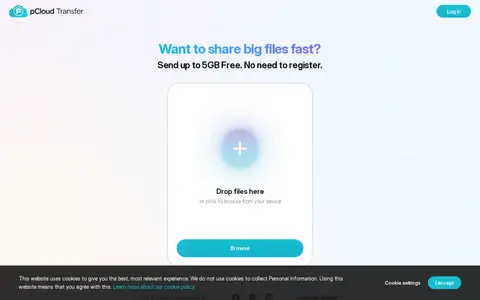
pCloud Transfer helps upload, sync, or manage files across cloud storage, remote drives, or shared storage services.
SyncFolder helps download, sync, transfer, or manage files across local and cloud storage.