Directory

Search results

Published directory entries matching your search.

Search results

37 listings
freeonlinephotoeditor.com

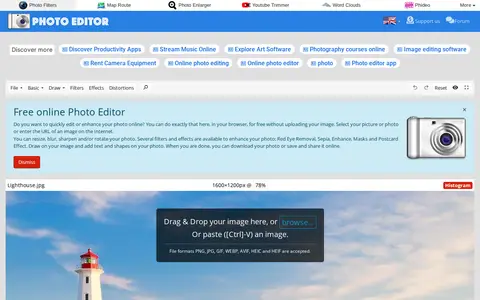
Online Photo Editor is a browser-based photo editing tool on PhotoEditor.com. It supports cropping, resizing, rotating, flipping, blurring, sharpening, filters, effects, frames, text and shapes, and processes edits in the browser without uploading the image. The site states no registration is required and the editor is free.
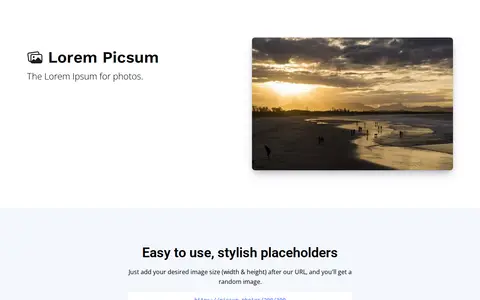

Image Editing & Design 0
picsum.photos

Lorem Picsum provides placeholder photos. Adding an image size to the URL returns a random image, and options allow a specific image, a seeded random image that stays the same, grayscale and blur. Multiple options can be combined, and .jpg or .webp file endings can be added. Endpoints list images and return details about a specific image.

Web Development 0
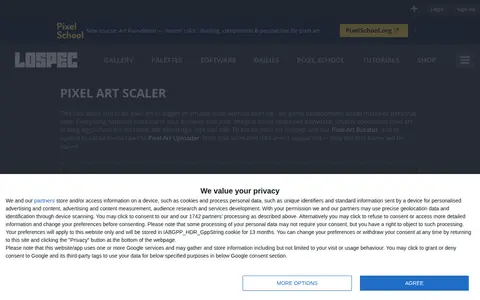
lospec.com

Browser-based tool that scales pixel art images to larger or smaller sizes without blurring. It offers several pixel art scaling algorithms, including cleanEdge, hqx and xBR, and processes images locally without uploading them. Animated GIFs are not supported; only the first frame is scaled.

Image Editing & Design 0
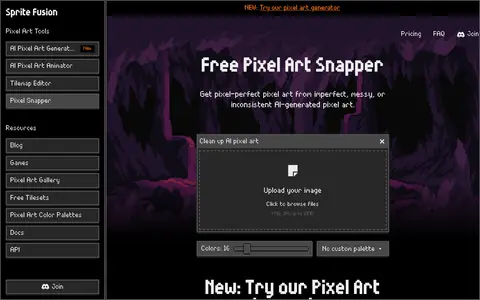
spritefusion.com

Pixel Snapper is a free, open-source tool for cleaning up AI-generated pixel art. It fixes blur, inconsistent pixels and off-grid pixels while preserving details such as dithering and outlines, and it can apply a pixel art color palette to the image. A paid desktop edition adds batch processing.

Image Editing & Design 0
plot-generator.org.uk

Plot Generator is a text generator from Aardgo that automatically drafts a story plot for film or paperback from chosen keywords. It offers genres including romance, mystery, crime, horror, science fiction and vampire, and can generate short stories, movie scripts, fairy tales, blurbs and titles. The site aims to inspire users to write their own stories.

Fun & Interesting 0
postspark.app

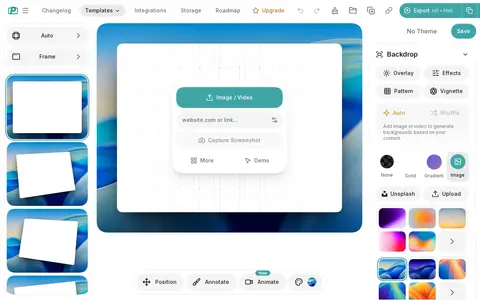
PostSpark is a screenshot editor and beautifier. Users can add backgrounds, browser frames, shadows, text, arrows and blur, then export as PNG, JPG, WebP or copy to clipboard. A URL can be entered to capture a website, or the Chrome or Firefox extension can be used. Free exports are unlimited with no watermark and no account needed.

Design Assets & Inspiration 0
rentry.co

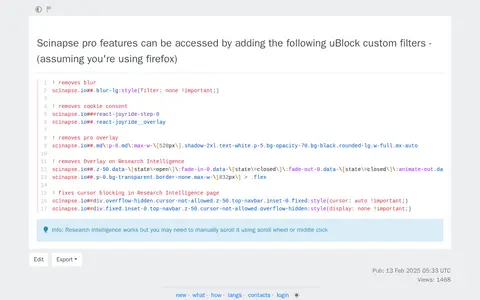
A collection of uBlock Origin custom filters that enable access to Scinapse pro features by removing paywall blur, cookie consent prompts, and pro feature overlays from the scinapse.io website. A note indicates that the Research Intelligence function works but may require manual scrolling via scroll wheel or middle click.

Academic Papers & Research 0
redacted.app

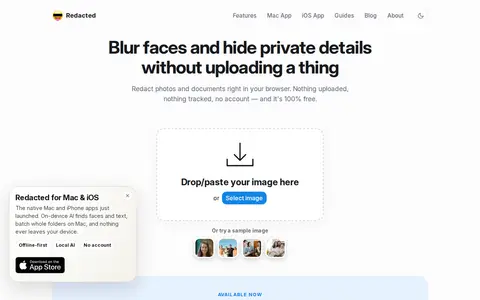
Redacted is a free, browser-based image redaction tool for blurring, pixelating, or blacking out parts of an image. It runs entirely in the browser with no uploads, accounts, or tracking, and supports black box, pixelate, blur, and emoji masks. It opens JPEG, PNG, GIF, and WebP images and works on desktop and mobile browsers.

Photography Tools 0
screenshotx.com

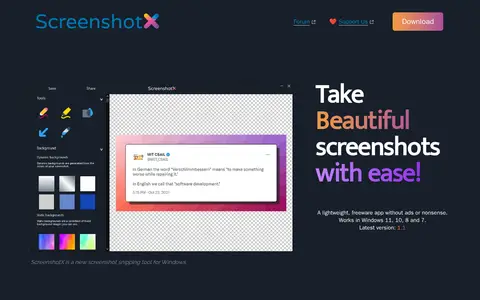
ScreenshotX is a free Windows screenshot and snipping tool for capturing area or window snips. It automatically centers content on detected solid backgrounds, adds backgrounds, blurs sensitive details, and offers one-click sharing that produces a public link without an account. Shared screenshots are removed automatically after 30 days. The 3.0 MB app supports Windows 11, 10, 8 and 7.

Image Utilities 0
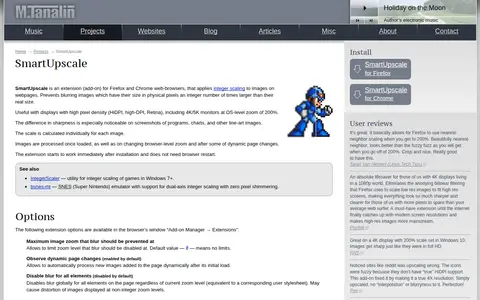
tanalin.com

SmartUpscale is an extension for Firefox and Chrome that applies integer scaling to images on webpages, preventing blur on images whose displayed size is an integer multiple of their real size. It is aimed at high pixel density displays. The scale is calculated per image, and options and limitations are documented.

Browser Tools & Extensions 0
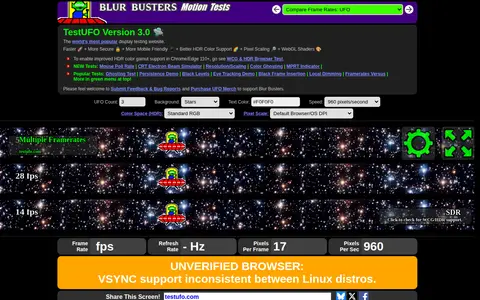
testufo.com

TestUFO is a web-based tool that provides motion and display benchmarks for monitors and screens. It offers tests for ghosting, frame rate comparisons, PWM, motion blur, judder, and other display performance metrics.

Hardware & Diagnostics 0
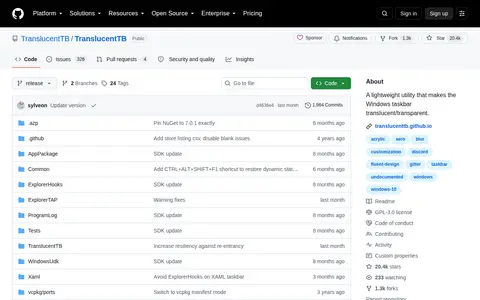
github.com

A lightweight Windows utility that makes the taskbar translucent or transparent on Windows 10 and Windows 11. It offers taskbar states including opaque, clear, blur and acrylic, plus a color picker with alpha and live preview. Dynamic modes change taskbar appearance based on open or maximized windows and opened Start, search or Task View menus.

System Customization 0
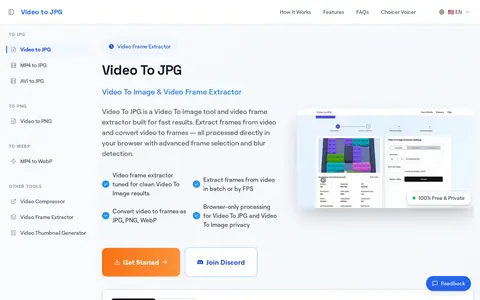
videotojpg.com

VideoToJPG is a browser-based video frame extraction tool built for fast results, converting video files to JPG, PNG, or WebP image files. It supports MP4, MOV, AVI, MKV, FLV, WebM and over 50 additional video formats, and processes all content locally in the user's browser with no upload required. The free service supports batch frame extraction, FPS-based selection, and blur detection for clean output.

Image Utilities 0