pixabay.com
Search page for free stock photos, illustrations, vectors, and royalty-free visual media.
Directory
Search published websites, apps and repositories.
Search page for free stock photos, illustrations, vectors, and royalty-free visual media.

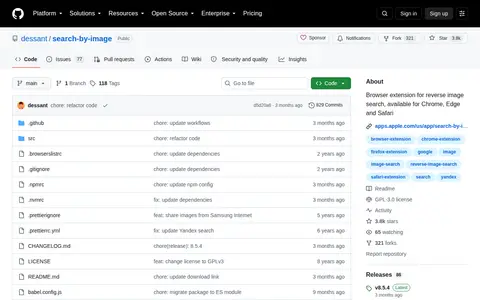
Search by Image is a browser extension that enables reverse image searches across more than 30 supported search engines. It is available for Chrome, Edge, and Safari. The extension assists journalists and researchers with verifying image authenticity and identifying false information, helps photographers track how their work is shared online, and allows shoppers to find similar products at discounted prices.
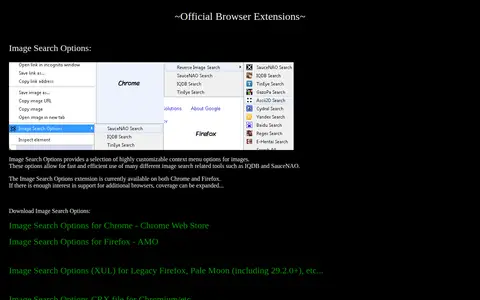
SauceNAO Tools offers an official browser extension called Image Search Options. It adds customizable context menu options for images, enabling quick use of various image search tools including IQDB and SauceNAO. The extension is available for Chrome and Firefox, with potential support for additional browsers if there is sufficient interest. It also provides download links for Chrome Web Store, Firefox AMO, a XUL version for legacy Firefox and Pale Moon, and a CRX file for Chromium.

Extension helps edit, convert, generate, search, or organize images and visual assets.

MaxURL helps edit, convert, generate, search, or organize images and visual assets.

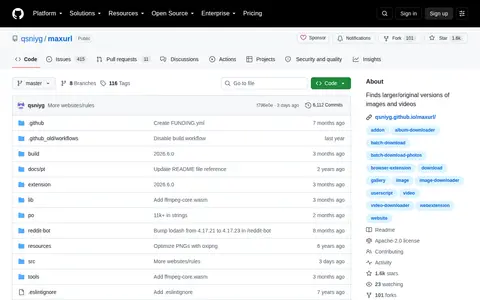
Maxurl is an open source tool that finds larger or original versions of images and videos, typically by replacing URL patterns. It supports over 10,000 hardcoded websites and generic content management systems including WordPress and MediaWiki. The tool is distributed as a userscript for most browsers, a browser extension for Firefox and Chromium-based browsers (via sideloading), a Node.js module, and a web implementation.

Multicolr helps edit, convert, generate, search, or organize images and visual assets.

Pose Search helps edit, convert, generate, search, or organize images and visual assets.

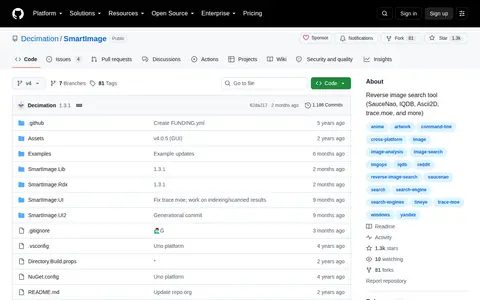
SmartImage is a reverse image search tool offered in a Windows GUI version and a cross-platform Rdx version. It queries supported image search engines including SauceNao, IQDB, Ascii2D, trace.moe, and Yandex. Users can input images via direct links, drag-and-drop, clipboard, system context menu, or command line. The tool opens the best matching results in the user's default web browser.