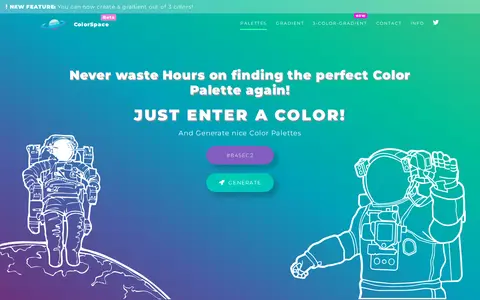

ColorSpace is a web tool for generating color palettes and gradients. Users enter a color to produce matching color schemes, and the tool can also create gradients, including a three-color gradient feature.
Directory
Search results
Published directory entries matching your search.
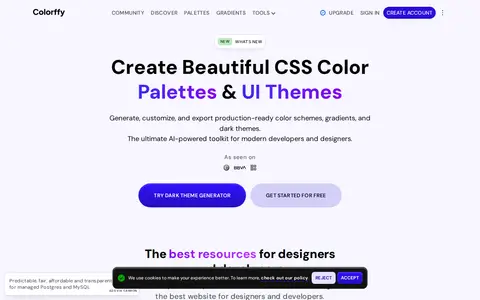
Colorffy is a CSS color palette generator and designer toolkit. It offers dark and light theme generators, color scheme and gradient generators, a color mixer, and curated palettes and gradients. Palettes and gradients can be exported in formats including Tailwind, CSS, PNG and PDF. A free Basic plan and a Pro plan are offered.
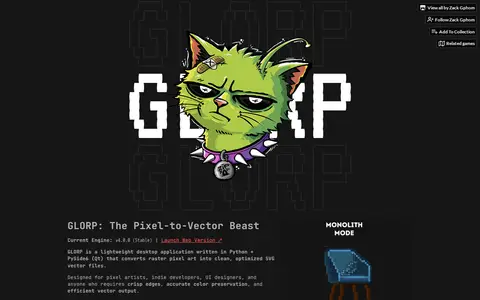
GLORP is a downloadable utility for Windows written in Python and PySide6 that converts pixel art into SVG vector files. It offers Monolith optimized paths, a Lego mode generating one rectangle per pixel, WebP export, batch folder import and drag-and-drop previews. It requires real pixel art with hard edges; upscaled images, JPEG files and blur or gradients produce broken output.
InColor helps create colors, gradients, pixel assets, or visual design elements.
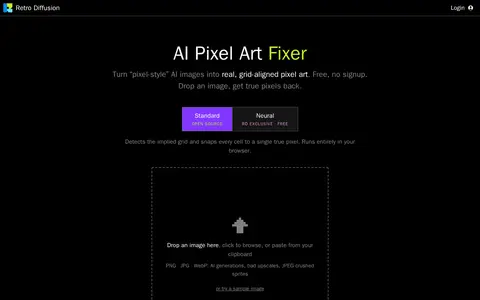
Pixel Art Fixer helps create colors, gradients, pixel assets, or visual design elements.
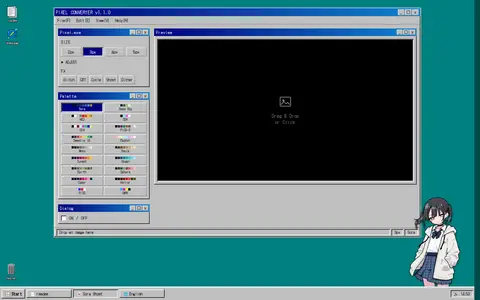
Pixel Converter helps create colors, gradients, pixel assets, or visual design elements.
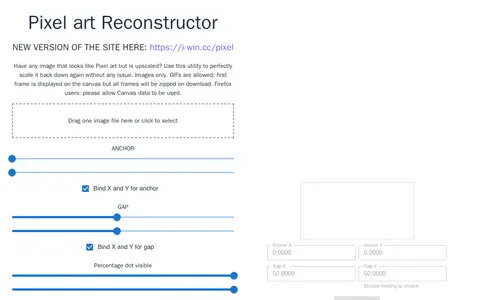
Pixel Reconstructor helps create colors, gradients, pixel assets, or visual design elements.
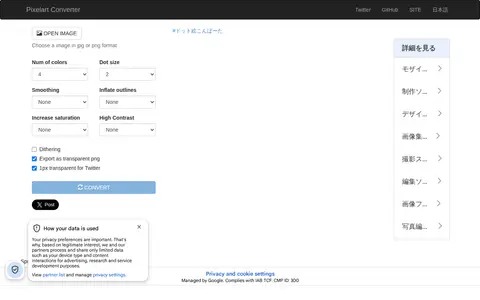
Pixelart Converter helps create colors, gradients, pixel assets, or visual design elements.
Pixelated helps create colors, gradients, pixel assets, or visual design elements.
Pixelcut helps create colors, gradients, pixel assets, or visual design elements.
PixelFrame helps create colors, gradients, pixel assets, or visual design elements.
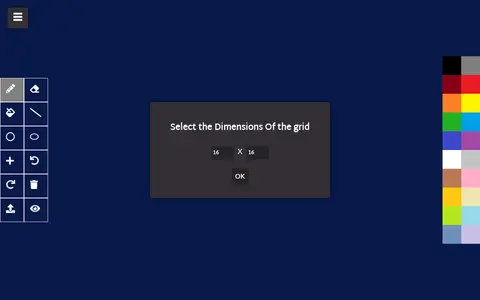
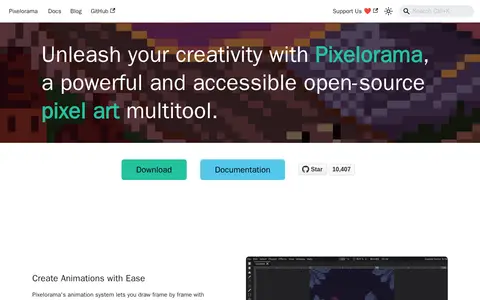
Pixelorama helps create colors, gradients, pixel assets, or visual design elements.
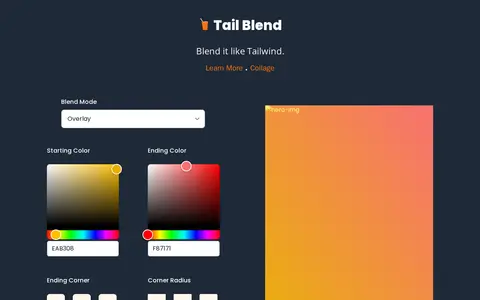
TailBlend helps create colors, gradients, pixel assets, or visual design elements.
Ultimate 88x31 Generator helps create colors, gradients, pixel assets, or visual design elements.
Color tool for exploring palettes, gradients, contrast, and visual design color choices.
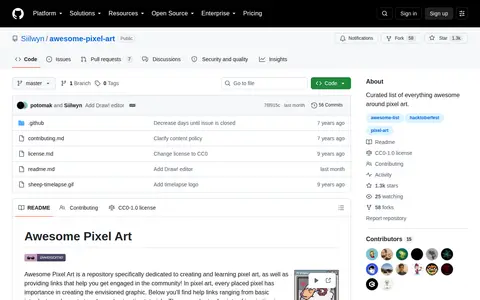
Awesome Pixel Art is a GitHub repository or organization with source code, releases, documentation, or project resources.
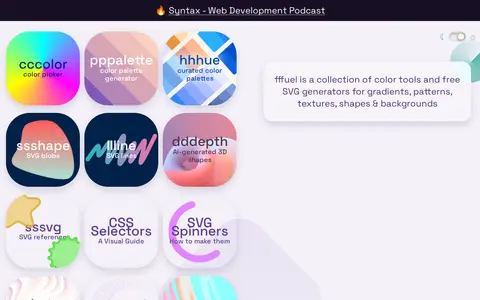
fffuel is a collection of free color tools and SVG generators for creating gradients, patterns, textures, shapes, blobs and backgrounds. Generated graphics can be customized and used on the web or in design applications, and an SVG to PNG conversion tool is included. The site also hosts a chart of browser support for CSS and web platform features.
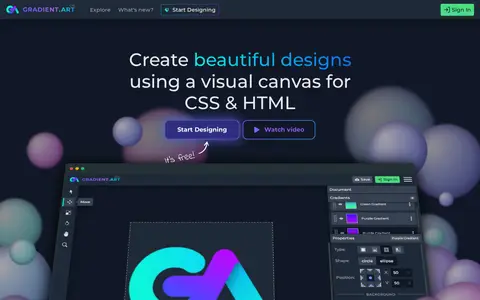
GradientArt is a CSS gradient editor with a visual canvas, a full path editor, alignment and spread tools, and clipping masks. It supports layers in folders and exports customizable HTML, CSS and SVG. Saving a project requires signing in; editing is not autosaving.
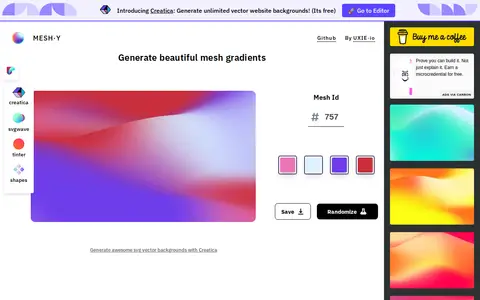
Meshy is a design tool that generates mesh gradients from a given color palette. Each gradient is unique to an id and color hex codes that act as a seed for recreating it. A four-color palette is used, and each color covers a different amount of area.

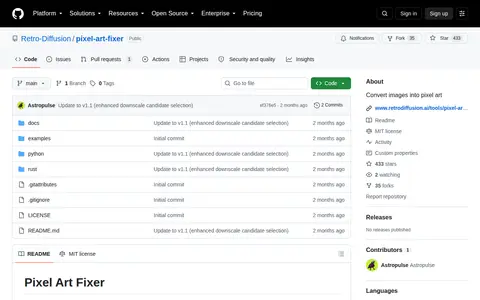
Pixel Art Fixer is a GitHub repository or organization with source code, releases, documentation, or project resources.
Browser-based tool that scales pixel art images to larger or smaller sizes without blurring. It offers several pixel art scaling algorithms, including cleanEdge, hqx and xBR, and processes images locally without uploading them. Animated GIFs are not supported; only the first frame is scaled.
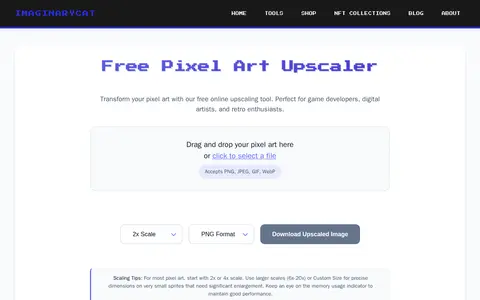
Free online tool that upscales pixel art while preserving crisp edges, using nearest-neighbor scaling. It offers preset scale factors from 2x to 20x and custom sizes, accepts PNG, JPEG, GIF and WebP input, and allows downloads in PNG, JPEG, WebP or SVG.
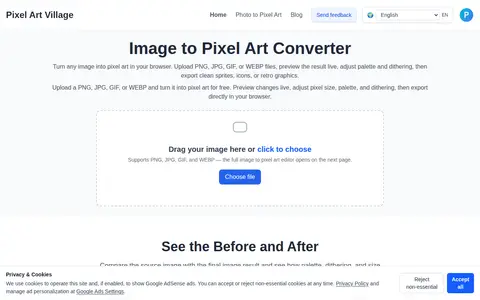
Pixel Art Village is a free, browser-based tool that converts images into pixel art. Users upload PNG, JPG, GIF, or WEBP files, adjust pixel size, palette, and dithering with live preview, and export results. Processing happens in the browser.
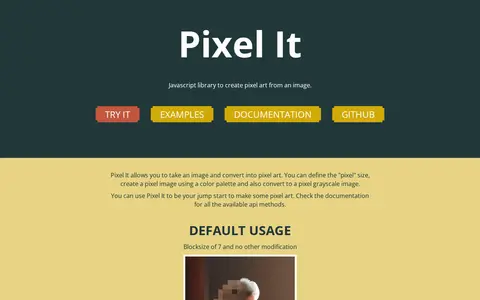
Pixel It is a JavaScript library for converting an image into pixel art. Users can set the pixel block size, apply a color palette, or convert an image to pixel grayscale. Palettes can be uploaded from .hex, pixilart.com txt, or Paint.net TXT files, or set manually. A live page allows changes to block size, palette, and maximum height and width.