
jubler.org
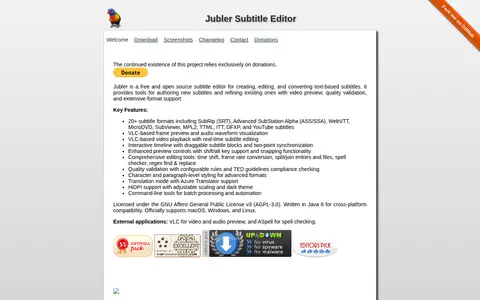
Edit subtitles with an open source desktop application.

YukiSubs Guides provides subtitle and caption files with search tools for films and television.

Edit subtitles with an open source desktop application.

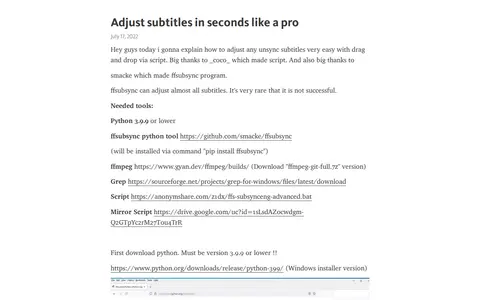
Adjust Subs Like a Pro is a Telegraph guide explaining how to adjust unsynchronized subtitles using a script paired with the ffsubsync tool, ffmpeg, and Grep for Windows. It provides download links for required software and the script, and notes that ffsubsync successfully adjusts most subtitle files.

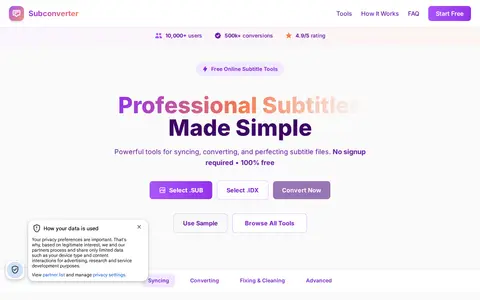
A free online subtitle converter and tools site. The site states it converts between subtitle formats including SUB/IDX to SRT, syncs subtitles, and fixes timing issues. It states no signup is required and files are removed automatically according to each tool's temporary retention window.

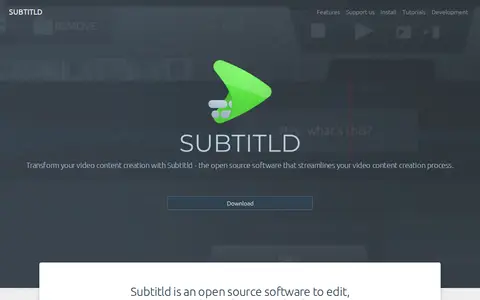
Subtitld is a free, open-source subtitle editor for Linux, Windows, macOS and Haiku. Users can time subtitles on the waveform, transcribe and translate with engines running on their own machine, and dub with synthetic voices. It opens video, subtitle or transcript files and saves to SRT, VTT, TTML and other formats.

Add subtitle tracks to supported online videos.
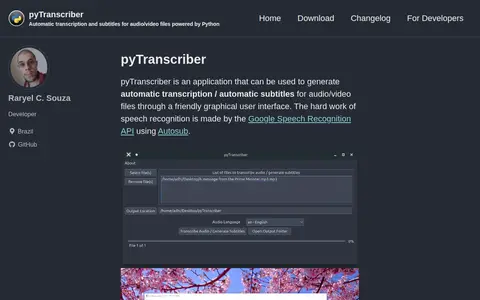
pyTranscriber is an application that generates automatic transcription and automatic subtitles for audio and video files through a graphical user interface. Speech recognition is performed by the Google Speech Recognition API using Autosub. An internet connection is required, and output is provided as .srt and .txt files.
Community notes
Be the first to share how this project worked for you.
Sign in with a verified account to leave a review or join the discussion.
Sign in to reviewKeep exploring
Edit subtitles with an open source desktop application.
Adjust Subs Like a Pro is a Telegraph guide explaining how to adjust unsynchronized subtitles using a script paired with the ffsubsync tool, ffmpeg, and Grep for Windows. It provides download links for required software and the script, and notes that ffsubsync successfully adjusts most subtitle files.
A free online subtitle converter and tools site. The site states it converts between subtitle formats including SUB/IDX to SRT, syncs subtitles, and fixes timing issues. It states no signup is required and files are removed automatically according to each tool's temporary retention window.
Subtitld is a free, open-source subtitle editor for Linux, Windows, macOS and Haiku. Users can time subtitles on the waveform, transcribe and translate with engines running on their own machine, and dub with synthetic voices. It opens video, subtitle or transcript files and saves to SRT, VTT, TTML and other formats.
Add subtitle tracks to supported online videos.
pyTranscriber is an application that generates automatic transcription and automatic subtitles for audio and video files through a graphical user interface. Speech recognition is performed by the Google Speech Recognition API using Autosub. An internet connection is required, and output is provided as .srt and .txt files.