



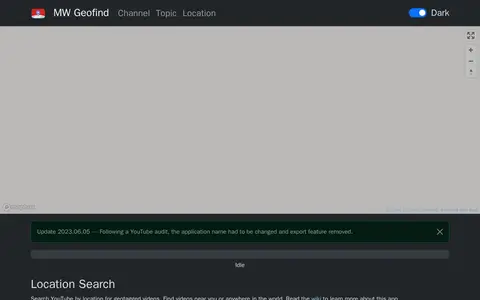
Location Search is a tool for searching YouTube for geographically tagged videos by location, topic, or channel. Results can be viewed on a map, and search options include radius, keywords, timeframe, sort order, and language. An update note states that the application name was changed and the export feature removed following a YouTube audit.
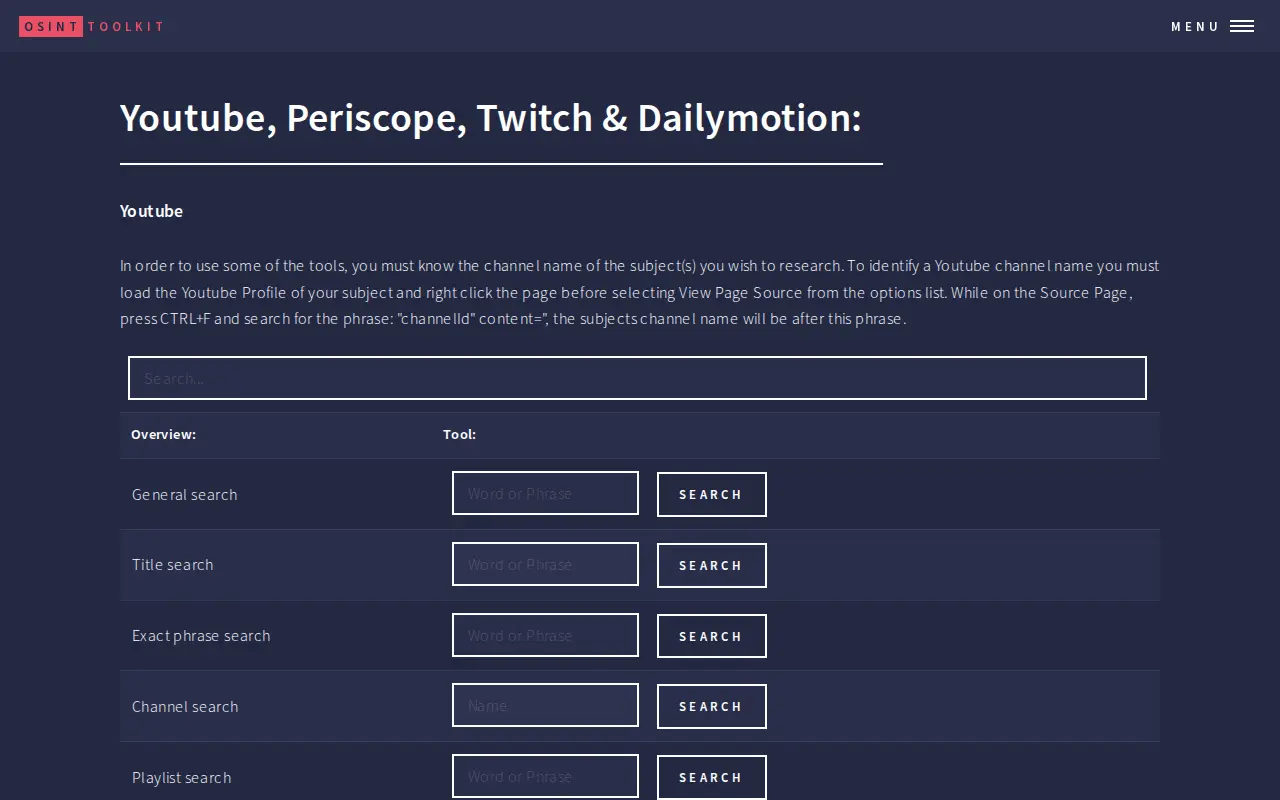
Youtube, Periscope, Twitch & Dailymotion
An OSINT toolkit page grouping search and analytics tools for YouTube, Periscope, Twitch and Dailymotion. For YouTube it lists general, title, exact phrase, channel, playlist and upload date searches, live videos, channel analytics and comparisons. Periscope tools cover general and account search plus video metadata, while Twitch and Dailymotion tools cover channel search, analytics and video search. Some tools require the channel name or video ID.
Links
Tags
-
0Location Search is a tool for searching YouTube for geographically tagged videos by location, topic, or channel. Results can be viewed on a map, and search options include radius, keywords, timeframe, sort order, and language. An update note states that the application name was changed and the export feature removed following a YouTube audit.
-
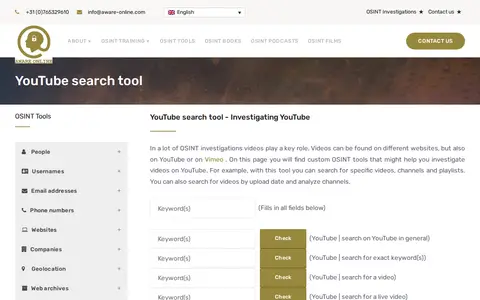
0A page of custom OSINT tools for investigating videos on YouTube. The tools allow searching for specific videos, channels and playlists, searching by upload date, and analyzing channels; some tools redirect to third-party websites.
-
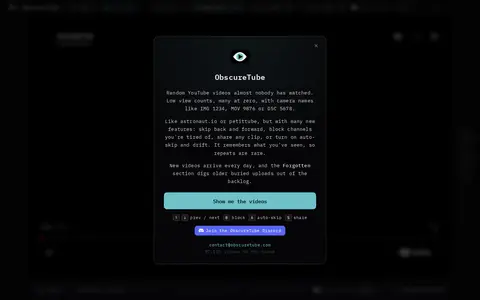
0ObscureTube presents random low-view YouTube videos, many with zero views, and adds new finds daily. Users can go back, block channels and share clips, and the site remembers what has been seen.
-
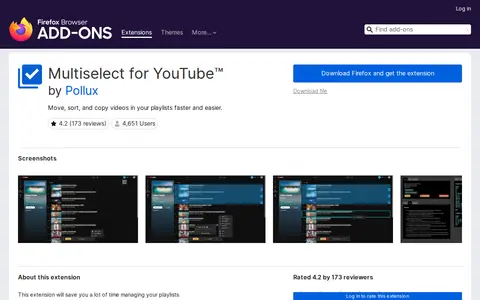
0Multiselect (Firefox) is a social media utility for platform customization, archives, embeds, or community tools.
-
0
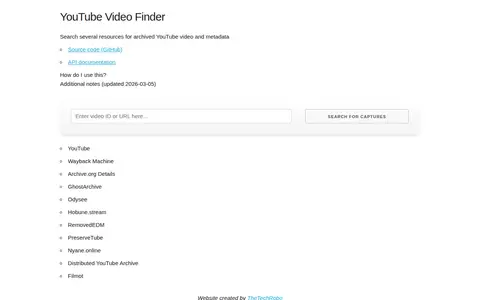
A website that searches several archives for private or deleted YouTube videos and their metadata when a video link is supplied. It queries archive services and reports which have captures, linking to archived material where available. An API allows embedding the search in other code.
-
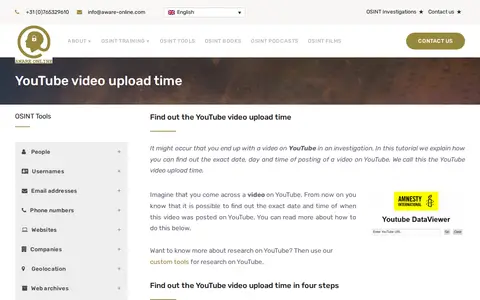
0A tutorial explaining how to find the exact upload date and time of a YouTube video. It walks through four steps, including copying the video URL and using Amnesty International's YouTube Data Viewer, which displays the upload date and time. It warns readers to be careful with third-party tools.
Community notes
Reviews and discussion
No reviews yet
Be the first to share how this project worked for you.
Join the discussion
Sign in with a verified account to leave a review or join the discussion.
Sign in to review