
lexipedia.com
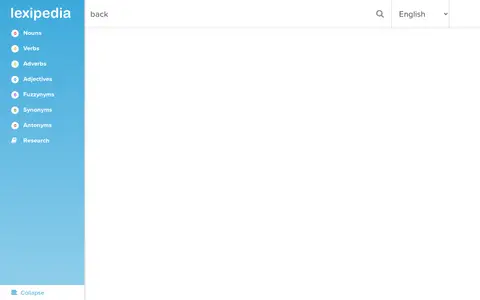
Lexipedia provides educational videos, lessons, tutorials, or self-learning resources.
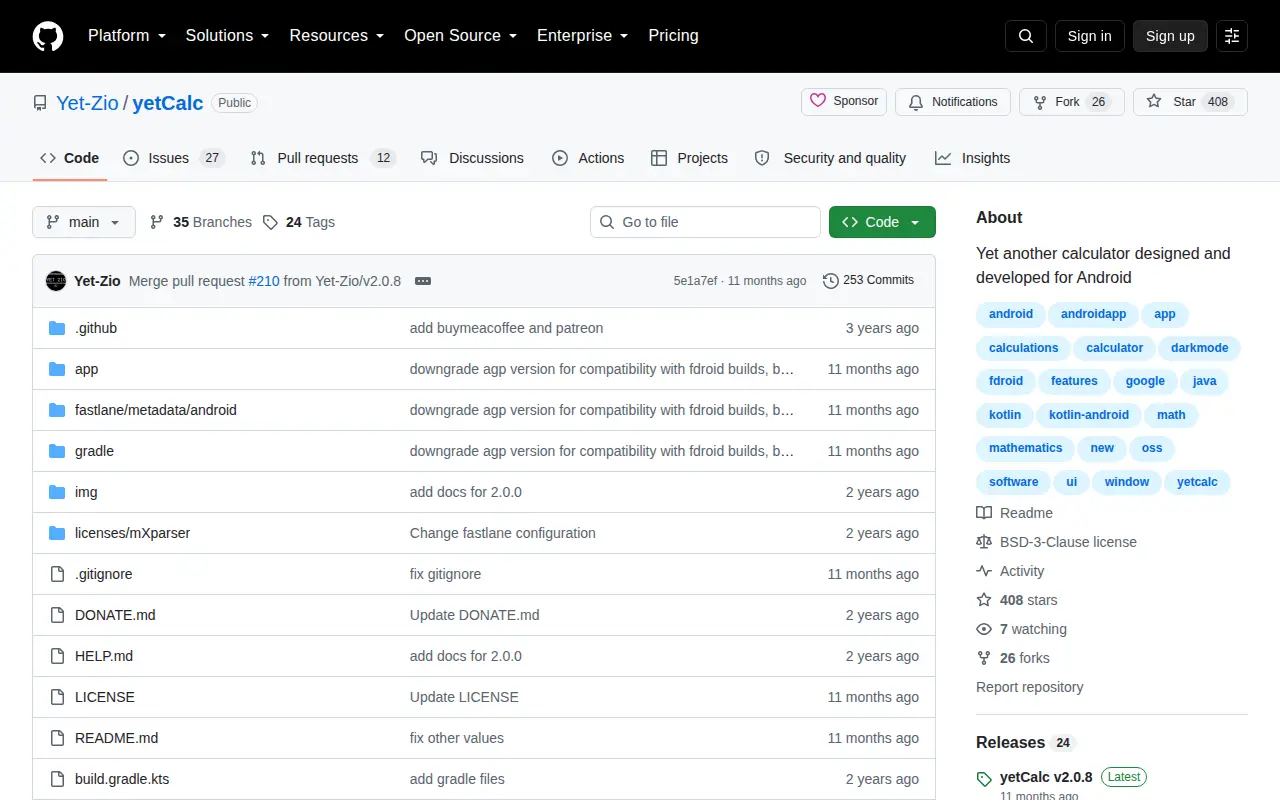
yetCalc is an open-source calculator application designed for Android devices. It provides basic, scientific, unit conversion, and programmer calculation modes, along with multiple theme options. Currency conversion requires an internet connection, and the app requires Android 9.0 or higher to run.
Lexipedia provides educational videos, lessons, tutorials, or self-learning resources.

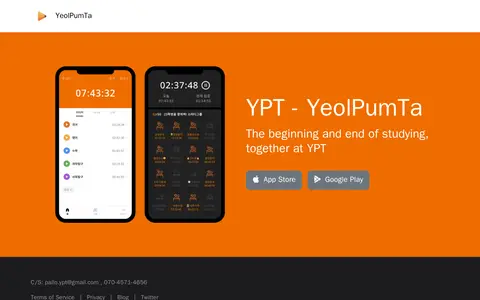
Yeolpumta is a study-focused service operated by Pallo Inc, located in Gangnam-gu, Seoul, Republic of Korea. It describes itself as the beginning and end of studying, and provides public contact details for support via email and telephone.
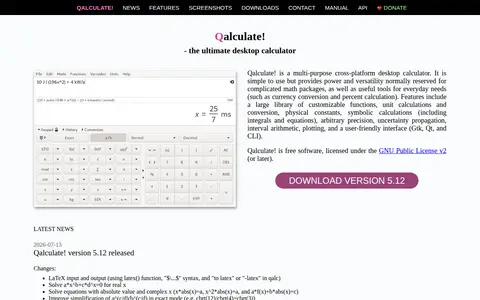
Qalculate! is a multi-purpose cross-platform desktop calculator. It provides everyday tools such as currency conversion and percent calculation, along with advanced capabilities including symbolic calculations, arbitrary precision, unit conversions, and plotting. The software includes over 400 functions and 400 units, supports various number bases, and offers a user-friendly interface with Gtk, Qt, and CLI options. It is free software licensed under the GNU Public License v2 or later.

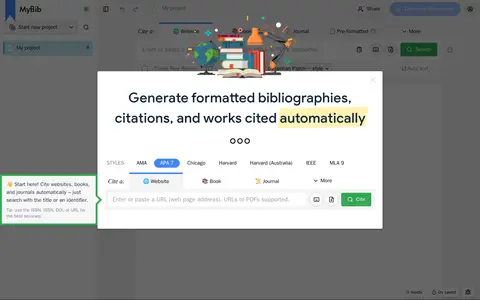
Create citations and bibliographies.

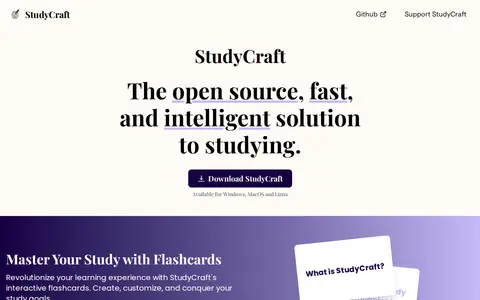
StudyCraft is an open source, free study tool available for Windows, MacOS and Linux. It allows users to import study materials including PDFs, Markdown files, webpages and GitHub repositories, which are automatically indexed into a vector database for semantic search. Users can customize their imported content, and the tool automatically generates flashcard decks and practice tests, plus provides study session analytics to track progress. It supports self-hosted and cloud-hosted large language model integrations and is built for fast performance.

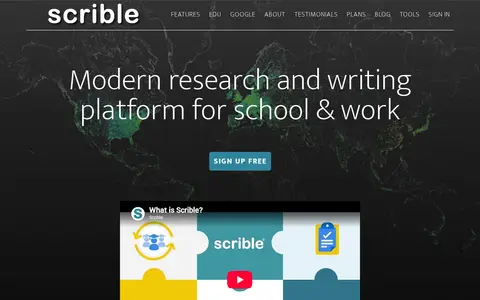
Scrible is a modern research and writing platform for school and work. It allows users to save, manage, annotate, and share web content. Features include cloud storage of bookmarks and files, a searchable library with tags, in-browser annotation, and sharing of annotated articles. A Chrome extension and Google sign-in are available.
Community notes
Be the first to share how this project worked for you.
Sign in with a verified account to leave a review or join the discussion.
Sign in to reviewKeep exploring
Lexipedia provides educational videos, lessons, tutorials, or self-learning resources.
Yeolpumta is a study-focused service operated by Pallo Inc, located in Gangnam-gu, Seoul, Republic of Korea. It describes itself as the beginning and end of studying, and provides public contact details for support via email and telephone.
Qalculate! is a multi-purpose cross-platform desktop calculator. It provides everyday tools such as currency conversion and percent calculation, along with advanced capabilities including symbolic calculations, arbitrary precision, unit conversions, and plotting. The software includes over 400 functions and 400 units, supports various number bases, and offers a user-friendly interface with Gtk, Qt, and CLI options. It is free software licensed under the GNU Public License v2 or later.
Create citations and bibliographies.
StudyCraft is an open source, free study tool available for Windows, MacOS and Linux. It allows users to import study materials including PDFs, Markdown files, webpages and GitHub repositories, which are automatically indexed into a vector database for semantic search. Users can customize their imported content, and the tool automatically generates flashcard decks and practice tests, plus provides study session analytics to track progress. It supports self-hosted and cloud-hosted large language model integrations and is built for fast performance.
Scrible is a modern research and writing platform for school and work. It allows users to save, manage, annotate, and share web content. Features include cloud storage of bookmarks and files, a searchable library with tags, in-browser annotation, and sharing of annotated articles. A Chrome extension and Google sign-in are available.