


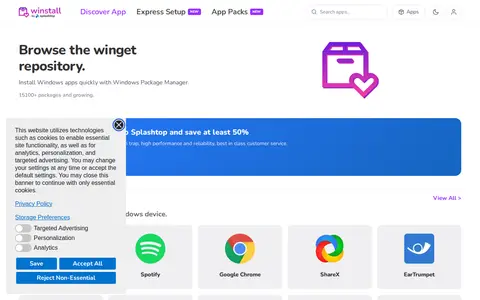

winstall is a browser-based interface for Microsoft's Windows Package Manager (winget). It lets users browse the winget repository, select multiple apps, and generate an install script that can be pasted into a terminal. The site also lists curated packs of apps that can be installed as a set.
WTF
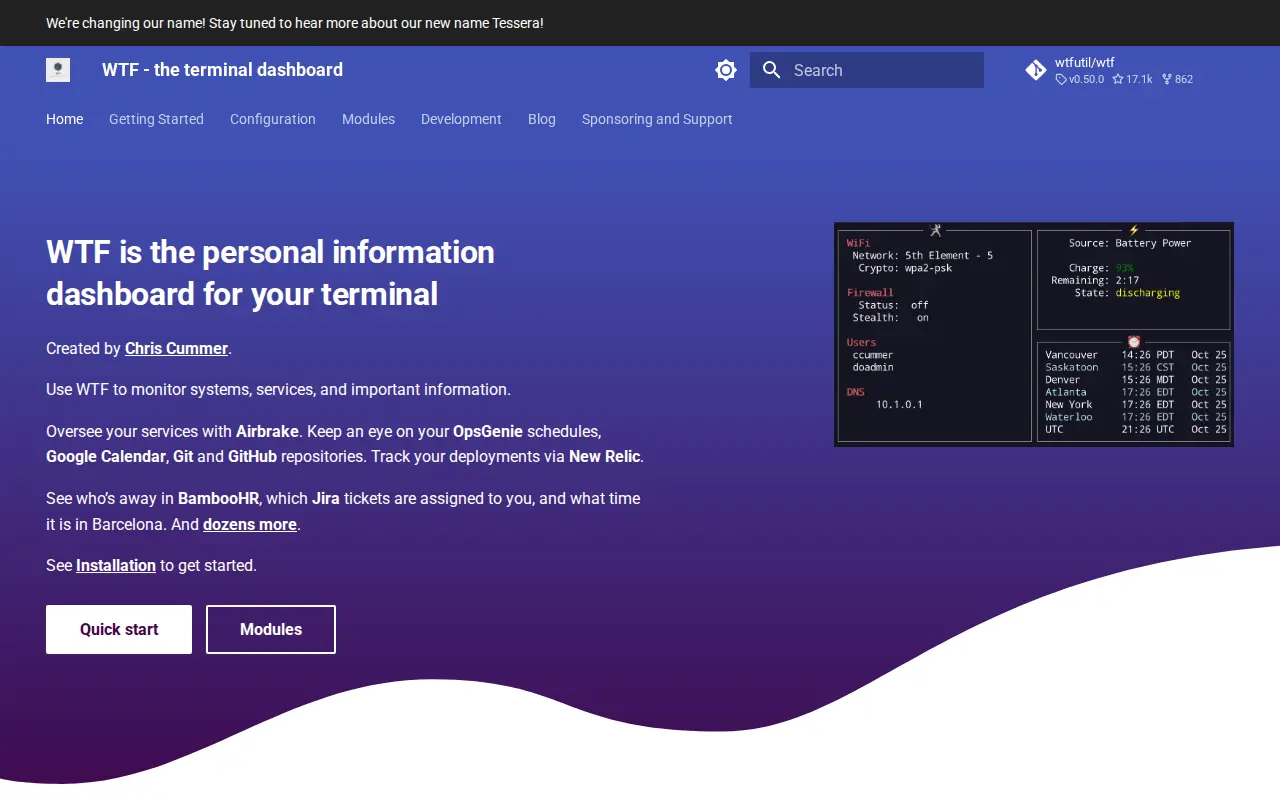
WTF is a system utility for Windows, hardware checks, cleanup, process control, or desktop customization.
Links
Tags
-
0winstall is a browser-based interface for Microsoft's Windows Package Manager (winget). It lets users browse the winget repository, select multiple apps, and generate an install script that can be pasted into a terminal. The site also lists curated packs of apps that can be installed as a set.
-
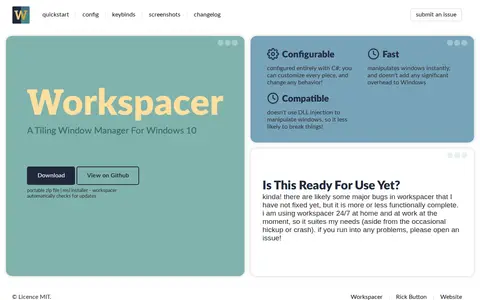
0WorkSpacer is a tiling window manager for Windows 10, configured entirely with C#. Its site describes it as configurable and fast, and says it manipulates windows without DLL injection. The author notes it is more or less functionally complete but likely still has major bugs.
-
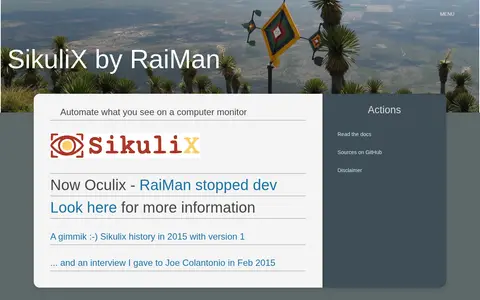
0RaiMan's SikuliX is described as an automation tool for what is seen on a computer monitor. The page states that RaiMan stopped development and that the project is now Oculix, directing visitors elsewhere for more information.
-
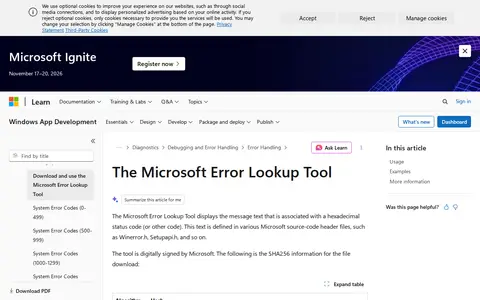
0The Microsoft Error Lookup Tool displays the message text associated with a hexadecimal status code or other code. The text is defined in Microsoft source-code header files such as Winerror.h and Setupapi.h. The tool is digitally signed by Microsoft and is described as a point-in-time tool that decodes most Microsoft error codes as of its compilation date.
-
0Chocolatey is software management automation for Windows that wraps installers, executables, zips, and scripts into compiled packages. It integrates with SCCM, Puppet, Chef, and similar tools. It offers packaging, internalizing, auditing and synchronizing tools, plus central management in its business edition. Pricing lists Open Source as free, Pro at $96/year, and Business from $18.00/license per year.
-
0ClipAngel is a clipboard manager that captures clipboard objects and lets the user select and paste one into any program. It supports text, HTML, RTF, file and image clipboard formats. History is stored encrypted on disk, and it requires .NET Framework 4.52 or later.
Community notes
Reviews and discussion
No reviews yet
Be the first to share how this project worked for you.
Join the discussion
Sign in with a verified account to leave a review or join the discussion.
Sign in to review