



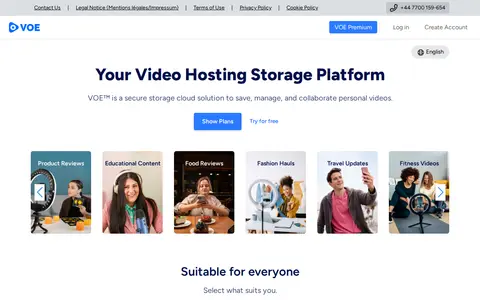

VOE is a video hosting and storage platform that lets users save, manage and share personal videos through a file manager with statistics. It offers free, Premium and Premium Plus plans that differ in storage space, watch quality and file inactivity limits.

VNyan
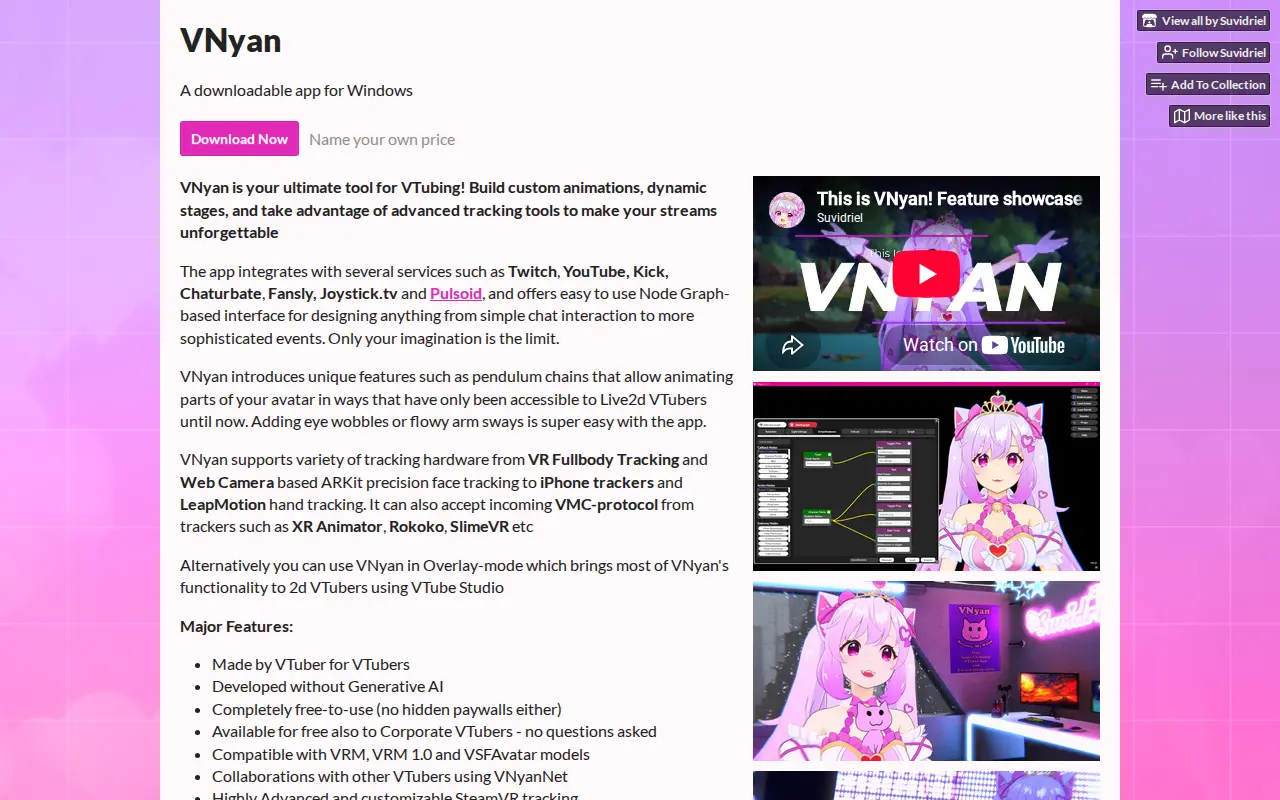
VNyan is a downloadable Windows app for 3D VTubing. It offers a Node Graph-based interface for designing chat interaction and events, and supports VRM, VRM 1.0 and VSFAvatar models. It accepts incoming VMC protocol from trackers.
Platforms
- A downloadable app for Windows Source: suvidriel.itch.io
Links
Tags
-
0VOE is a video hosting and storage platform that lets users save, manage and share personal videos through a file manager with statistics. It offers free, Premium and Premium Plus plans that differ in storage space, watch quality and file inactivity limits.

-
0veadotube mini is a lightweight PNGTuber application for Windows, macOS and Linux. It switches between character images as the user talks, and supports extra expression slots controlled through a mouse, keyboard, gamepad, MIDI controller or Stream Deck.
-
0VideoSmaller is a free online service that reduces video file size for formats such as MP4, MOV and AVI. Users select a video, upload it, and wait for processing before downloading the compressed file. Optional settings include removing audio and scaling down video width.
-
0webmshare is a free hosting and sharing service for WebM video files, created in 2014. It accepts WebM and GIF uploads with a maximum allowed size of 20MB, and its files can be shared with friends or posted on social networks, forums and blogs. VPN uploads are not allowed.
-
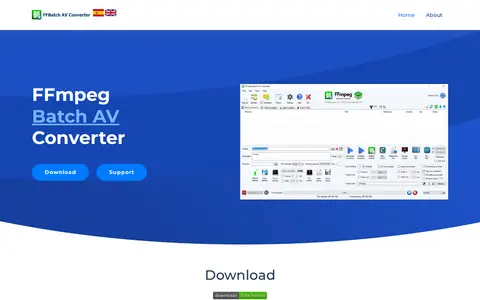
0FFmpeg Batch AV Converter is a free Windows audio and video encoder providing a graphical interface for ffmpeg. It supports drag and drop, progress information and multi-file batch encoding that launches simultaneous processes up to the CPU thread count. It can trim, concatenate, multiplex streams, batch subtitle videos, record screen and capture M3u8 or YouTube URLs.
-
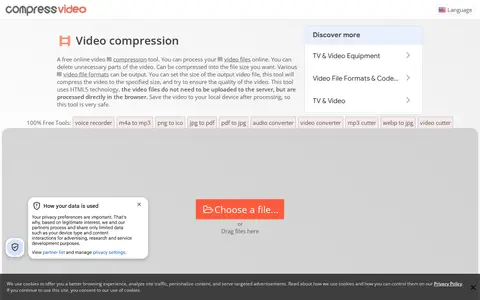
0Compress Video Online is a free browser-based tool that cuts and compresses video files to a chosen output size while attempting to preserve quality. Files are processed locally in the browser using HTML5 and FFMPEG JS, so no upload or software installation is required, and output includes no watermark. It supports formats such as MP4, WEBM, MOV, FLV, and MKV.
Community notes
Reviews and discussion
No reviews yet
Be the first to share how this project worked for you.
Join the discussion
Sign in with a verified account to leave a review or join the discussion.
Sign in to review