
rustdesk.com
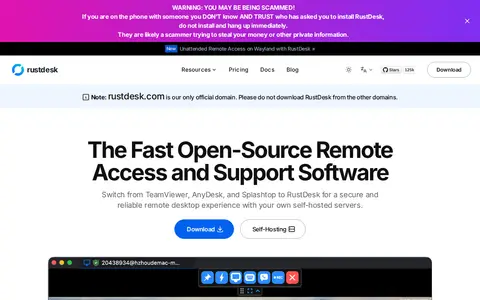
RustDesk is a system utility for Windows, hardware checks, cleanup, process control, or desktop customization.

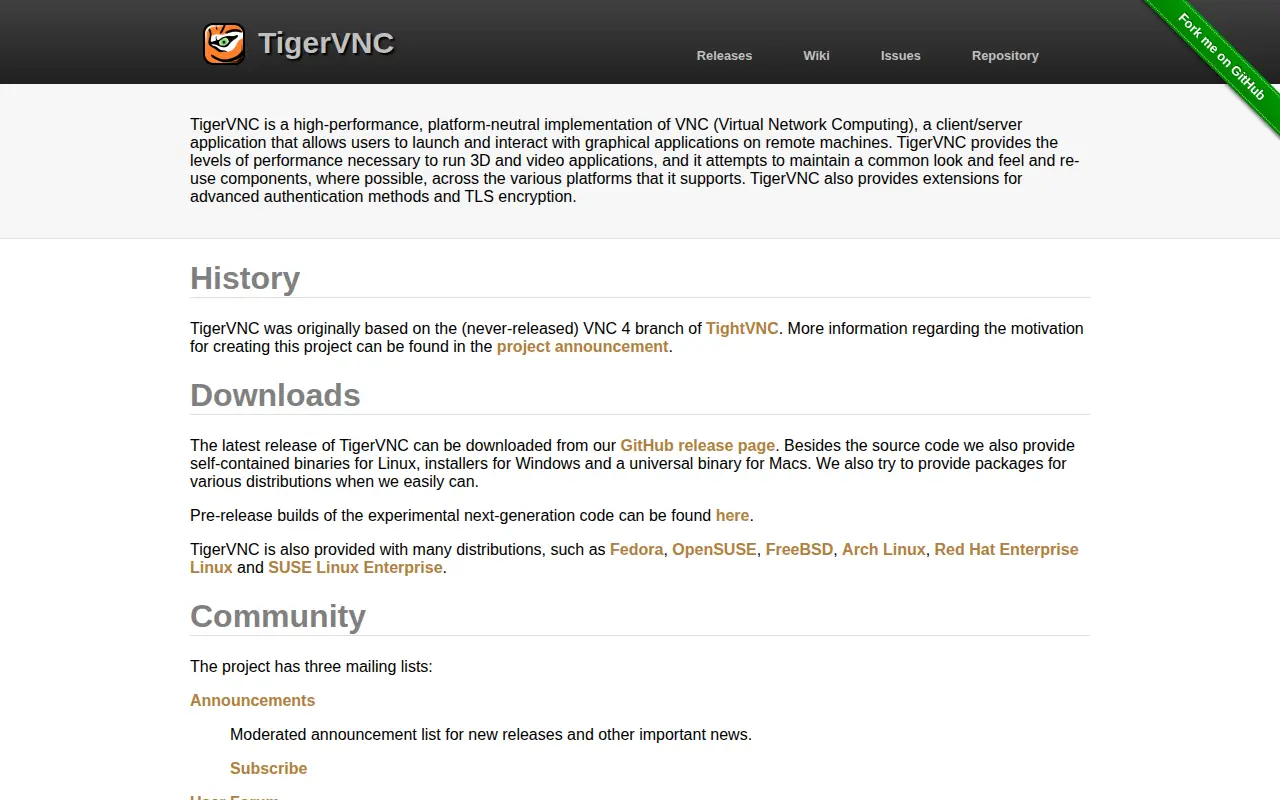
TigerVNC is a platform-neutral implementation of VNC, a client/server application for launching and interacting with graphical applications on remote machines. It provides performance intended for 3D and video applications and extensions for advanced authentication methods and TLS encryption. Binaries are offered for Linux, Windows and Macs, and it is included in several distributions.
RustDesk is a system utility for Windows, hardware checks, cleanup, process control, or desktop customization.

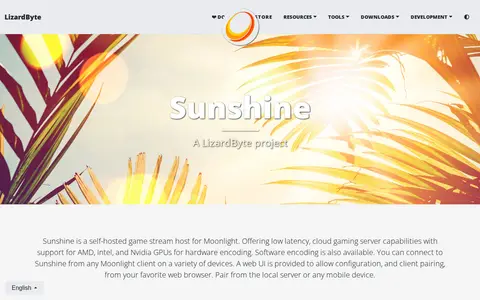
Sunshine is a self-hosted game stream host for Moonlight. It offers low-latency cloud gaming server capabilities with hardware encoding on AMD, Intel, and Nvidia GPUs, and software encoding is also available. A web UI allows configuration and client pairing from a browser, the local server, or a mobile device.

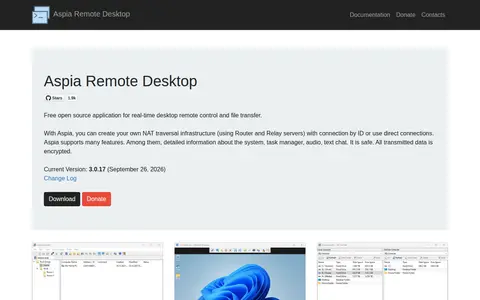
Aspia is a free open source application for real-time desktop remote control and file transfer. It supports NAT traversal, system information, audio and chat, and users can create their own NAT traversal infrastructure using Router and Relay servers with connection by ID or use direct connections. All transmitted data is encrypted.

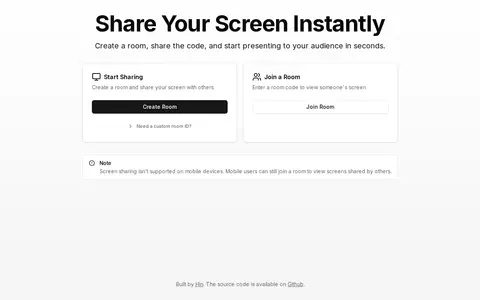
A browser-based screen sharing tool. Users create a room and share its code so others can view their screen without downloads or sign-ups. Joiners enter a room code to view a shared screen. Screen sharing is not supported on mobile devices, though mobile users can still join a room to view screens shared by others.

Telegram link is a Telegram channel, bot, or group for updates, links, files, or community posts.

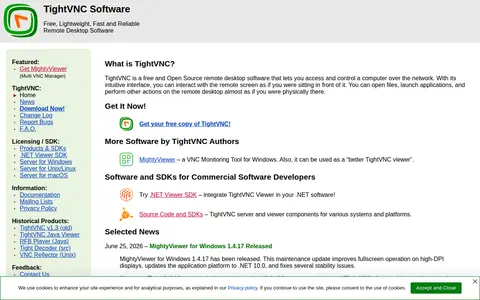
TightVNC is a free and open source remote desktop software that lets users access and control a computer over the network, interacting with the remote screen to open files and launch applications. Documentation covers the Windows version, an MSI installation guide, server command-line options, and a Java Viewer.
Community notes
Be the first to share how this project worked for you.
Sign in with a verified account to leave a review or join the discussion.
Sign in to reviewKeep exploring
RustDesk is a system utility for Windows, hardware checks, cleanup, process control, or desktop customization.
Sunshine is a self-hosted game stream host for Moonlight. It offers low-latency cloud gaming server capabilities with hardware encoding on AMD, Intel, and Nvidia GPUs, and software encoding is also available. A web UI allows configuration and client pairing from a browser, the local server, or a mobile device.
Aspia is a free open source application for real-time desktop remote control and file transfer. It supports NAT traversal, system information, audio and chat, and users can create their own NAT traversal infrastructure using Router and Relay servers with connection by ID or use direct connections. All transmitted data is encrypted.
A browser-based screen sharing tool. Users create a room and share its code so others can view their screen without downloads or sign-ups. Joiners enter a room code to view a shared screen. Screen sharing is not supported on mobile devices, though mobile users can still join a room to view screens shared by others.
Telegram link is a Telegram channel, bot, or group for updates, links, files, or community posts.
TightVNC is a free and open source remote desktop software that lets users access and control a computer over the network, interacting with the remote screen to open files and launch applications. Documentation covers the Windows version, an MSI installation guide, server command-line options, and a Java Viewer.