




MouseCTRL is a database for comparing gaming mousepads by speed, texture, firmness, size and price. It also publishes a compatibility index of independently tested combinations of gaming arm sleeves and mousepads. The site offers comparison tools, macro photography of surfaces, and brand guides, and states it requires no signup.
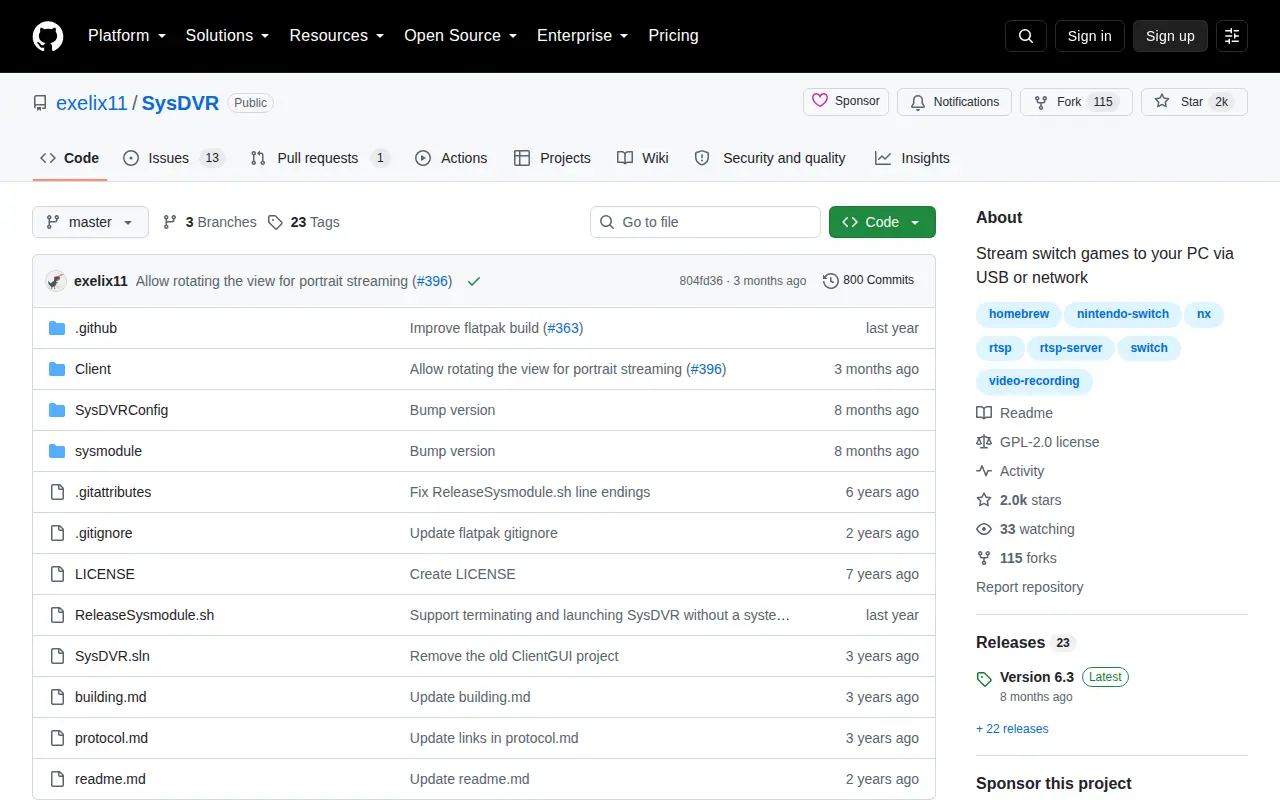
SysDVR
SysDVR is a GitHub repository or organization with source code, releases, documentation, or project resources.
Links
Tags
-
0MouseCTRL is a database for comparing gaming mousepads by speed, texture, firmness, size and price. It also publishes a compatibility index of independently tested combinations of gaming arm sleeves and mousepads. The site offers comparison tools, macro photography of surfaces, and brand guides, and states it requires no signup.
-
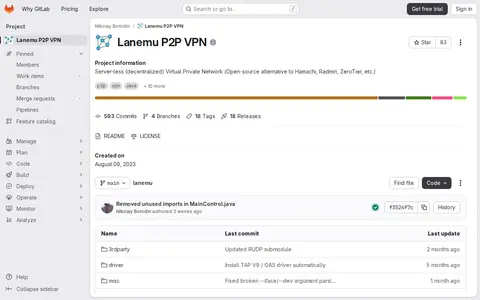
0Lanemu P2P VPN is a server-less, decentralized virtual private network offered as an open-source alternative to Hamachi, Radmin, and ZeroTier. The project is written in Java and C and lists Linux, Windows, FreeBSD, and MacOS among its supported platforms.
-
0
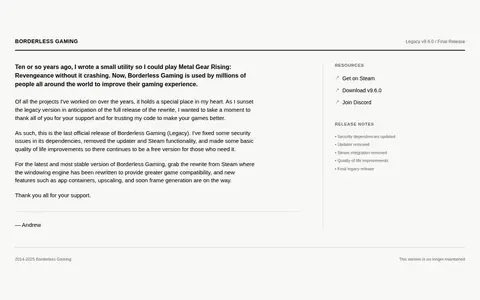
Borderless Gaming is a utility for playing games in a borderless window. The legacy v9.6.0 release is the final official version, with security dependencies updated, the updater and Steam integration removed, and quality of life improvements. A rewritten version is available on Steam. This legacy version is no longer maintained.
-
0Chiaki is a free and open source client for PlayStation 4 and PlayStation 5 Remote Play, available for Linux, FreeBSD, OpenBSD, NetBSD, Android, macOS, Windows and Nintendo Switch. The project is described as finished and in maintenance mode, with no major updates planned. It can find a console on the local network or connect manually by IP address.
-
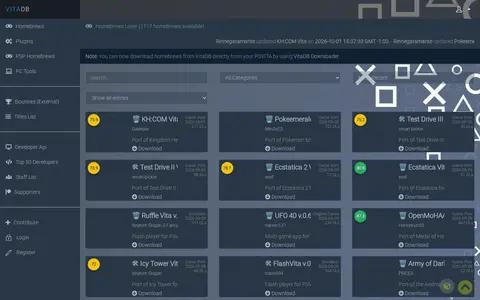
0VitaDB is a homebrew listing site with sections for homebrews, plugins, PSP homebrews, PC tools and bounties. It also provides a titles list, a developer API, top 50 developers and staff list pages, with account registration and login for submitting entries.
-
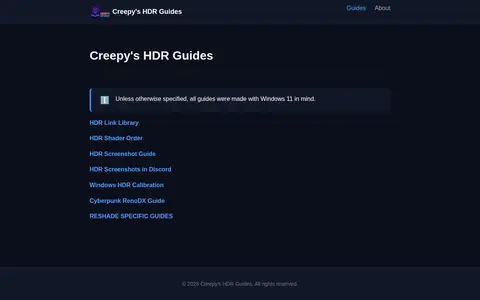
0Creepy's HDR Guides is a how-to guide site focused on using ReShade with HDR. It links to guides covering HDR shader order, HDR screenshots, Windows HDR calibration and a Cyberpunk RenoDX guide. Unless otherwise specified, the guides were made with Windows 11 in mind.
Community notes
Reviews and discussion
No reviews yet
Be the first to share how this project worked for you.
Join the discussion
Sign in with a verified account to leave a review or join the discussion.
Sign in to review