


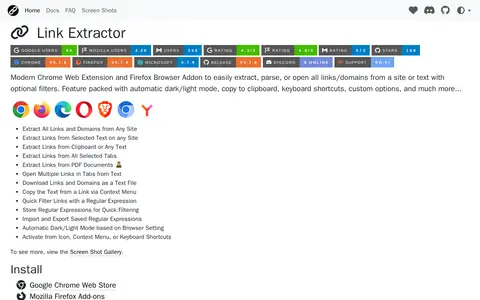
Link Extractor is a Chrome extension and Firefox addon that extracts, parses, or opens all links and domains from a site or text with optional filters. It also extracts links from selected text, the clipboard, selected tabs, and PDF documents, and can open multiple links or download them as a text file.
Snap Links Plus
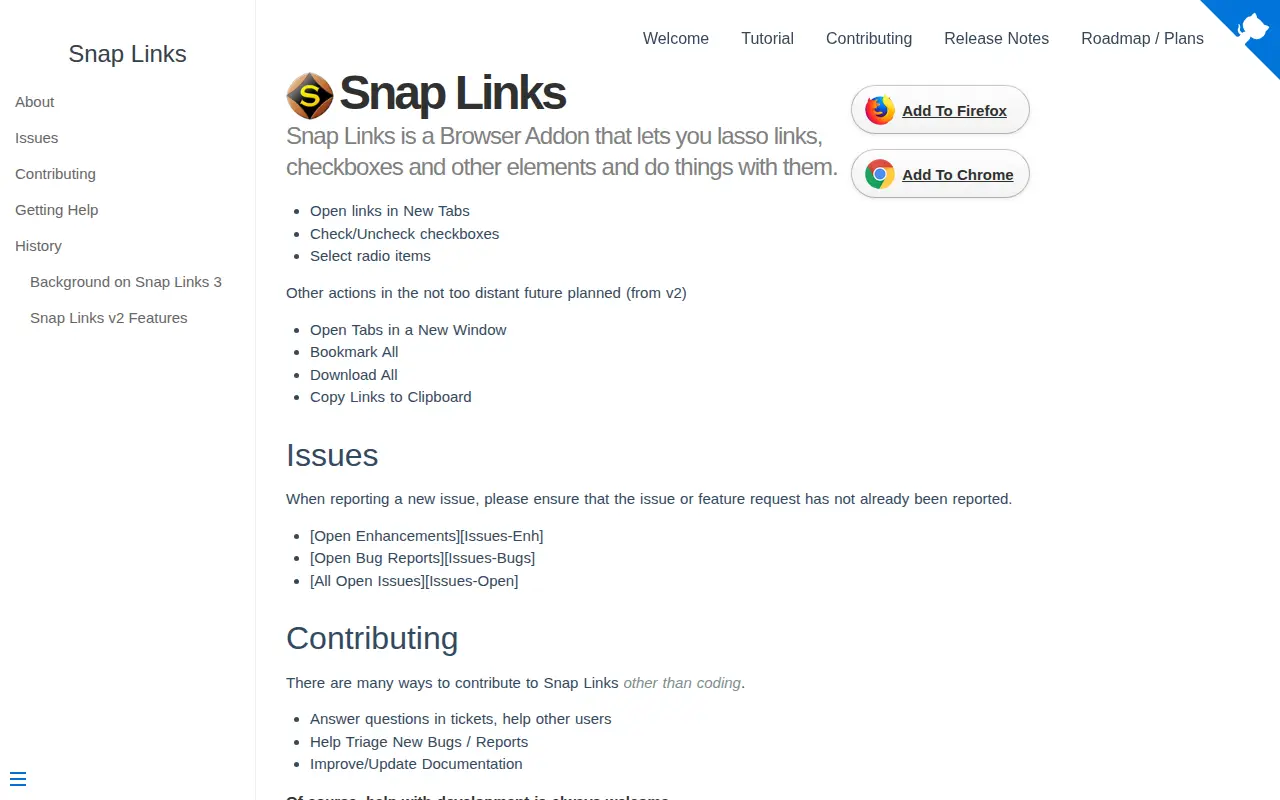
Snap Links 3 is a browser tool for lassoing links, checkboxes and other elements. It lets users select multiple links, checkboxes and other elements, then act on them, such as opening them in new tabs or checking and unchecking them.
Features
- Select multiple links, checkboxes and other elements Source: cpriest.github.io
Uses
- open them in new tabs or check/un-check them Source: cpriest.github.io
Links
Tags
-
0Link Extractor is a Chrome extension and Firefox addon that extracts, parses, or opens all links and domains from a site or text with optional filters. It also extracts links from selected text, the clipboard, selected tabs, and PDF documents, and can open multiple links or download them as a text file.
-
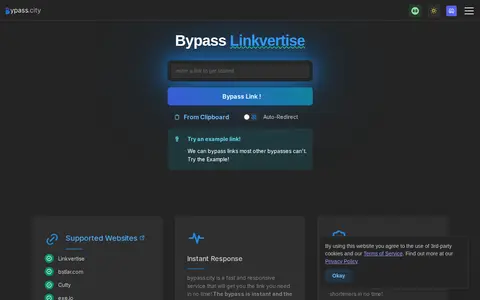
0bypass.city is a web service that bypasses link shorteners and ad-link sites, including Linkvertise, lootlinks.com and work.ink, to reach the destination link. The site states the bypass is instant and lists many supported shorteners and paste sites. It also offers clipboard input and auto-redirect.
-
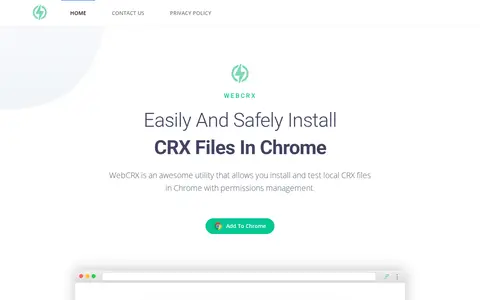
0WebCRX is a Chrome extension utility designed to let users easily and safely install local CRX files in Chrome, with built-in permissions management. It is an independent tool with no affiliation to Google or the official Chrome Web Store, and offers support and contact options for users.
-
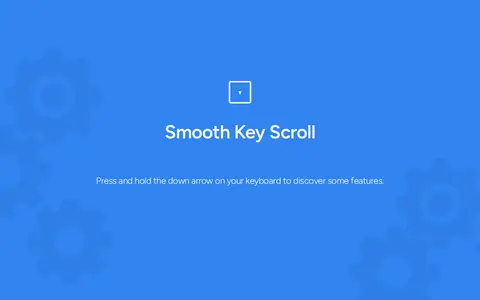
0Smooth Key Scroll is a browser extension for keyboard-based page scrolling. It offers adjustable speed, with Alt to speed up and Ctrl to slow down during scrolling, and custom directional key layouts including Gamer, Vim and Ergonomic options. An option disables mouse hover effects while scrolling. It is available in the Chrome Web Store.
-
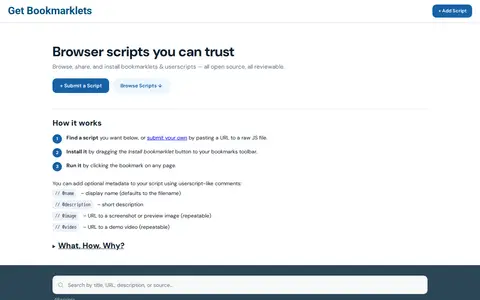
0Get Bookmarklets is a collection of bookmarklets and userscripts that can be installed with a single drag. Users can browse, share and submit their own scripts, and the site includes an explanation of bookmarklets, installation and purposes.
-
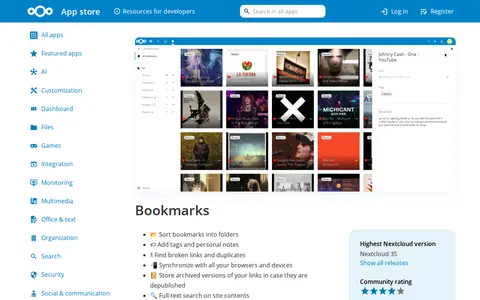
0A Nextcloud app for bookmarks, available through the Nextcloud App Store. The listing lists releases for Nextcloud versions 9 through 35, with the highest supported version being Nextcloud 35 and version 17.0.0 - 35 as stable release. The app is categorized under Organization.
Community notes
Reviews and discussion
No reviews yet
Be the first to share how this project worked for you.
Join the discussion
Sign in with a verified account to leave a review or join the discussion.
Sign in to review