



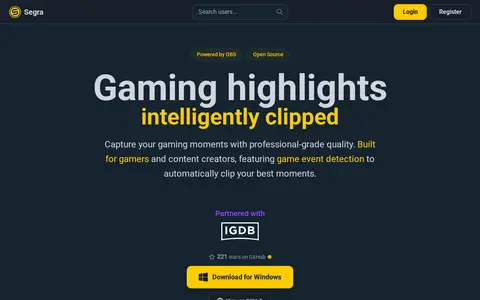

Segra is a free, open-source game recorder built on OBS that records games in the background at up to 4K and 144 FPS. It can automatically clip kills and highlights across 17 supported games, and users can cut and upload clips.
ShareX
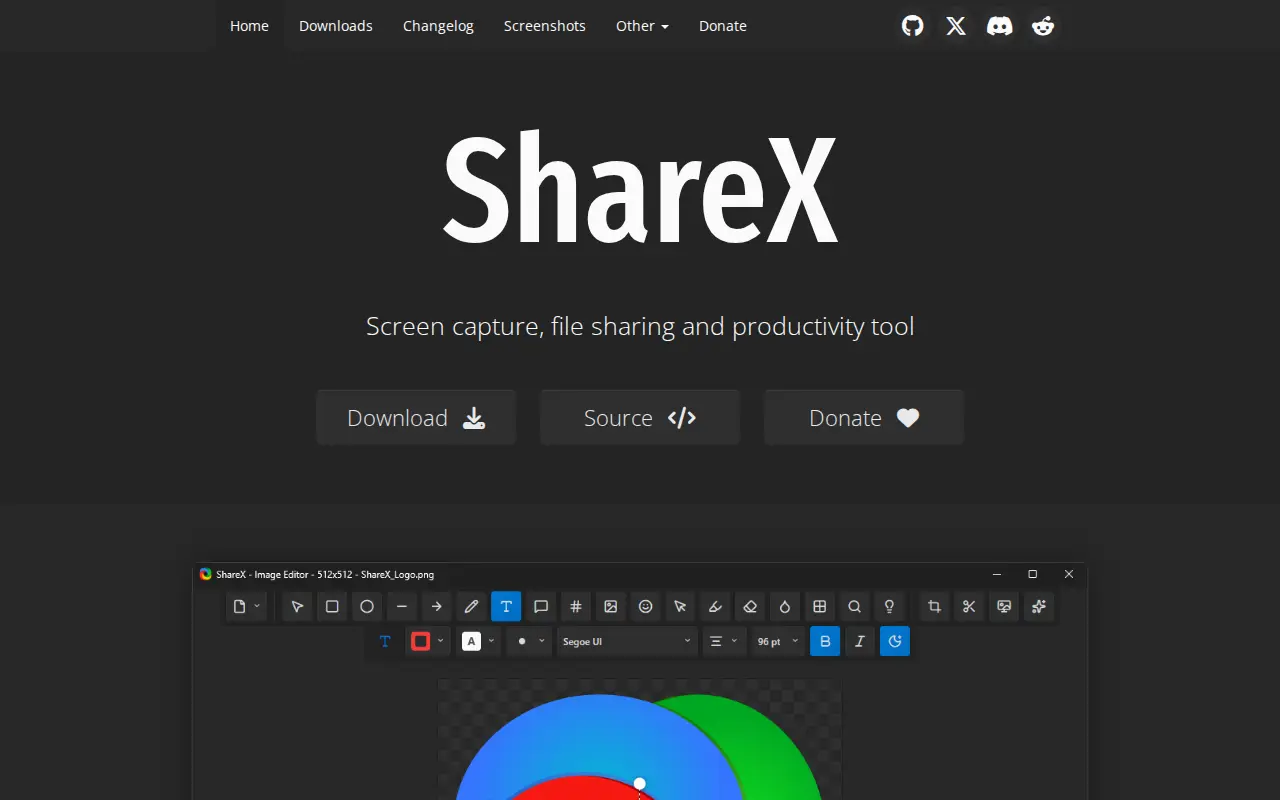
ShareX is a free and open source screenshot tool for Windows that captures or records any area of the screen and shares it with a single key press. It includes screen capture, screen recording, file sharing and productivity features, and supports uploading to many destinations.
Features
- free and open source screenshot tool for Windows Source: getsharex.com
Links
Tags
-
0Segra is a free, open-source game recorder built on OBS that records games in the background at up to 4K and 144 FPS. It can automatically clip kills and highlights across 17 supported games, and users can cut and upload clips.
-
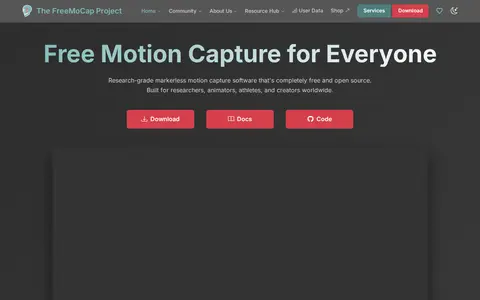
0FreeMoCap is research-grade markerless motion capture software that is completely free and open source. It uses two or more standard cameras, a printed ChArUco board for calibration, and local processing to convert video into 3D data, with results in CSV, FBX and .blend formats.
-
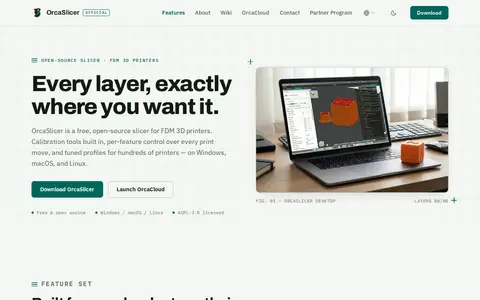
0OrcaSlicer is a free, open-source 3D printing slicer for FDM 3D printers, created by SoftFever. It runs on Windows, macOS, and Linux and is licensed under AGPL-3.0. The slicer includes a built-in calibration suite and per-feature control over print settings, with tuned profiles for printers from Bambu Lab, Prusa, Creality, Voron, and others. Network printing supports Klipper, PrusaLink, and OctoPrint.
-
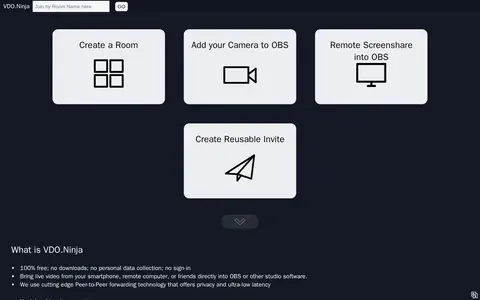
0VDO.Ninja is a tool for bringing live video from a smartphone, computer, or other people into OBS Studio or other studio software. It offers rooms for group chat and tools to manage multiple guests and is described as 100% free.
-
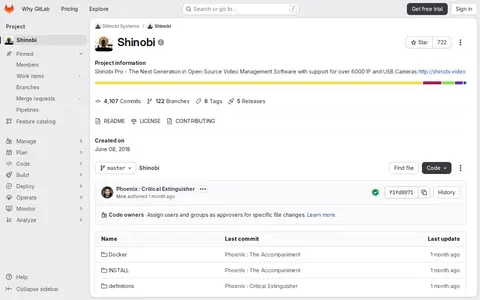
0Shinobi is a video tool for encoding, conversion, repair, playback, editing, or processing workflows.
-
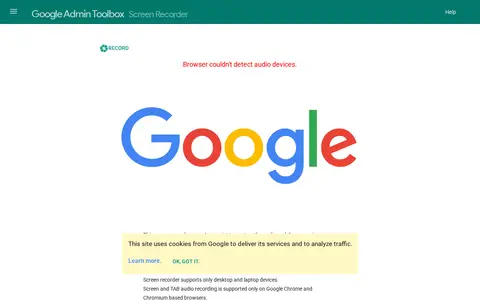
0A browser-based screen recorder from Google Admin Toolbox that uses JavaScript to capture audio and screen. It does not send captured media to Google infrastructure or other remote services. It supports only desktop and laptop devices, and screen and tab audio recording works only on Google Chrome and Chromium-based browsers.
Community notes
Reviews and discussion
No reviews yet
Be the first to share how this project worked for you.
Join the discussion
Sign in with a verified account to leave a review or join the discussion.
Sign in to review