



WeLib is a book and paper repository offering 43 million books and 98 million academic articles, described as free. The site presents a full database and academic papers section, along with popular titles, and gives options to listen, read, download, summarize, share and save entries.
Send to Kobo/Kindle
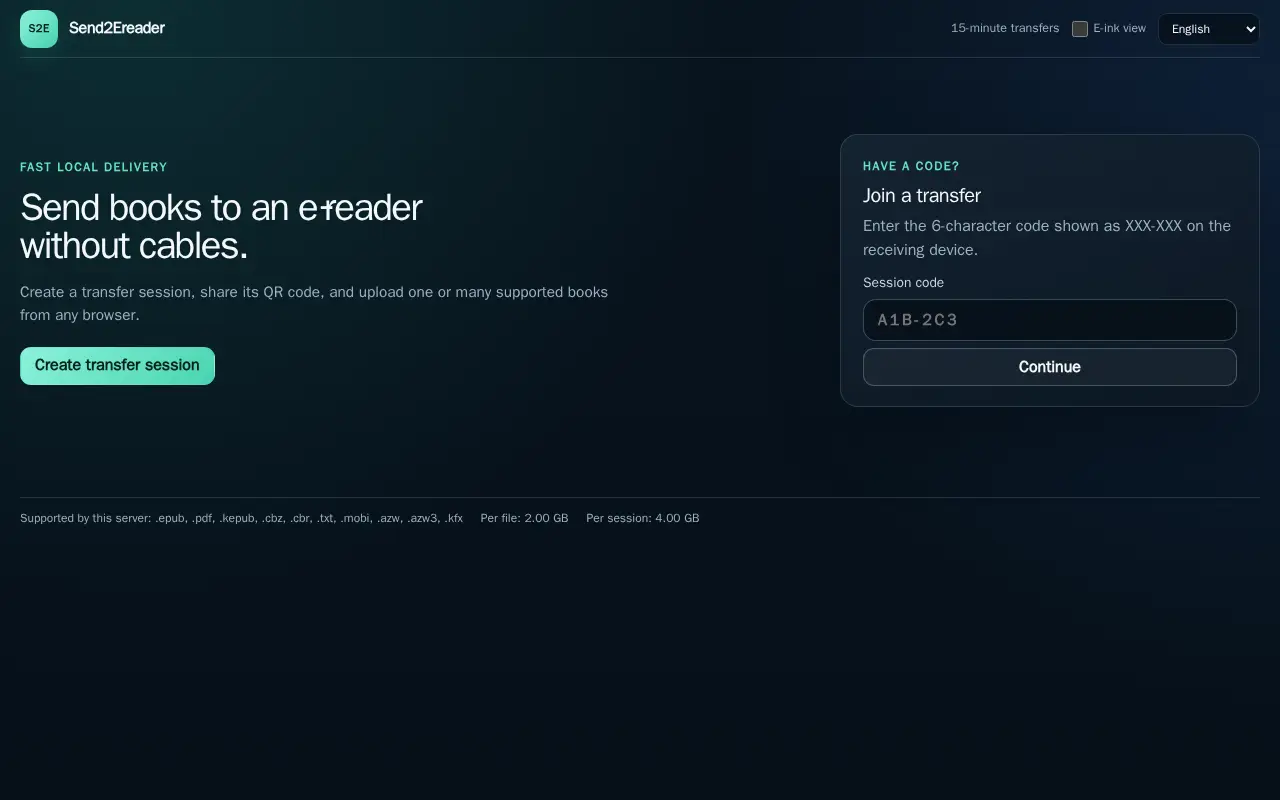
Send2Ereader transfers books to an e-reader without cables. A user creates a transfer session, shares its QR code, and uploads supported books from a browser; a receiving device joins with a 6-character code. Integrations include a KOReader plugin, CrossPoint/XTEink plugin, and generic OPDS clients, requiring no username or password.
Features
- Create a transfer session, share its QR code Source: send2ereader.net
Links
Tags
-
0WeLib is a book and paper repository offering 43 million books and 98 million academic articles, described as free. The site presents a full database and academic papers section, along with popular titles, and gives options to listen, read, download, summarize, share and save entries.
-
0A browser-based viewer for opening ebook and archive files. It supports PDF, EPUB, FB2, MOBI, AZW3, DJVU, CBZ, CBR, RAR and ZIP files, and files can be dropped onto the page or opened by clicking. If a file fails to open, the page suggests trying another application or reporting the problem on the file's page on Anna's Archive.
-
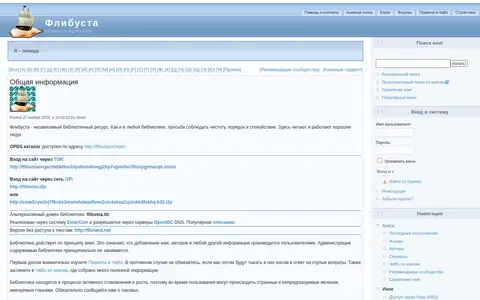
0Flibusta helps search books, ebooks, papers, library records, or reading archives.
-
0
DjVuLibre is an open source GPL implementation of DjVu, a format and software platform for distributing documents and images. It includes viewers, a browser plug-in for Unix browsers, command line tools for encoding and decoding, and a C++ library. The best encoders are proprietary and not included.
-
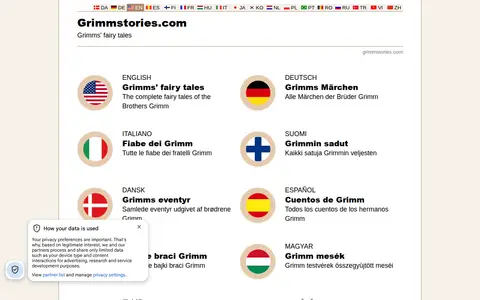
0GrimmStories helps search books, ebooks, papers, library records, or reading archives.
-
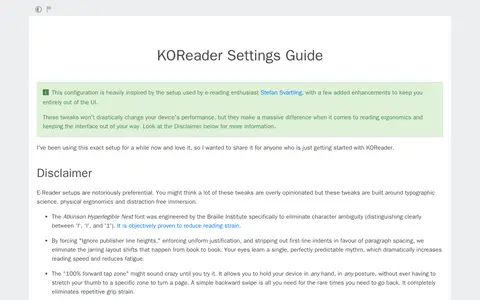
0A KOReader settings guide describing a configuration inspired by e-reading enthusiast Stefan Svartling, with additions intended to keep the interface out of the way. It covers document settings, bottom menu settings, general settings, screen and battery tweaks, taps and gestures, advanced reading tools and the status bar, and recommends the Atkinson Hyperlegible Next font.
Community notes
Reviews and discussion
No reviews yet
Be the first to share how this project worked for you.
Join the discussion
Sign in with a verified account to leave a review or join the discussion.
Sign in to review