
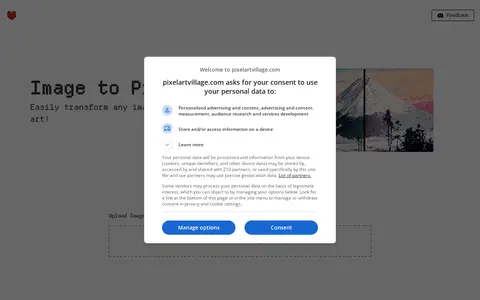

PixelartVillage is a free online tool that converts images into pixel art. It lets users adjust pixel size and apply palettes, including palettes imported from lospec.com. It supports image types such as png, jpg and svg, and the site states that generated images may be used for any purpose, including commercial.
Segment Anything
Segment Anything is an image tool for editing, cropping, design, memes, graphics, or visual publishing.
Links
Tags
-
0PixelartVillage is a free online tool that converts images into pixel art. It lets users adjust pixel size and apply palettes, including palettes imported from lospec.com. It supports image types such as png, jpg and svg, and the site states that generated images may be used for any purpose, including commercial.
-
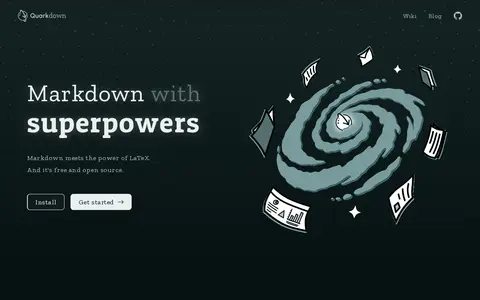
0Quarkdown is an open-source, Markdown-based typesetting system for creating papers, presentations, knowledge bases and static websites. It offers a complete authoring experience with a reactive preview and scripting capabilities, and version 2.4 allows Markdown elements to be extended.
-
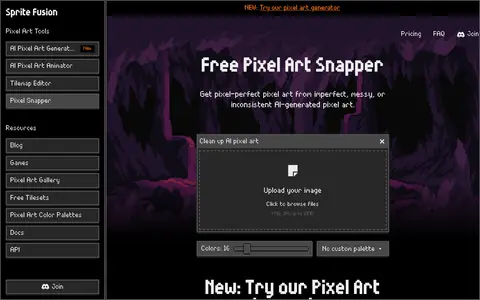
0Pixel Snapper is a free, open-source tool for cleaning up AI-generated pixel art. It fixes blur, inconsistent pixels and off-grid pixels while preserving details such as dithering and outlines, and it can apply a pixel art color palette to the image. A paid desktop edition adds batch processing.
-
0
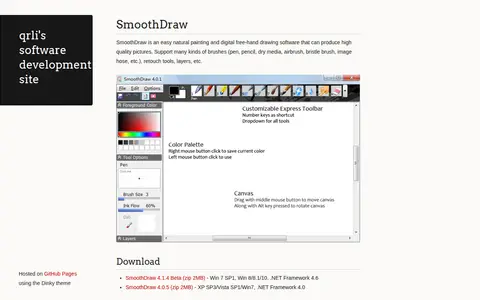
SmoothDraw is a painting and free-hand drawing program for producing pictures, supporting brushes such as pen, pencil, dry media, airbrush, bristle brush and image hose, along with retouch tools and layers. Downloads are offered as SmoothDraw 4.1.4 Beta for Win 7 SP1 and Win 8/8.1/10 with .NET Framework 4.6, and SmoothDraw 4.0.5 for older Windows versions.
-
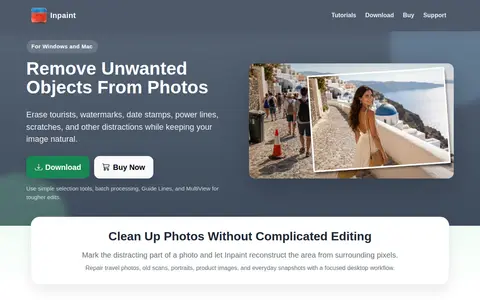
0Inpaint is a desktop application for Windows and Mac that removes unwanted objects, tourists, watermarks, date stamps, scratches and skin blemishes from photos. It reconstructs selected areas from nearby pixels and requires only basic image editing skills.
-
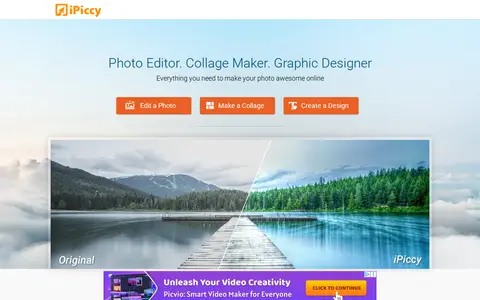
0iPiccy is a browser-based photo editing tool. It offers one-click photo fixes, cropping, rotating and resizing, along with photo effects, facial retouching and frames. It also includes a collage maker with templates and a graphic design tool for text, overlays and stickers. The site states it is not yet optimized for mobile devices and recommends a desktop computer.
Community notes
Reviews and discussion
No reviews yet
Be the first to share how this project worked for you.
Join the discussion
Sign in with a verified account to leave a review or join the discussion.
Sign in to review