




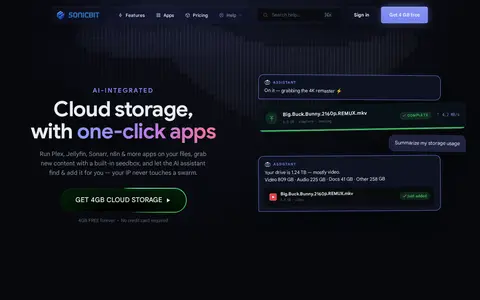

SonicBit is an AI-integrated cloud storage service that offers one-click app hosting, a built-in seedbox and a chat assistant for finding and adding content. It includes a drive for moving, renaming, zipping, searching, streaming and sharing files. A prepaid AI Model API provides OpenAI-compatible access to DeepSeek, GLM and Kimi models.
Seedr
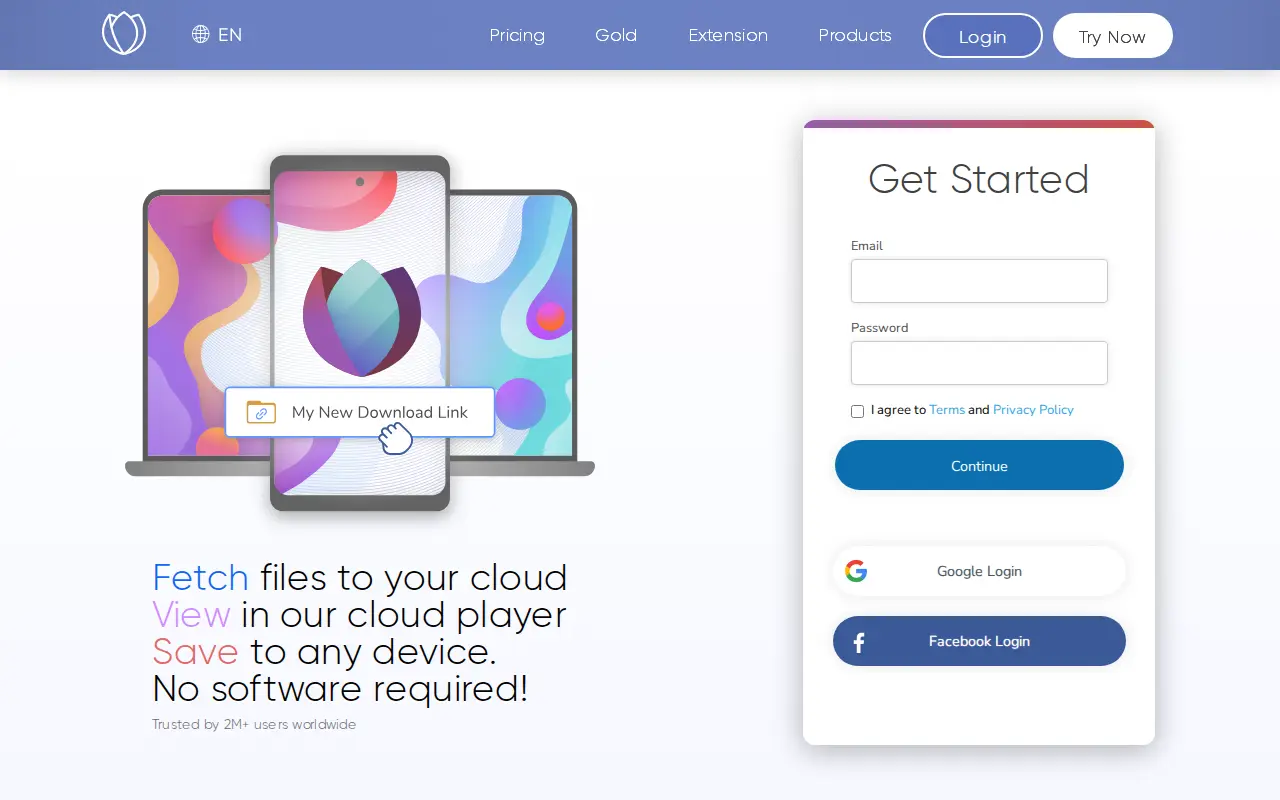
Seedr is an online service that imports files from links into personal cloud storage. Files can be viewed in a built-in cloud player and saved to any device without installing software. It also connects to media servers and cloud storage.
Features
- Fetch files from any link to your personal cloud storage Source: www.seedr.cc
Links
Tags
-
0SonicBit is an AI-integrated cloud storage service that offers one-click app hosting, a built-in seedbox and a chat assistant for finding and adding content. It includes a drive for moving, renaming, zipping, searching, streaming and sharing files. A prepaid AI Model API provides OpenAI-compatible access to DeepSeek, GLM and Kimi models.
-
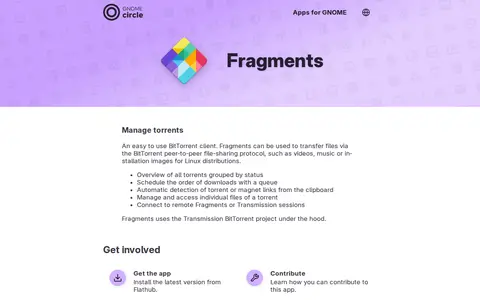
0Fragments is an easy-to-use BitTorrent client for GNOME used to transfer files over the BitTorrent peer-to-peer protocol. It groups torrents by status, supports download queues, detects torrent and magnet links from the clipboard, manages individual torrent files, and can connect to remote Fragments or Transmission sessions. It uses the Transmission BitTorrent project under the hood.
-
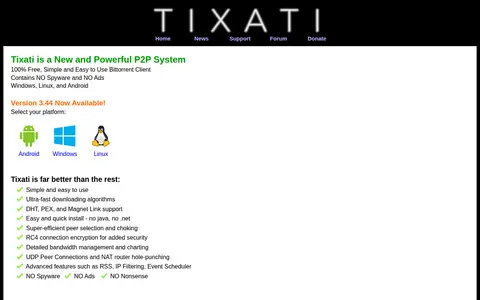
0Tixati is a BitTorrent client for Windows, Linux and Android. The site lists features including DHT, PEX and Magnet Link support, RC4 connection encryption, bandwidth management and charting, and an event scheduler. It states that the client contains no spyware and no ads and is free to use.
-
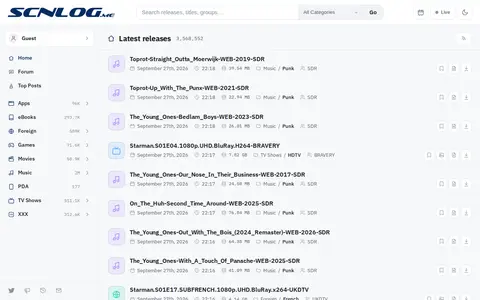
0SCNLOG is a torrent index or resource page for searching listings, metadata, forums, or tracker information.
-
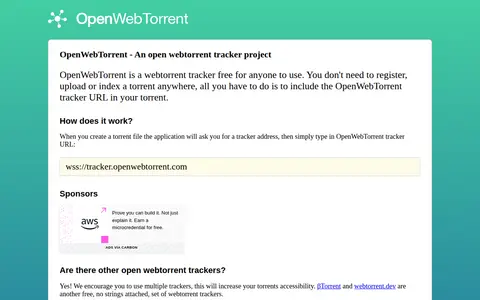
0OpenWebTorrent is a WebTorrent tracker that is free for anyone to use. Torrents do not need to be registered, uploaded or indexed; users include the OpenWebTorrent tracker URL when creating a torrent file.
-
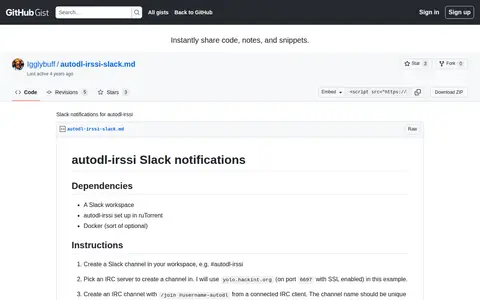
0A GitHub Gist document with instructions for connecting autodl-irssi notifications to a Slack workspace through an IRC bridge. It covers creating a Slack channel, IRC server and channel, a Slack bot token, a config.json file, and running the slack-irc Docker container.
Community notes
Reviews and discussion
No reviews yet
Be the first to share how this project worked for you.
Join the discussion
Sign in with a verified account to leave a review or join the discussion.
Sign in to review