
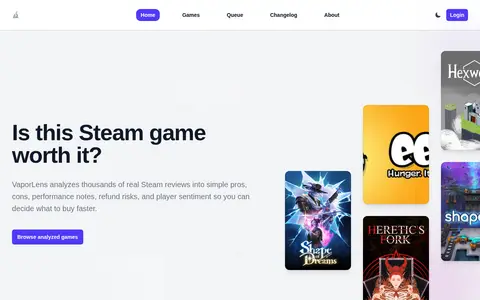
VaporLens summarizes Steam game reviews into pros, cons, performance notes and player sentiment to help players judge whether a game is worth buying. It offers a public API endpoint that returns summarized review analysis for a Steam app, and documents license conditions for that API.
SDD GUI
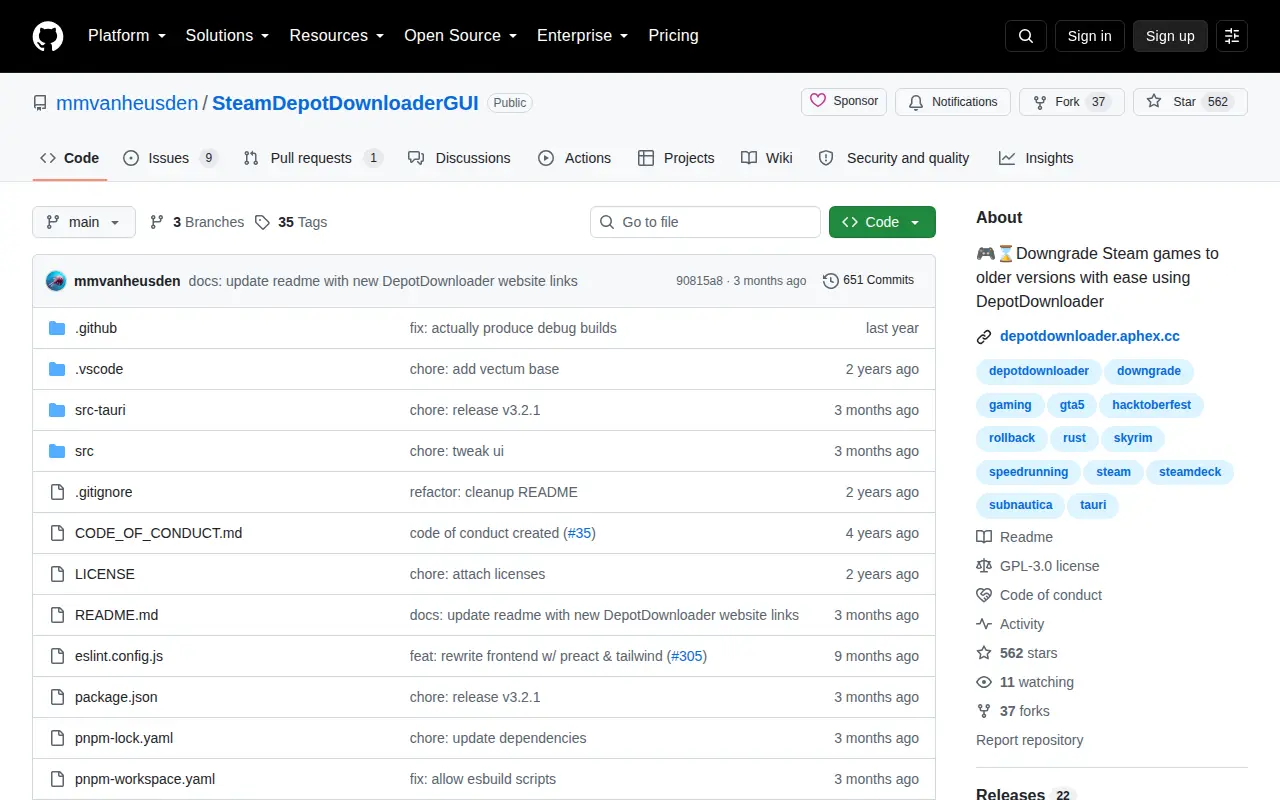
SDD GUI is a GitHub repository or organization with source code, releases, documentation, or project resources.
Links
Tags
-
0VaporLens summarizes Steam game reviews into pros, cons, performance notes and player sentiment to help players judge whether a game is worth buying. It offers a public API endpoint that returns summarized review analysis for a Steam app, and documents license conditions for that API.
-
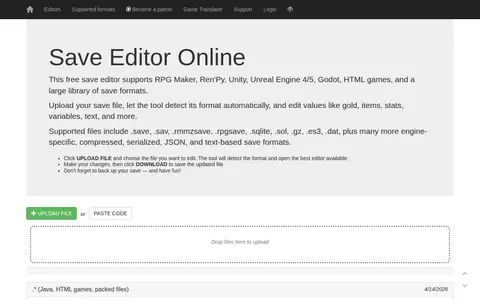
0An online tool for editing save files from games built with RPG Maker, Ren'Py, Unity, Unreal Engine 4/5, Godot, and HTML. Users upload a save file, the format is detected automatically, and values such as gold, items, stats, variables, and text can be changed before downloading the updated file.
-
0
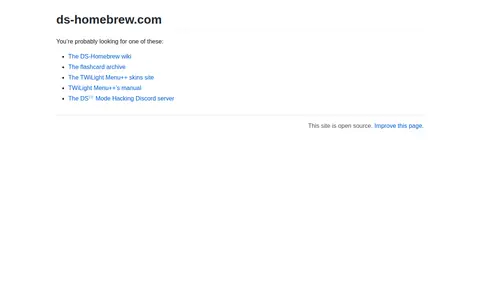
ds-homebrew.com is a redirect page that points visitors to DS-Homebrew websites, including the DS-Homebrew wiki, the flashcard archive, the TWiLight Menu++ skins site, TWiLight Menu++'s manual and the DS⁽ⁱ⁾ Mode Hacking Discord server. The page states that the site is open source.
-
0
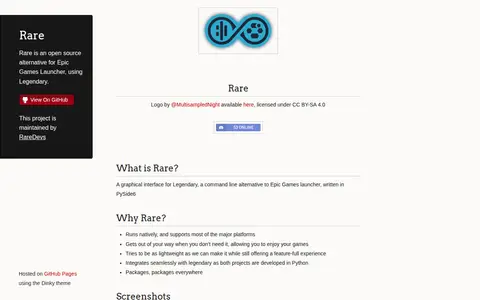
Rare is an open source alternative for Epic Games Launcher that uses Legendary. It is a graphical interface for Legendary, a command line alternative to the Epic Games launcher, written in PySide6. It runs natively and supports most major platforms.
-
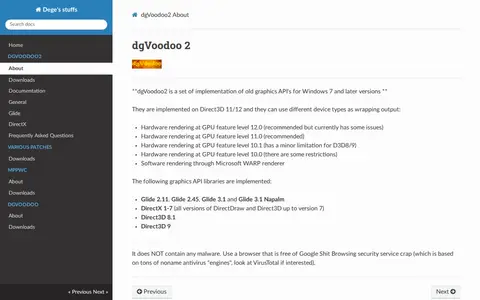
0dgVoodoo2 is a set of implementations of old graphics APIs for Windows 7 and later versions. The implementations are built on Direct3D 11/12 and can use different device types as wrapping output, including hardware rendering at several GPU feature levels and software rendering through the Microsoft WARP renderer. The implemented libraries include Glide 2.11, Glide 2.45, Glide 3.1 and Glide 3.1 Napalm, DirectX 1-7, Direct3D 8.1 and Direct3D 9.
-
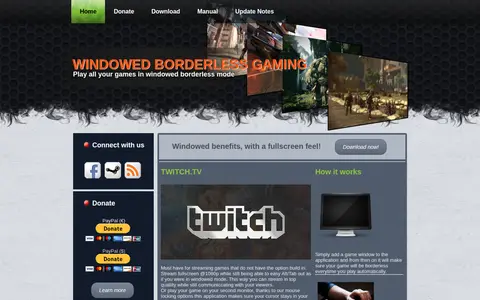
0A program that runs games in windowed borderless mode, giving a fullscreen experience with windowed benefits. Games are added to the application once and are then started borderless automatically, with settings configurable globally or per game. It also offers mouse locking options intended to keep the cursor in the game window.
Community notes
Reviews and discussion
No reviews yet
Be the first to share how this project worked for you.
Join the discussion
Sign in with a verified account to leave a review or join the discussion.
Sign in to review