

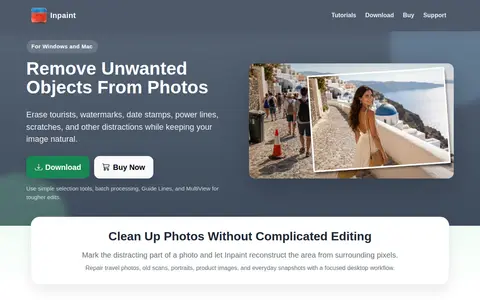
Inpaint is a desktop application for Windows and Mac that removes unwanted objects, tourists, watermarks, date stamps, scratches and skin blemishes from photos. It reconstructs selected areas from nearby pixels and requires only basic image editing skills.
RedKetchup
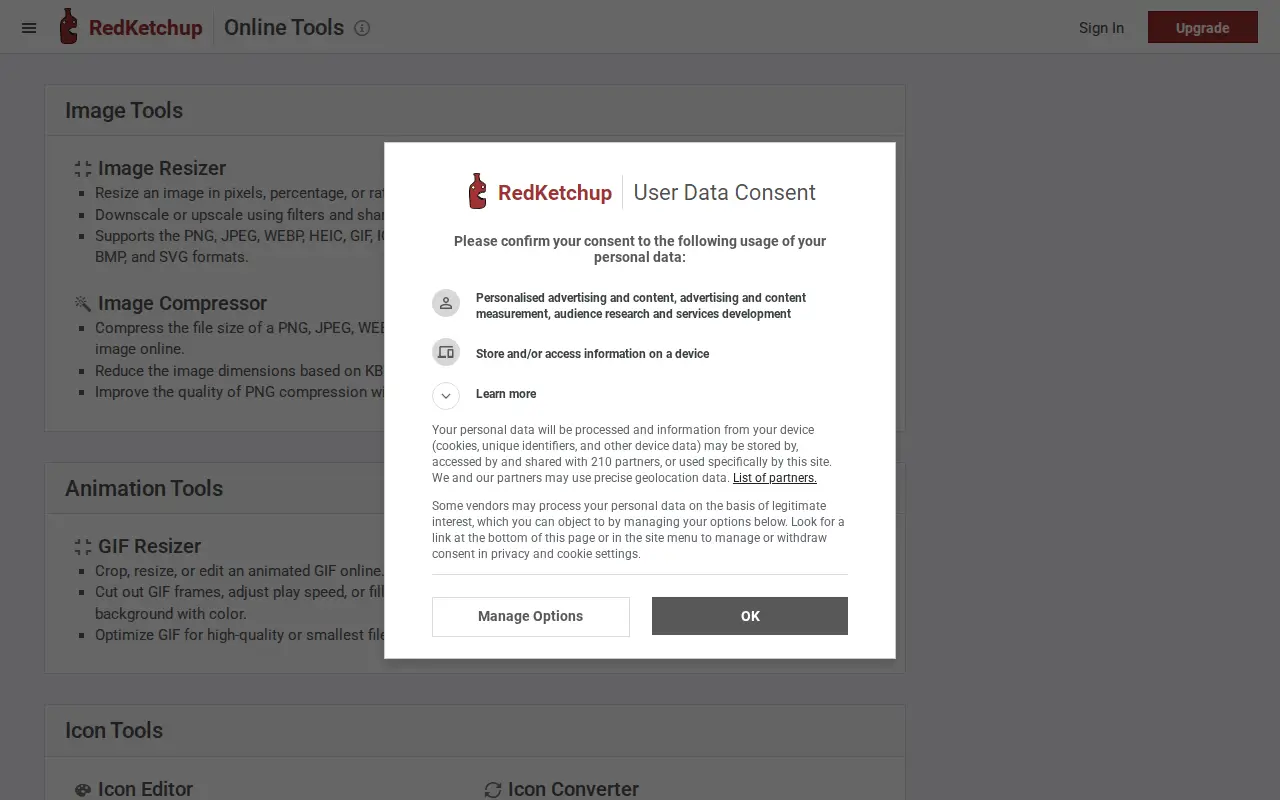
RedKetchup is an image tool for editing, cropping, design, memes, graphics, or visual publishing.
Links
Tags
-
0Inpaint is a desktop application for Windows and Mac that removes unwanted objects, tourists, watermarks, date stamps, scratches and skin blemishes from photos. It reconstructs selected areas from nearby pixels and requires only basic image editing skills.
-
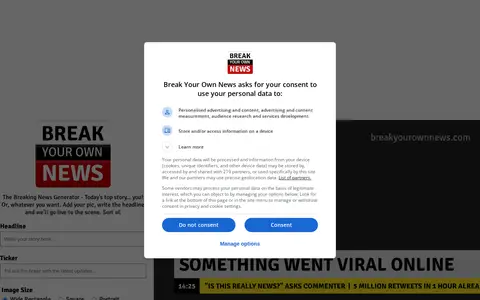
0A web tool for making parody breaking-news images by adding a picture and headline to a headline ticker in wide, square, or portrait sizes. It is described as intended for fun, humour and parody, and users are warned to avoid unlawful or defamatory material. Generated images can be downloaded.
-
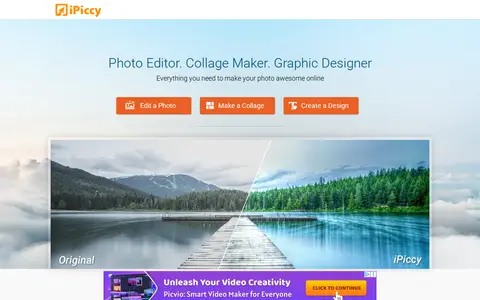
0iPiccy is a browser-based photo editing tool. It offers one-click photo fixes, cropping, rotating and resizing, along with photo effects, facial retouching and frames. It also includes a collage maker with templates and a graphic design tool for text, overlays and stickers. The site states it is not yet optimized for mobile devices and recommends a desktop computer.
-
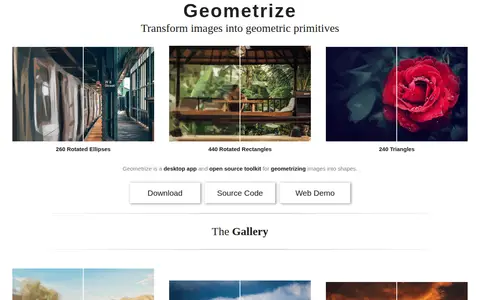
0Geometrize is a desktop application and open source toolkit that recreates images as abstract arrangements of rectangles, triangles and ellipses. It generates thousands of random shapes and repeatedly mutates them using hillclimbing optimization, keeping only the best-fitting ones. It is available for Windows, Mac and Linux.
-
0Pixilart is a free online pixel drawing tool. The source states that the tool allows users to make pixel art, game sprites and animated GIFs online for free. It also provides a free mobile app for creating pixel art on the go.
-
0
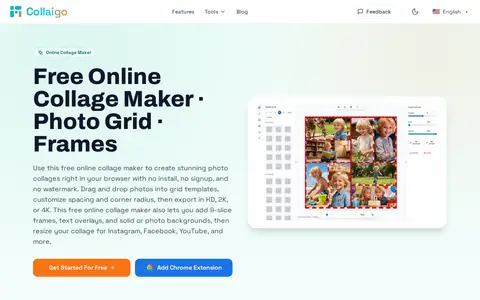
Collaigo is a browser-based collage maker that requires no install or signup and adds no watermark. It offers grid templates, custom rows and columns, canvas presets for social platforms and print, backgrounds, 9-slice frames, text overlays and photo editing, with export in HD, 2K or 4K. Core editing and exporting happen in the browser, and photos are not uploaded to its servers by default.
Community notes
Reviews and discussion
No reviews yet
Be the first to share how this project worked for you.
Join the discussion
Sign in with a verified account to leave a review or join the discussion.
Sign in to review