
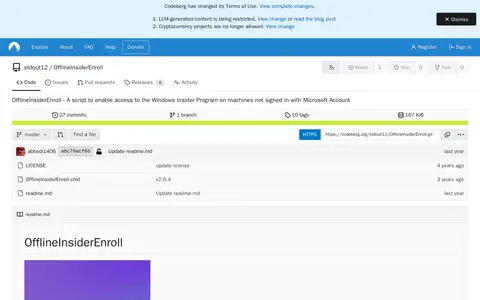

OfflineInsiderEnroll is a Windows Command Prompt script that enables access to the Windows Insider Program on machines not signed in with a Microsoft Account. It works on Windows 11 and Windows 10 version 1809 or later, requires administrative privileges, and lets users select Insider channels; it can also restore Windows Insider Program defaults.
PowerShell Scripts
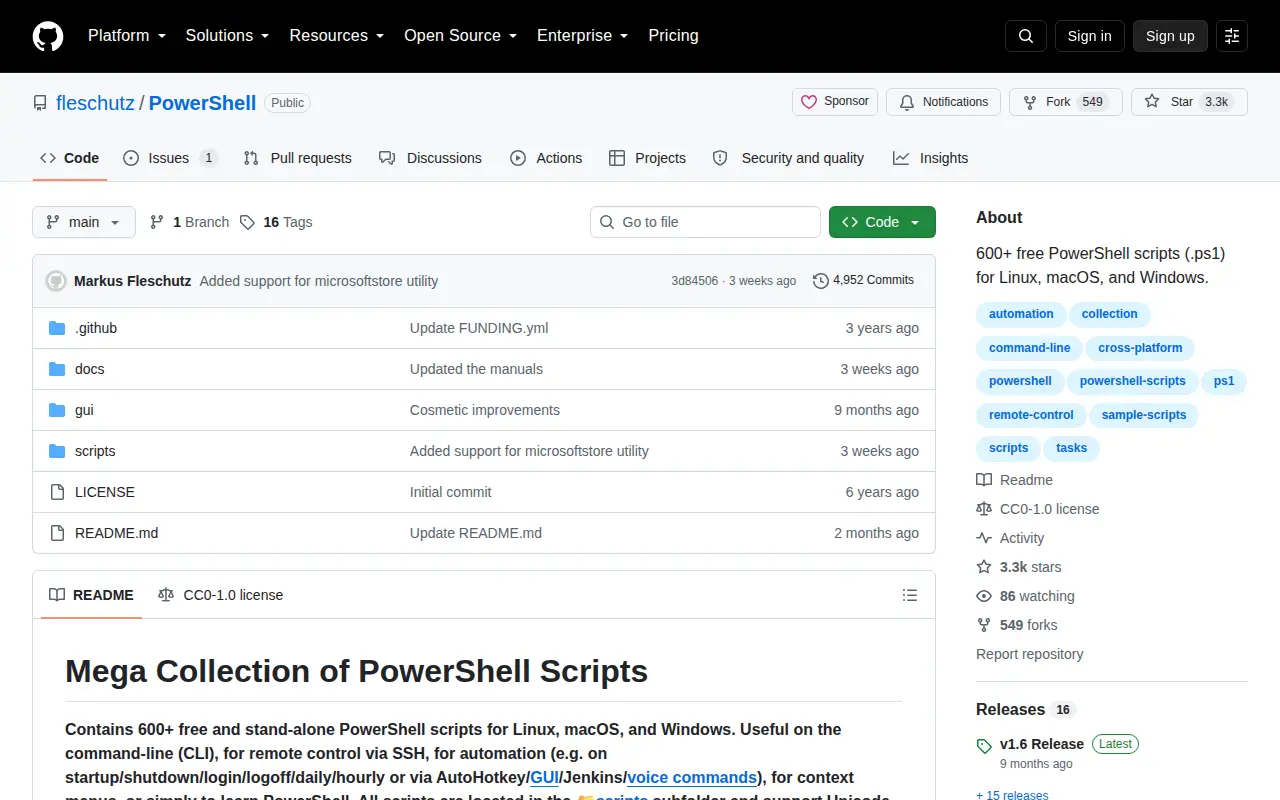
PowerShell Scripts is a system utility for Windows, hardware checks, cleanup, process control, or desktop customization.
Links
Tags
-
0OfflineInsiderEnroll is a Windows Command Prompt script that enables access to the Windows Insider Program on machines not signed in with a Microsoft Account. It works on Windows 11 and Windows 10 version 1809 or later, requires administrative privileges, and lets users select Insider channels; it can also restore Windows Insider Program defaults.
-
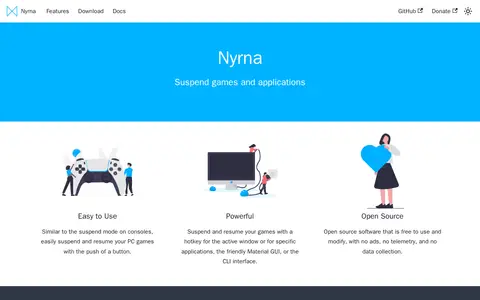
0Nyrna is open-source software that suspends and resumes games and other applications, similar to console suspend modes. It can be triggered by hotkey, a Material GUI, or a CLI, and can pause games that cannot normally be paused while freeing CPU and GPU resources. The site warns that modifying running applications may cause crashes.
-
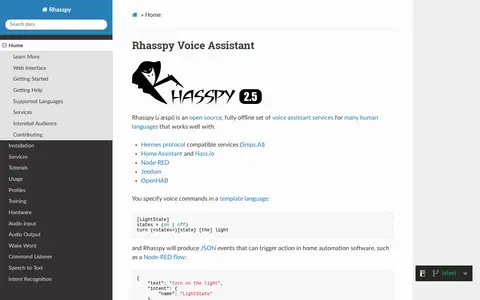
0Rhasspy is an open source, fully offline set of voice assistant services for many human languages. It works with Hermes protocol compatible services, Home Assistant, Hass.io, Node-RED, Jeedom and OpenHAB. Voice commands are specified in a template language and produce JSON events that can trigger actions in home automation software. A web interface allows configuration, programming and testing, with functionality exposed through an HTTP API.
-
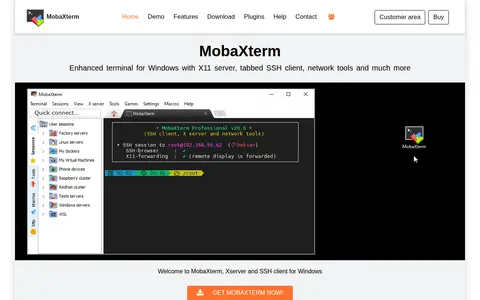
0MobaXterm is a Windows terminal application combining an embedded X server with a tabbed SSH client and other remote network tools such as RDP, VNC, telnet, FTP and Mosh. It includes Unix commands and a graphical SFTP browser. A free Home Edition is offered, and a Professional Edition subscription provides additional features.
-
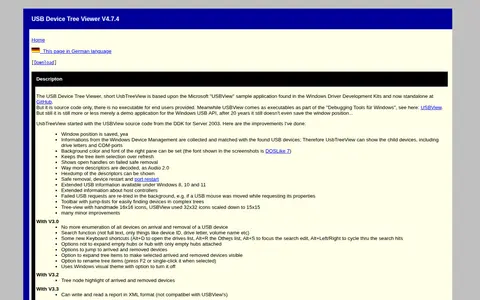
0USB Device Tree Viewer is a Windows utility derived from Microsoft's USBView sample application. It displays USB device trees and decodes descriptors, collects Windows Device Management information to show child devices including drive letters and COM ports, and supports safe removal, device restart and port restart.
-
0
Kando is an open source, cross-platform pie menu for launching applications, executing keyboard macros and opening files. It is designed for mouse, stylus, touch or controller input, and supports Windows, macOS and Linux. Menus can be bound to shortcuts and nested into submenus, and it is described as completely free.
Community notes
Reviews and discussion
No reviews yet
Be the first to share how this project worked for you.
Join the discussion
Sign in with a verified account to leave a review or join the discussion.
Sign in to review