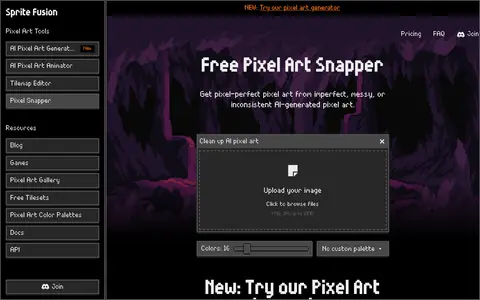
Pixel Snapper is a free, open-source tool for cleaning up AI-generated pixel art. It fixes blur, inconsistent pixels and off-grid pixels while preserving details such as dithering and outlines, and it can apply a pixel art color palette to the image. A paid desktop edition adds batch processing.
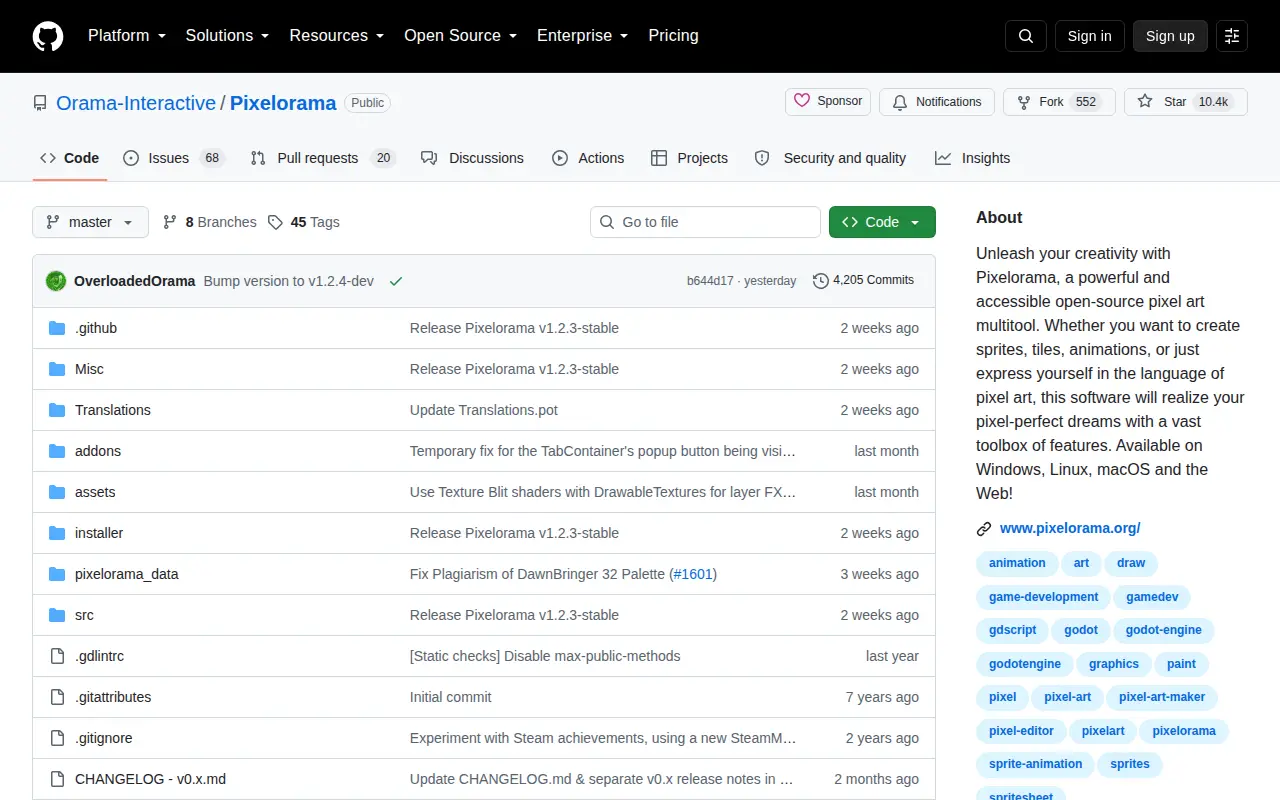
Pixelorama
Pixelorama is a GitHub repository or organization with source code, releases, documentation, or project resources.
Links
Tags
-
0Pixel Snapper is a free, open-source tool for cleaning up AI-generated pixel art. It fixes blur, inconsistent pixels and off-grid pixels while preserving details such as dithering and outlines, and it can apply a pixel art color palette to the image. A paid desktop edition adds batch processing.
-
0
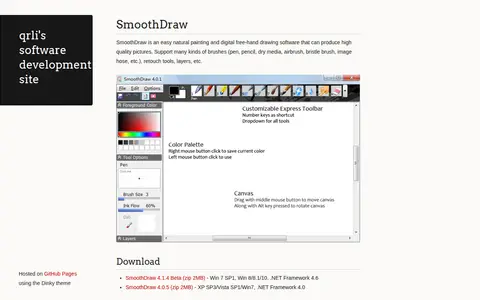
SmoothDraw is a painting and free-hand drawing program for producing pictures, supporting brushes such as pen, pencil, dry media, airbrush, bristle brush and image hose, along with retouch tools and layers. Downloads are offered as SmoothDraw 4.1.4 Beta for Win 7 SP1 and Win 8/8.1/10 with .NET Framework 4.6, and SmoothDraw 4.0.5 for older Windows versions.
-
0PixelartVillage is a free online tool that converts images into pixel art. It lets users adjust pixel size and apply palettes, including palettes imported from lospec.com. It supports image types such as png, jpg and svg, and the site states that generated images may be used for any purpose, including commercial.
-
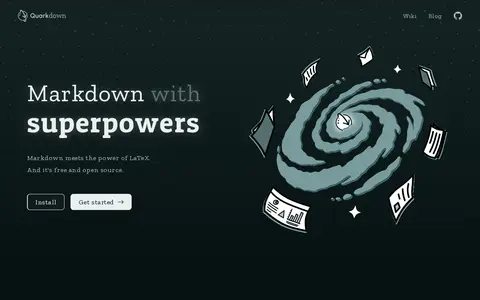
0Quarkdown is an open-source, Markdown-based typesetting system for creating papers, presentations, knowledge bases and static websites. It offers a complete authoring experience with a reactive preview and scripting capabilities, and version 2.4 allows Markdown elements to be extended.
-
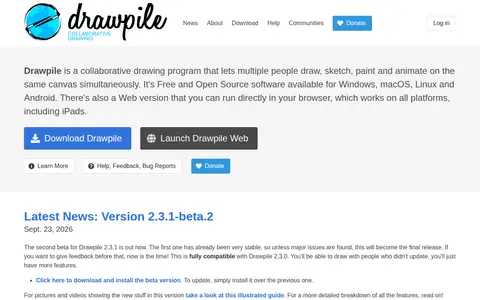
0Drawpile is a free, open source collaborative drawing program that lets multiple people draw, sketch, paint and animate on the same canvas at once. It also works offline as a lightweight drawing program. It is available for Windows, macOS, Linux and Android, plus a browser version.
-
0Minimator is a minimalist graphical editor that runs in the browser and on the go. Drawings are made of lines on a grid-based canvas, and the lines are limited to vertical and horizontal lines and quarter circles.
Community notes
Reviews and discussion
No reviews yet
Be the first to share how this project worked for you.
Join the discussion
Sign in with a verified account to leave a review or join the discussion.
Sign in to review