

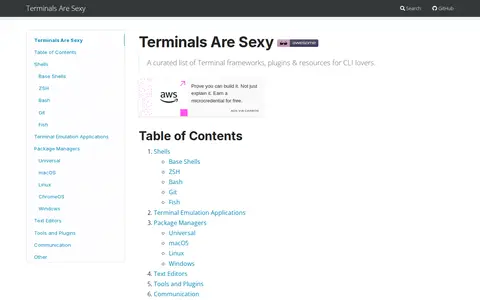

A curated list of terminal frameworks, plugins and resources for command-line users. It collects shells, ZSH and Bash frameworks, plugin managers, prompts, terminal emulation applications, package managers, text editors, tools and plugins, grouped by category.
Paste Bar App
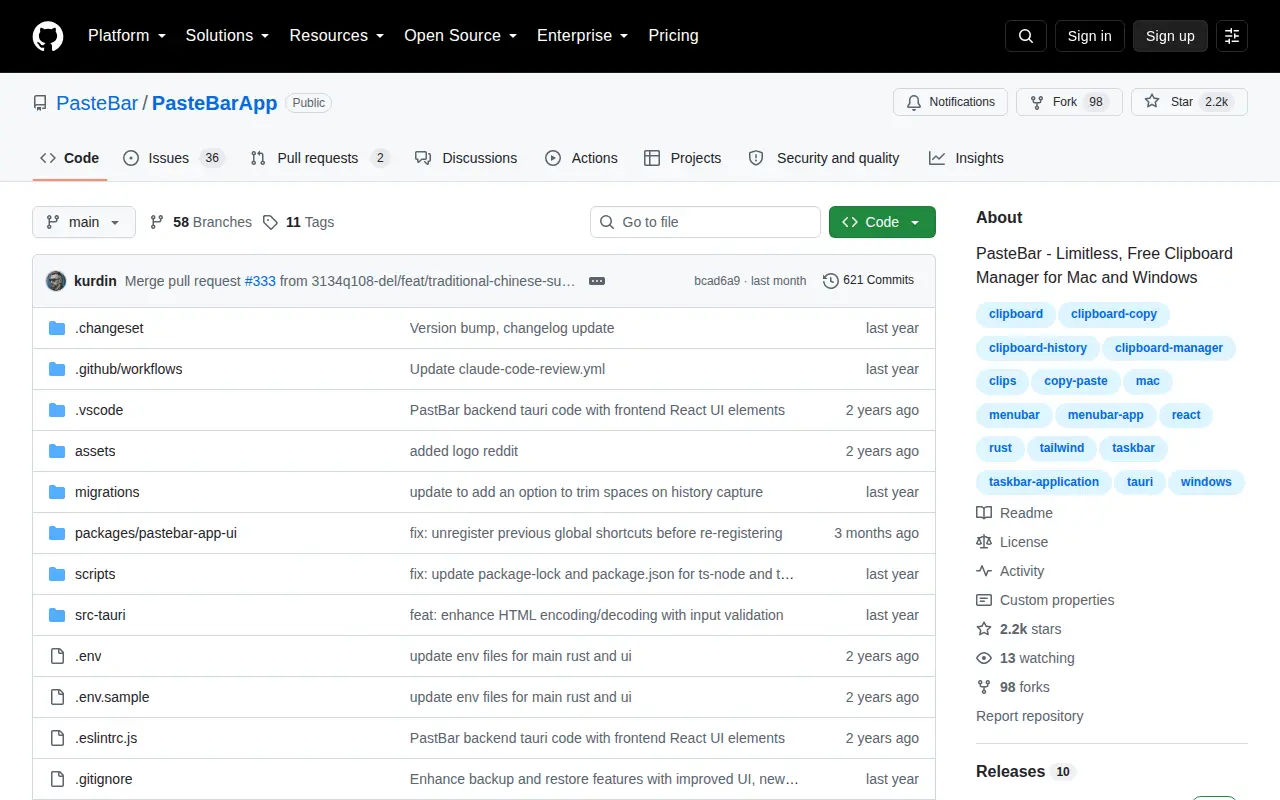
Paste Bar App is a system utility for Windows, hardware checks, cleanup, process control, or desktop customization.
Links
Tags
-
0A curated list of terminal frameworks, plugins and resources for command-line users. It collects shells, ZSH and Bash frameworks, plugin managers, prompts, terminal emulation applications, package managers, text editors, tools and plugins, grouped by category.
-
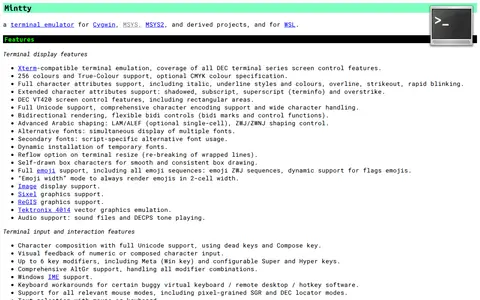
0Mintty is a terminal emulator designed for Cygwin, MSYS, MSYS2, derived projects and WSL. It offers Xterm-compatible terminal emulation, 256 colour and True-Colour support, full Unicode and comprehensive character encoding support, bidirectional rendering, advanced Arabic shaping, alternative font display and full emoji support.
-
0
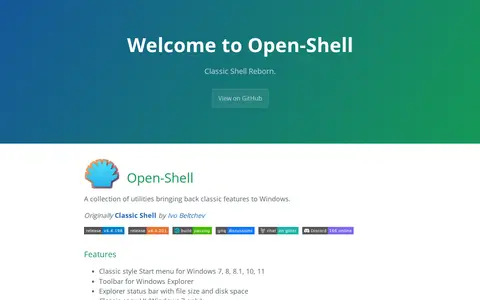
Open-Shell is a collection of utilities that brings classic features back to Windows, originally created as Classic Shell by Ivo Beltchev. Features include a classic style Start menu for Windows 7, 8, 8.1, 10 and 11, a toolbar for Windows Explorer, and an Explorer status bar showing file size and disk space.
-
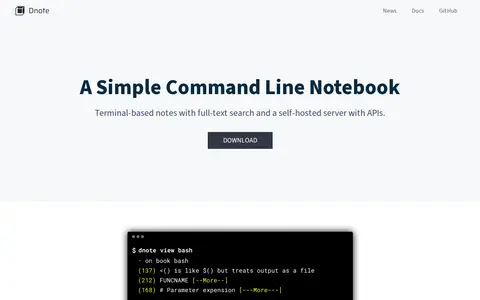
0Dnote is a command-line notebook that stores notes in a SQLite file and provides full-text search. It ships as a single binary without dependencies, works with the user's own text editor, and is free and open source. An optional self-hosted server with a REST API enables syncing notes across devices.
-
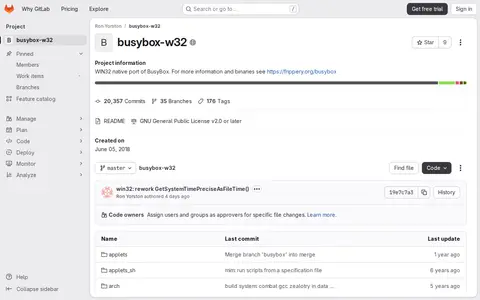
0busybox-w32 is a WIN32 native port of BusyBox, hosted as a GitLab project. The repository refers readers elsewhere for more information and binaries. It is licensed under the GNU General Public License v2.0 or later and was created on June 05, 2018.
-
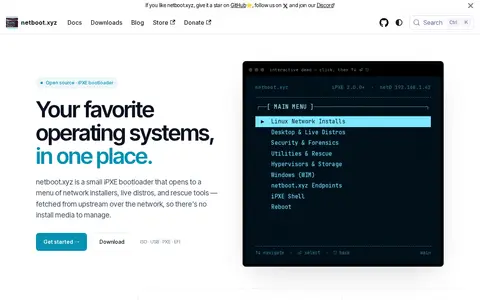
0netboot.xyz is an iPXE-based bootloader that presents a menu for PXE booting operating system installers, live distros and rescue utilities over the network, so no install media is required. It can be placed on a USB stick, ISO or DHCP server, and can be self-hosted.
Community notes
Reviews and discussion
No reviews yet
Be the first to share how this project worked for you.
Join the discussion
Sign in with a verified account to leave a review or join the discussion.
Sign in to review