



MCreator is open source software for making Minecraft Java Edition mods, Bedrock Edition Add-Ons, resource packs and data packs, using an interface designed to be easy to learn or an integrated code editor. The site states it is used by Minecraft players, mod developers, for education and by STEM workshops, and lists a full 2026.2 release supporting Minecraft 26.1.
Minecraft Guides
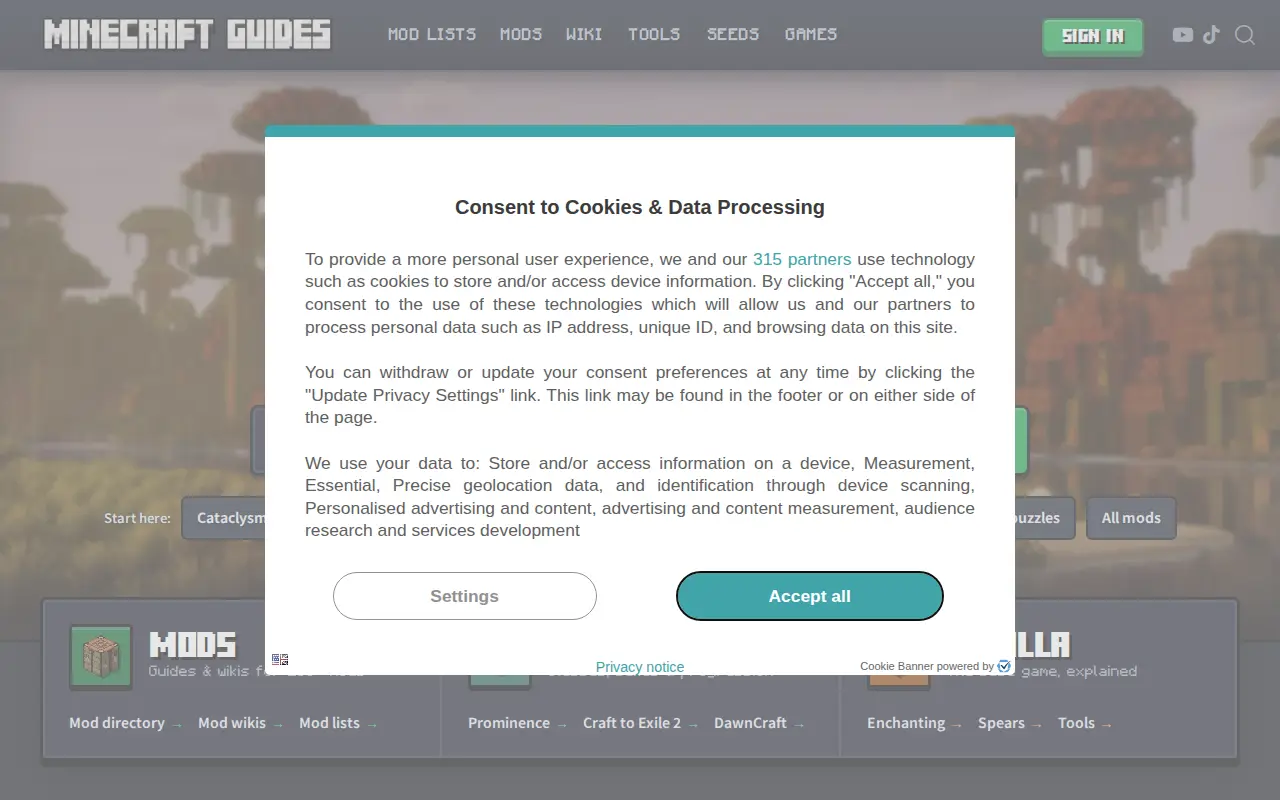
A site offering wikis and guides for Minecraft mods and modpacks, covering items, recipes, bosses, progression, checklists and calculators. It also includes puzzles and tools such as a Nether Portal calculator and Stronghold Finder.
Features
- wikis and guides for Minecraft mods and modpacks Source: www.minecraft-guides.com
Links
Tags
-
0MCreator is open source software for making Minecraft Java Edition mods, Bedrock Edition Add-Ons, resource packs and data packs, using an interface designed to be easy to learn or an integrated code editor. The site states it is used by Minecraft players, mod developers, for education and by STEM workshops, and lists a full 2026.2 release supporting Minecraft 26.1.
-
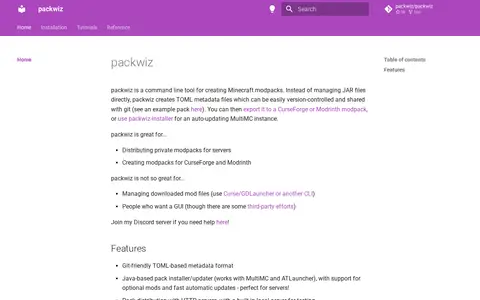
0A command line tool for creating Minecraft modpacks. Instead of managing JAR files directly, it creates TOML metadata files that can be version-controlled and shared with git. Packs can be exported to CurseForge or Modrinth, or used with packwiz-installer for an auto-updating MultiMC instance.
-
0ModBay is a portal for Minecraft PE fans offering add-ons, mods, news, guides, maps and textures. It also provides seeds and tutorials, and allows users to create an account and join the community.
-
0GameBanana is a gaming tool for game fixes, launchers, mods, status checks, cloud gaming, or utilities.
-
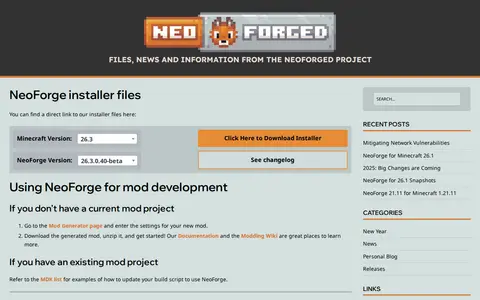
0NeoForged is a project providing NeoForge installer files, news and information for Minecraft modding. It offers a Mod Generator for new mod projects and an MDK list for updating existing build scripts. Releases include NeoForge for Minecraft versions such as 1.21.11 and 1.21.9.
-
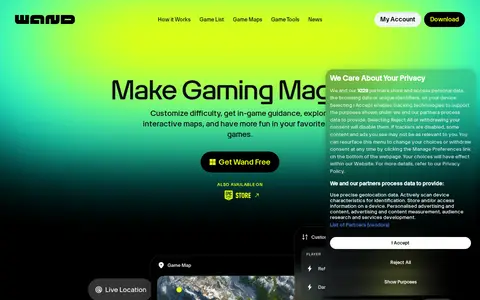
0Wand is a free app offering interactive maps, game guidance, and customization tools for thousands of PC games. It provides gameplay assists that can be toggled on or off, in-game guidance and an overlay accessible by pressing Alt+W, one-click launch for 3500+ games, and a paid Wand Pro tier with advanced features.
Community notes
Reviews and discussion
No reviews yet
Be the first to share how this project worked for you.
Join the discussion
Sign in with a verified account to leave a review or join the discussion.
Sign in to review