


A guide covering Sandboxie-Plus, software that runs untrusted programs in unprivileged containers. It explains downloading and installing the software, setting up a sandbox, installing an app inside it, and running the sandboxed app or game. The guide notes the software is only available for Windows and that premium features require support to keep permanent access.
Manalyze
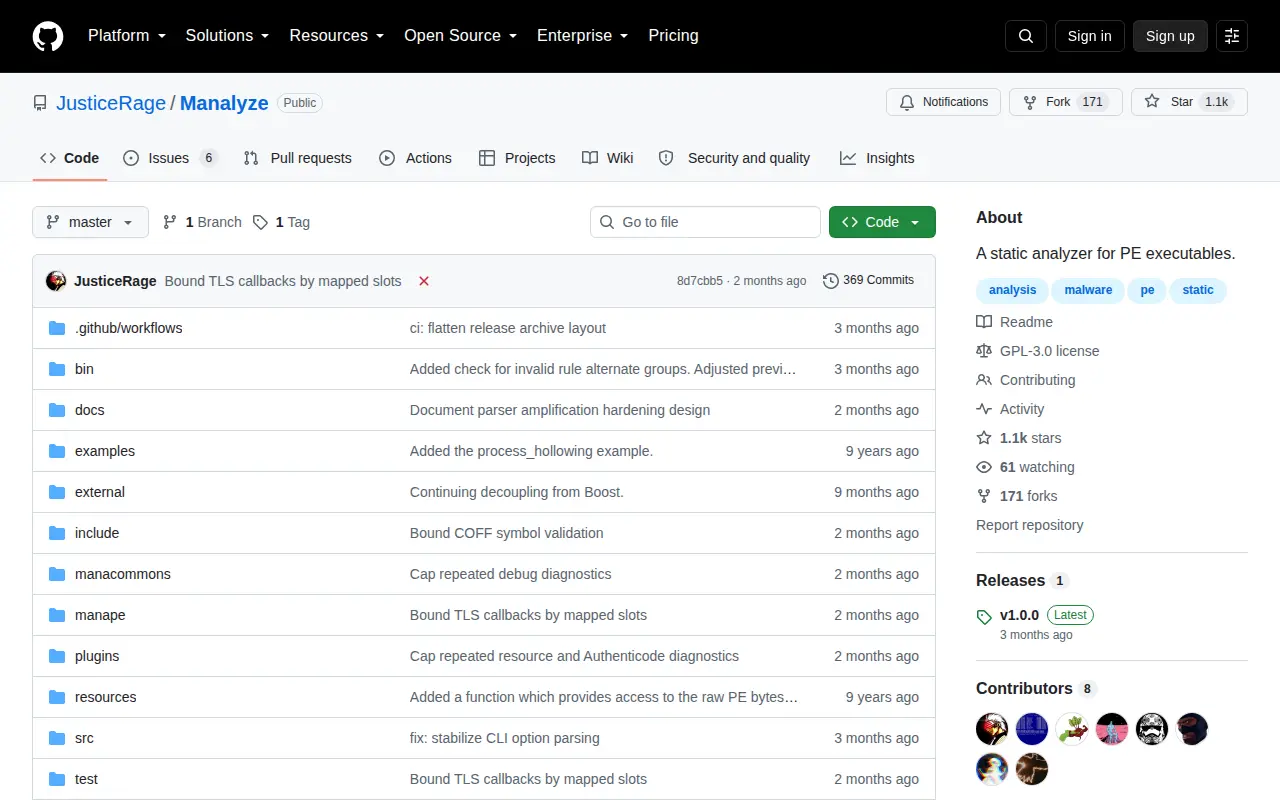
Manalyze is a code project with source, releases, documentation, or setup notes.
Links
Tags
-
0A guide covering Sandboxie-Plus, software that runs untrusted programs in unprivileged containers. It explains downloading and installing the software, setting up a sandbox, installing an app inside it, and running the sandboxed app or game. The guide notes the software is only available for Windows and that premium features require support to keep permanent access.
-
0
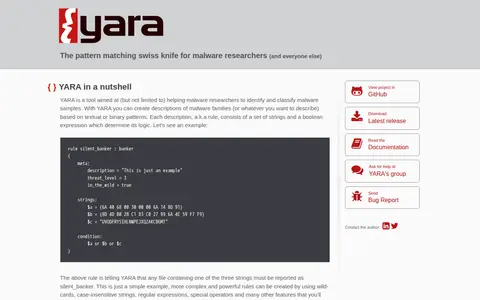
YARA is a tool aimed at helping malware researchers identify and classify malware samples. It creates descriptions of malware families, called rules, based on textual or binary patterns; each rule consists of strings and a boolean expression. YARA is multi-platform, running on Windows, Linux and Mac OS X, and can be used via its command-line interface or from Python scripts with the yara-python extension.
-
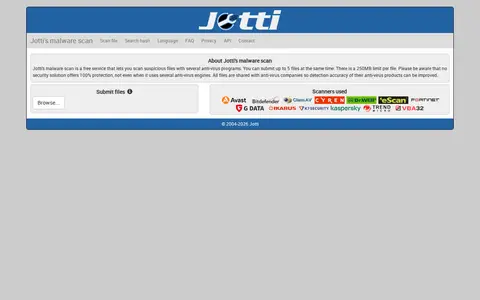
0Jotti's malware scan is a free service for scanning suspicious files with several anti-virus programs. Users can submit up to five files at once, with a 250MB limit per file. All submitted files are shared with anti-virus companies so the detection accuracy of their products can be improved.
-
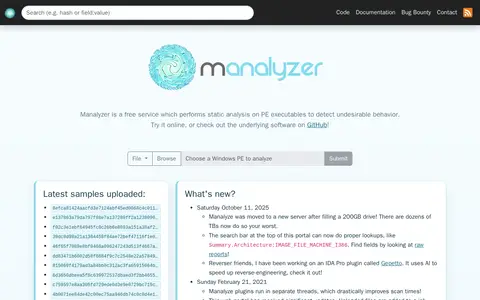
0Manalyzer is a free, open-source, multi-platform service that performs static analysis on PE executables to detect undesirable behavior. It can be used online, and its underlying software is available on GitHub. Manalyze plugins run in separate threads.
-
0rifteyy is an independent malware analyst from the Czech Republic. The site collects in-depth malware and ransomware analysis reports, reverse engineering breakdowns, and security research. The analyst describes himself as a computer science student, tech support and teacher at a primary school, and a Malware Removal Expert on various forums. Malware removal help is handled through public forums, not through socials or email.
-
0Farbar Recovery Scan Tool, or FRST, is a portable application for Windows XP through Windows 10 that runs in normal or safe mode to diagnose malware issues. It can also run in the Windows Recovery Environment to diagnose and fix boot issues. It displays detailed information about registry loading points, services, driver services, Netsvcs entries, known DLLs, drives and partition specifications.
Community notes
Reviews and discussion
No reviews yet
Be the first to share how this project worked for you.
Join the discussion
Sign in with a verified account to leave a review or join the discussion.
Sign in to review