
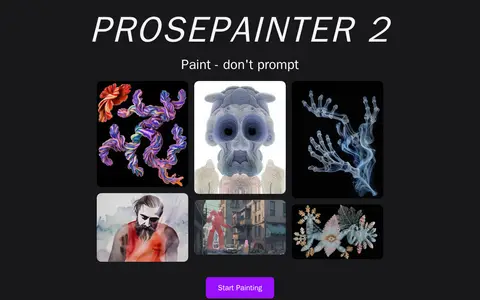
ProsePainter 2 is a digital painting canvas that uses text prompts, style ingredients and image references to generate brushes and guide AI-assisted artwork. It offers edge and depth map guides, control of AI strength, canvas expansion up to 5k, upscaling and mirroring options.
KREA
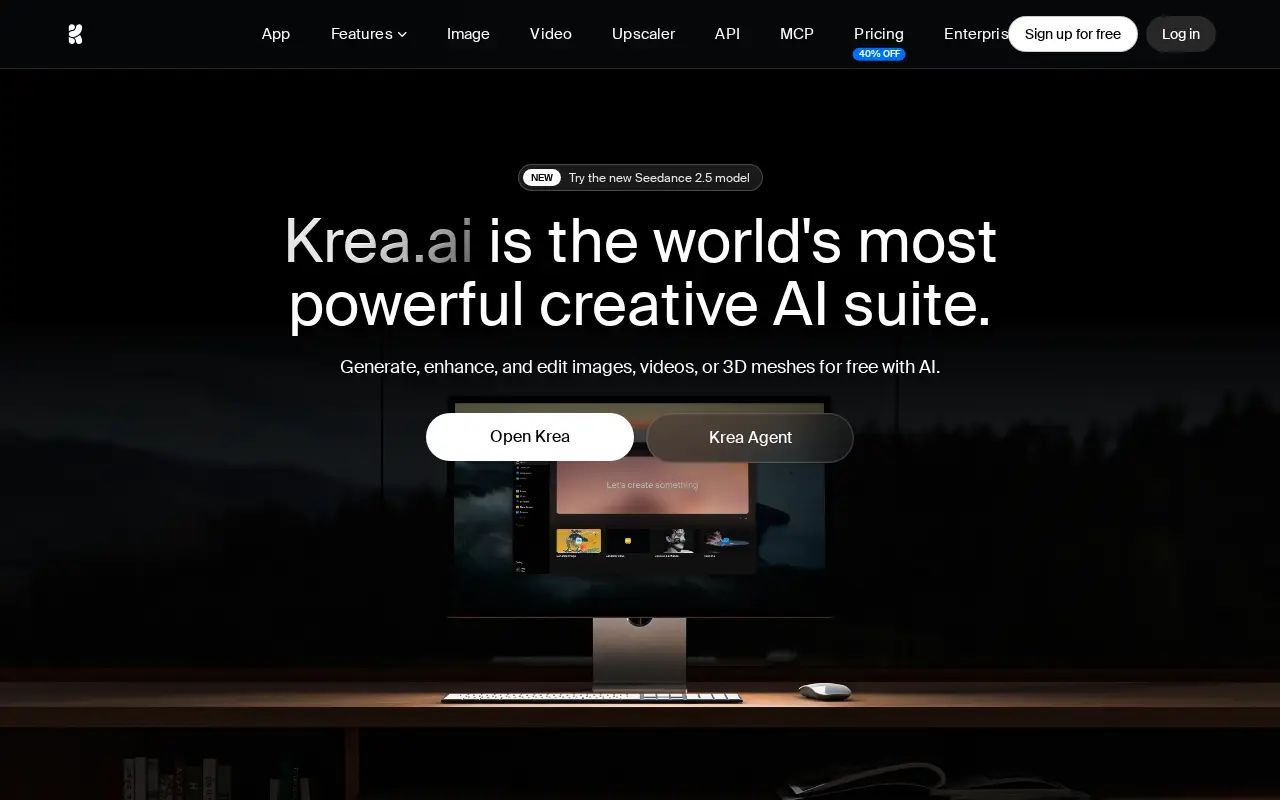
Generate, edit, and enhance images, videos, and 3D assets with Krea.
Links
Tags
-
0ProsePainter 2 is a digital painting canvas that uses text prompts, style ingredients and image references to generate brushes and guide AI-assisted artwork. It offers edge and depth map guides, control of AI strength, canvas expansion up to 5k, upscaling and mirroring options.
-
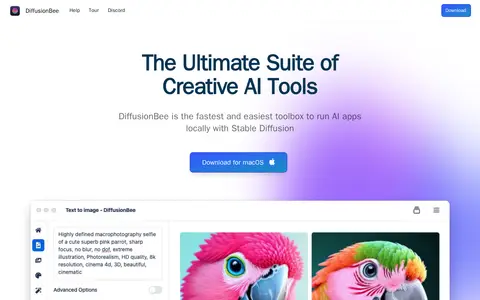
0DiffusionBee is a Stable Diffusion application for generating AI art locally on a computer. It is free of charge and runs offline, so prompts, models and generated images stay on the device. The package includes text to image, image to image, generative fill, an image upscaler, video tools, control images and local model training. A macOS download is provided.
-
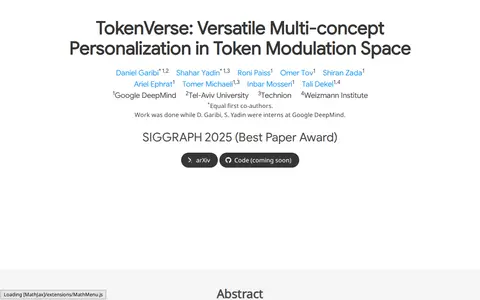
0TokenVerse is a method for multi-concept personalization that uses a pre-trained text-to-image diffusion model. It can disentangle complex visual elements and attributes from a single image and combine concepts extracted from multiple images, supporting objects, accessories, materials, pose and lighting. It uses a DiT-based text-to-image model and learns modulation-space directions for each word.
-
0Iteration Layer has shut down as a standalone product. The worker infrastructure idea continues inside Task Machine.
-
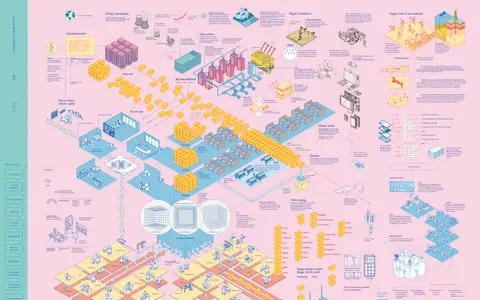
0Cartography of generative AI is a project presenting a mapped account of generative AI in multiple languages. It discusses how tools automate writing and image generation through examples and statistical models trained on datasets, and examines the extraction of internet content for training datasets and related controversies.
-
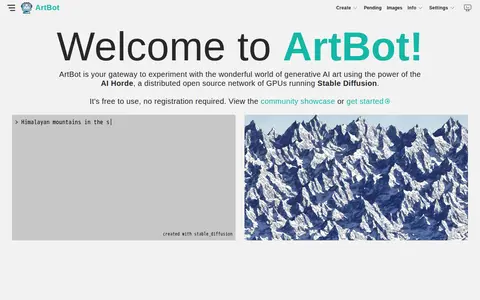
0ArtBot is a tool for generating AI-created images and photos with Stable Diffusion, using a distributed computing cluster powered by the AI Horde. It is free to use and requires no login. The page lists creation tools such as ControlNet, drawing, image-to-image, inpainting and live paint, along with an image gallery and model details.
Community notes
Reviews and discussion
No reviews yet
Be the first to share how this project worked for you.
Join the discussion
Sign in with a verified account to leave a review or join the discussion.
Sign in to review