

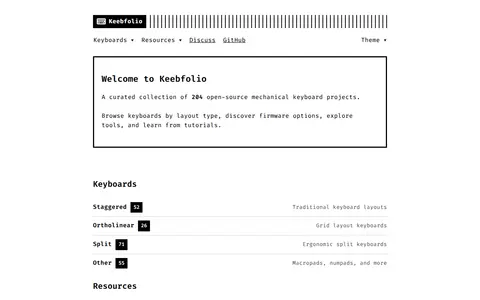
Keebfolio is a curated collection of open-source mechanical keyboard projects. It lists 204 projects and organizes keyboards by layout type, including staggered, ortholinear, split and other designs such as macropads. It also provides resources covering firmware options, tools and tutorials.
Keyboard Simulator
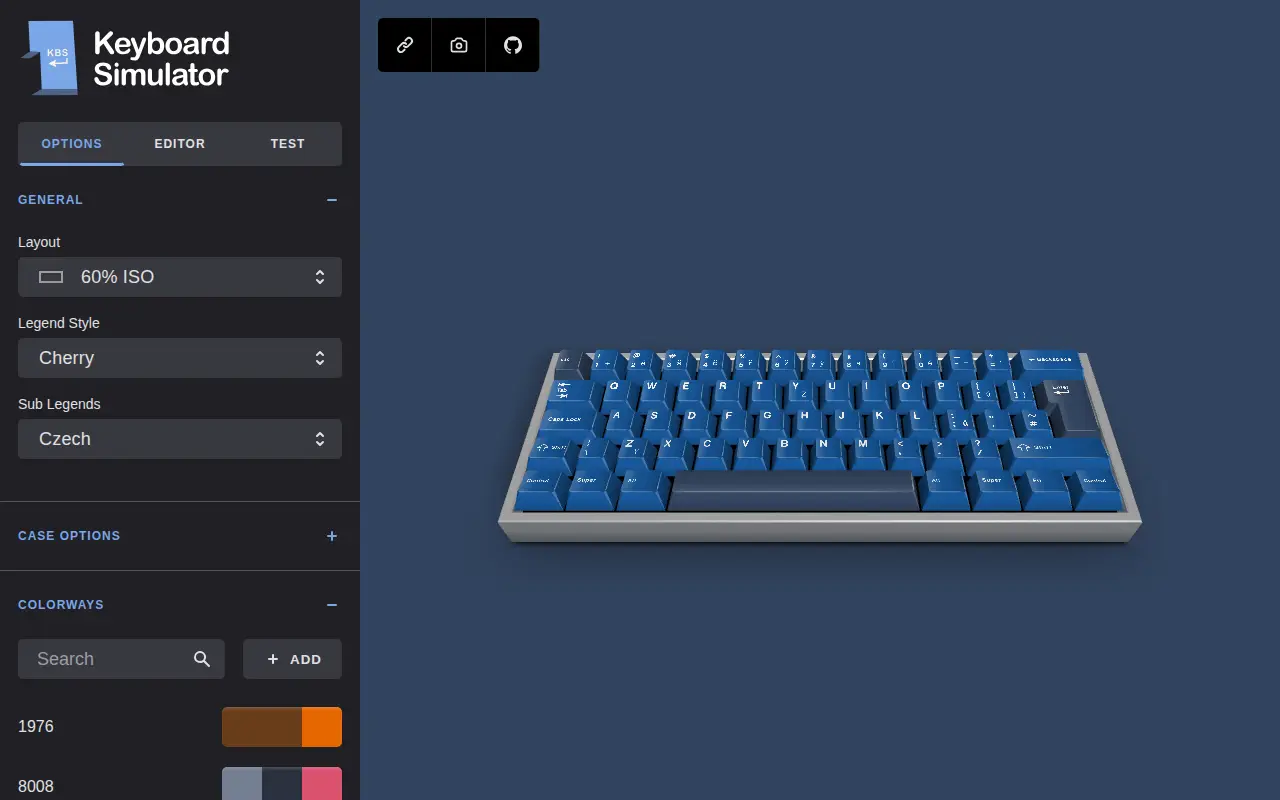
Keyboard Simulator is a system utility for Windows, hardware checks, cleanup, process control, or desktop customization.
Links
Tags
-
0Keebfolio is a curated collection of open-source mechanical keyboard projects. It lists 204 projects and organizes keyboards by layout type, including staggered, ortholinear, split and other designs such as macropads. It also provides resources covering firmware options, tools and tutorials.
-
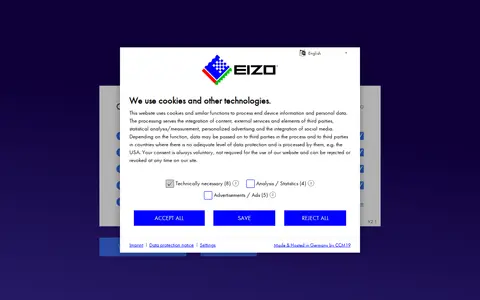
0EIZO Monitor Test is a web-based tool for checking monitor image quality. Users choose tests covering test patterns, defective pixels, uniformity, color distances, gradients, sharpness, viewing angle, gamma and response time, navigating by mouse, keyboard arrows or the on-screen menu.
-
0
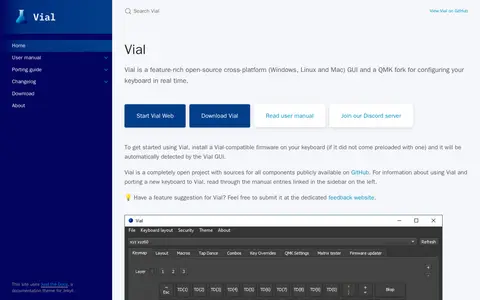
Vial is an open-source cross-platform GUI and a QMK fork for configuring a keyboard in real time, available for Windows, Linux and Mac. It requires a Vial-compatible firmware installed on the keyboard, which the Vial GUI then automatically detects. Sources for all components are publicly available on GitHub.
-
0Equalizer APO is a parametric and graphic equalizer for Windows, implemented as an Audio Processing Object for the system effect infrastructure introduced with Windows Vista. Tested on Windows 7 through 11, it requires x64, x86 or ARM64 architecture, and applications must not bypass the system effect infrastructure. It can read Room EQ Wizard filter text files.
-
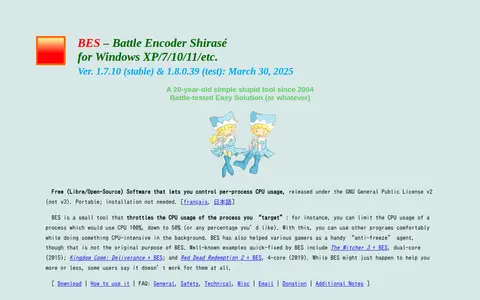
0BES (Battle Encoder Shirasé) is a small free, open-source, portable Windows tool that throttles the CPU usage of a targeted process, for example reducing a process from 100% CPU to 50%. It is intended to keep other programs responsive while CPU-intensive work runs in the background.
-
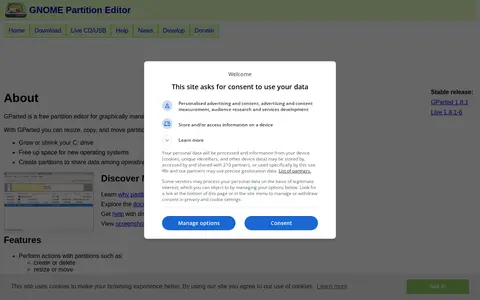
0GParted is a free partition editor for graphically managing disk partitions. It can create, delete, resize, move, copy, check, and label partitions, and it supports many file systems. It can be used on x86-64 computers running Linux, Windows, or Mac OS X by booting from GParted Live media.
Community notes
Reviews and discussion
No reviews yet
Be the first to share how this project worked for you.
Join the discussion
Sign in with a verified account to leave a review or join the discussion.
Sign in to review