



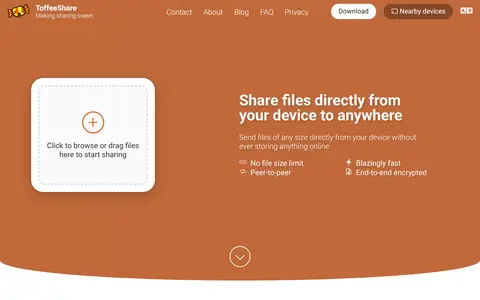

ToffeeShare is a free peer-to-peer file sharing service from the Netherlands. Files are sent directly from the device, with no file size limit and no registration, and transfers are end-to-end encrypted. Stored data is not kept online; closing the browser tab stops sharing.

JustBeamIt
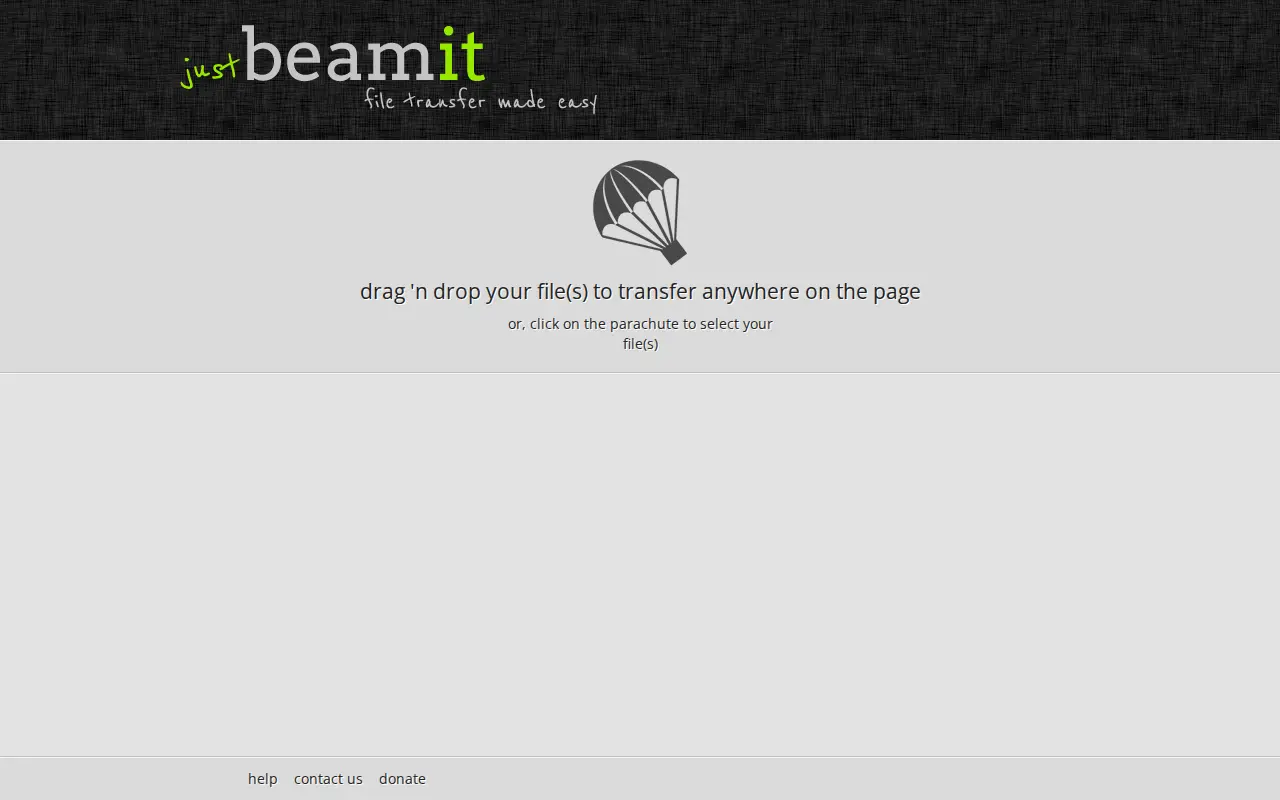
A beta browser-based file transfer service. A sender drags files into a drop zone and creates a unique download link for the recipient. No data is uploaded until the recipient starts the transfer, and the sender must keep the browser window open until the transfer completes. The link is valid for a single transfer and expires after 10 minutes.
Features
- JustBeamIt does not upload any data until the recipient starts the transfer Source: justbeamit.com
Limitations
- this link is valid for a single transfer, and will expire after 10 minutes Source: justbeamit.com
Links
Tags
-
0ToffeeShare is a free peer-to-peer file sharing service from the Netherlands. Files are sent directly from the device, with no file size limit and no registration, and transfers are end-to-end encrypted. Stored data is not kept online; closing the browser tab stops sharing.
-
0new.space is a private AI tool that lets users control their Mac from their iOS device, Mac, or web browser. It supports running frontier AI models, local models, and Ollama on a Mac, and integrates the user's calendar, files, reminders and conversations in one interface. It offers local model deployment, bring-your-own API key options, and a no-logging proxy, and states that user data is never used for AI model training.
-
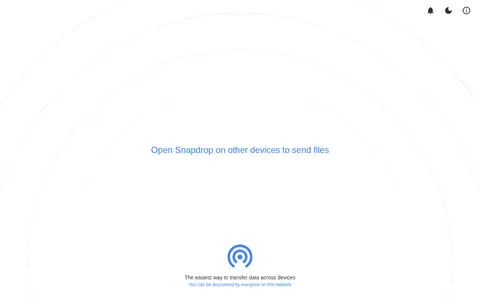
0Snapdrop is a Node.js version based on the original Snapdrop for instantly sharing images, videos, PDFs, and links with people nearby. It uses peer-to-peer transfer and is open source, with no setup or signup required.
-
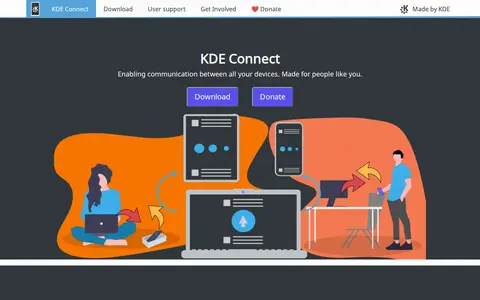
0KDE Connect is a project that enables communication between devices. It supports sharing files and links between devices, syncing phone notifications to the desktop, and remotely controlling music playback from a phone.
-
0
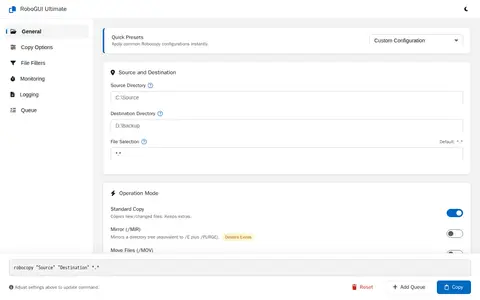
RoboGUI Ultimate (Fluent) is a graphical interface for configuring Robocopy operations. It offers quick presets for mirror, backup, move and sync tasks, plus options for file selection, operation mode, copy and directory flags, exclusions, size and age limits, retries, and log files. A batch queue is also shown.
-
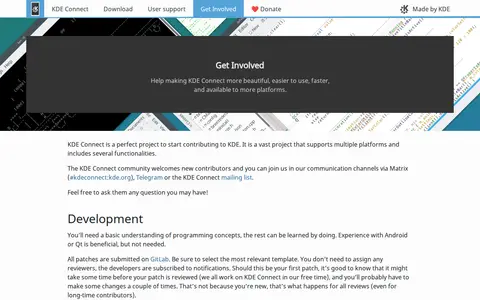
0The page is the get-involved section of the KDE Connect project, which the source describes as enabling all devices to communicate with each other. It covers contributing to KDE Connect versions for Linux, Windows, macOS and Linux Mobile, Android, and iOS, and mentions tasks marked as Junior Jobs on the project workboard.
Community notes
Reviews and discussion
No reviews yet
Be the first to share how this project worked for you.
Join the discussion
Sign in with a verified account to leave a review or join the discussion.
Sign in to review