



Steam Charts is a website that analyzes Steam player numbers and tracks which games have been played the most. It reports concurrent players, 24-hour changes, 30-day peaks, hours played and all-time peak player records. The site states that all data is powered by Steam and that it is not affiliated with Valve.
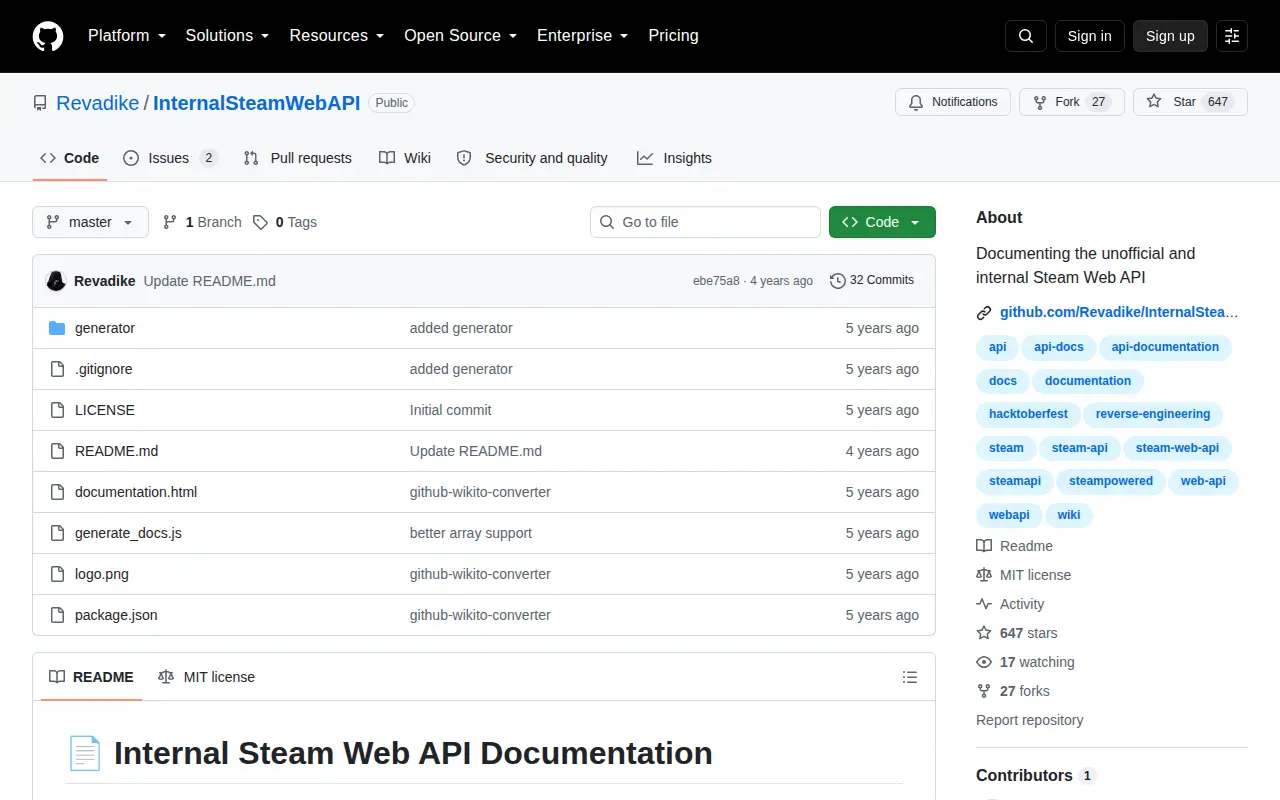
InternalSteamWebAPI
Documenting the unofficial and internal Steam Web API
Links
Tags
-
0Steam Charts is a website that analyzes Steam player numbers and tracks which games have been played the most. It reports concurrent players, 24-hour changes, 30-day peaks, hours played and all-time peak player records. The site states that all data is powered by Steam and that it is not affiliated with Valve.
-
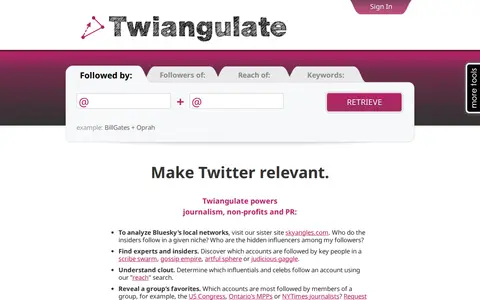
0Twiangulate is a tool for search, analytics and mapping of connections between Twitter friends and followers. It is used to find which accounts are followed by key people and to see which accounts are most followed by members of a group. The site also points to a sister site, skyangles.com, for analyzing Bluesky's local networks.
-
0
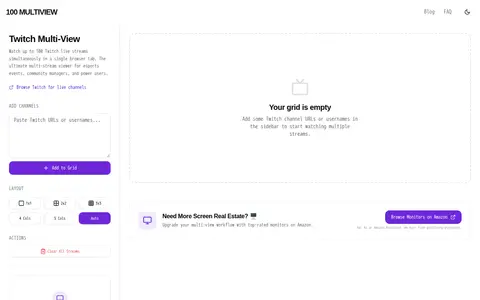
A browser-based tool for watching multiple Twitch live streams at once in a single tab. It offers universal mute controls and a grid that scales automatically with the number of channels. Streams start muted, and up to 100 channels can be loaded. It works client-side without extensions or accounts and is aimed at desktop monitoring.
-
0vidIQ is a free browser extension for Chrome, Firefox, and Edge that overlays YouTube and Instagram with creator tools. On YouTube it provides SEO scores, keyword suggestions, AI title, description and tag recommendations, competitor overlays, and a studio upload optimizer with posting-time suggestions. On Instagram it offers Reel ideas, hook and engagement scoring, and a caption and hashtag generator.
-
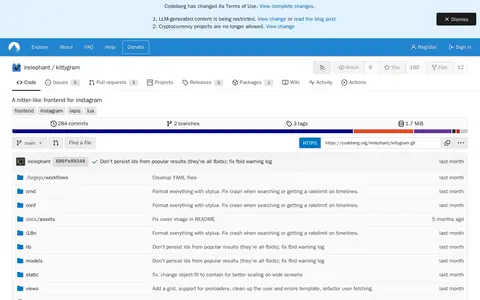
0Kittygram is an anonymous, open-source Instagram frontend inspired by Nitter. It offers a way to browse Instagram without the usual clutter or tracking. It also has a section documenting limitations.
-
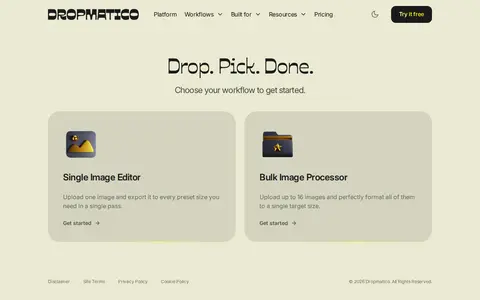
0Dropmatico is a browser-based image workflow tool with two engines. The Single Image Editor renders one master image for each destination, while the Bulk Image Processor handles up to 16 images per session for a single destination. Processing runs locally via the Canvas 2D API, with no uploads, account or analytics. Presets cover 90+ destinations across 34 platforms.
Community notes
Reviews and discussion
No reviews yet
Be the first to share how this project worked for you.
Join the discussion
Sign in with a verified account to leave a review or join the discussion.
Sign in to review